



















BOYAMIC 问答
Q1What devices can BOYAMIC be used with?
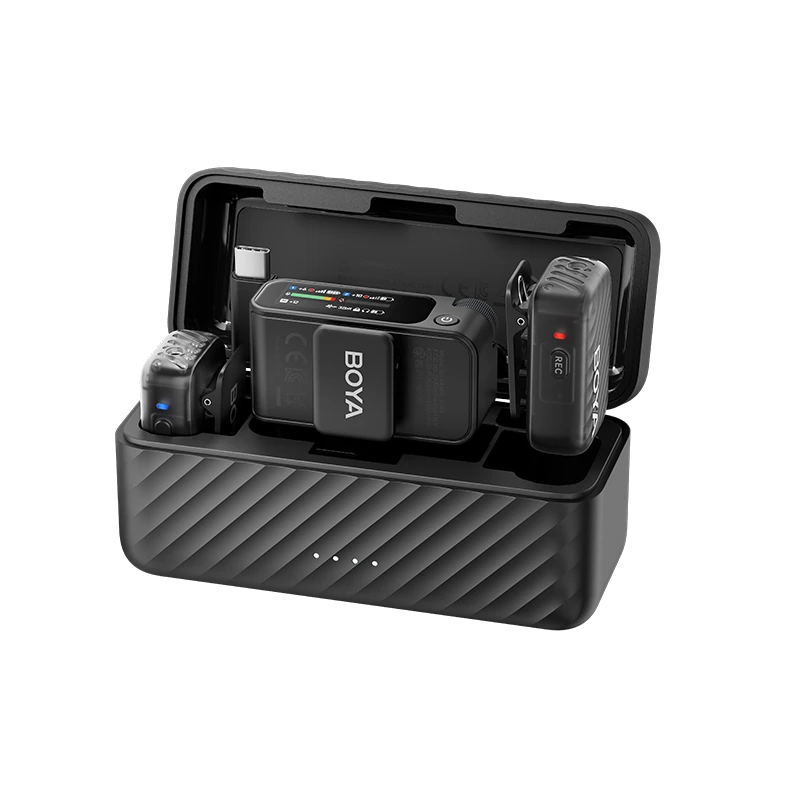
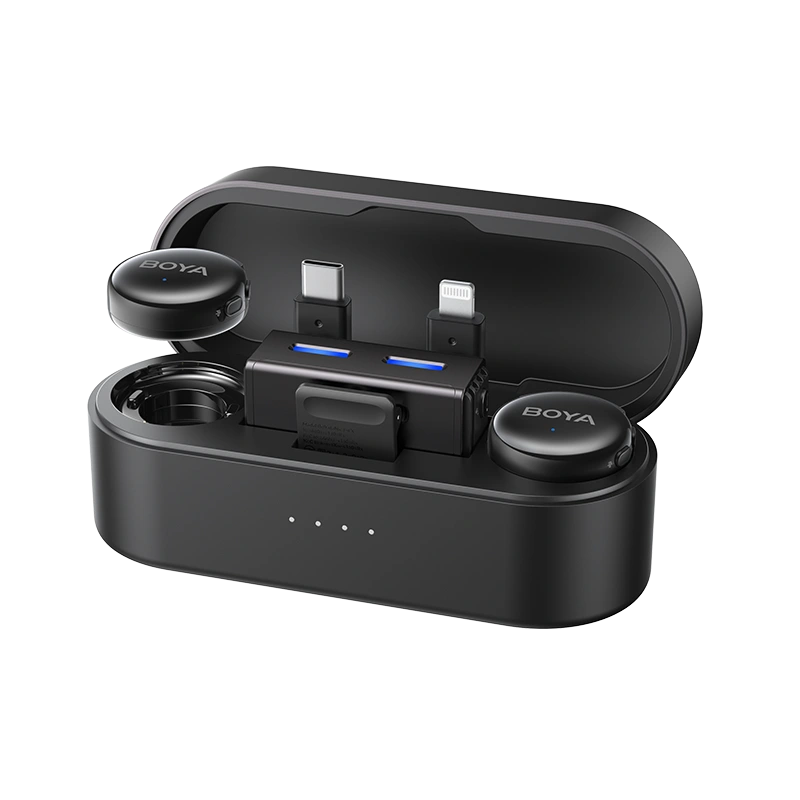
Currently, it can be used with cameras (3.5mm TRS), smartphones (supporting USB-C, Lightning, 3.5mm TRRS interfaces), computers, tablets, and other devices.
Q2Can the Android adapter of BOYAMIC be used with the iPhone 15 or iPhone 15 Pro series?
Yes, it can be used seamlessly and supports providing audio to the iPhone through the receiver.
Q3What are the different channel modes available for BOYAMIC?
BOYAMIC offers three channel modes: mono, stereo, and safety track.
S: Stereo mode records audio from two transmitters onto separate channels in the output.
M: Mono mode combines the output of two transmitters into a single channel.
M(Safety Track): Safety track function. In safety channel mode, the second channel audio is recorded at -6 decibels as a backup to prevent distortion in the main channel in case of an unexpected increase in source volume.
*Separation of safety tracks is required in post-production.
Q4How to adjust the microphone volume?
1.Press the power button briefly to quickly select the TX/RX volume value. Press the M key briefly to adjust the volume.
2.You can also quickly adjust the TX/RX volume values through the app.
Q5How to connect BOYAMIC to the app?
1.Power on and establish a connection between the receiver and transmitter.
2.Enable Bluetooth and mobile network (WiFi/4G/5G) on your smartphone.
3.Open the app: BOYA Central and click on "Add Device".
4.Select the Bluetooth device named BOYAMIC to successfully establish the connection.
Q6 How to Perform Online Upgrade
1.Power on the product and connect to BOYA Central.
2.If there is firmware available for update, the upgrade prompt will automatically appear.
3.Alternatively, you can click on the settings icon in the top right corner of the control page to enter the settings page and check the firmware version."
Q7How to adjust the recording volume on the mobile phone if the sound is too loud or too quiet?
1. When using the microphone, avoid speaking directly into it, as airflow can cause overexposure.
2.For louder speakers, position the microphone lower.
3.For softer speakers, position the microphone closer to the mouth.Adjust the TX or RX gain values.
Q8Can BOYAMIC receiver connect to multiple transmitters?
Yes, the receiver supports connecting to 1 or 2 transmitters.


