



















BY-WM3T 问答
Q1The product isn’t working with an iPhone. What should I do?
Check if the RX receiver indicator is lit. Ensure the phone screen is on and the recording app is open.
Q2The product isn’t working with an Android phone. What should I do?
Verify the connection is secure. For some brands (e.g., VIVO, OPPO), enable the OTG function in the phone settings.
Q3Can the product be used while charging the phone?
Yes, it supports simultaneous use and charging. The RX product’s Type-C port can be connected to a Type-C charging cable to charge the phone.
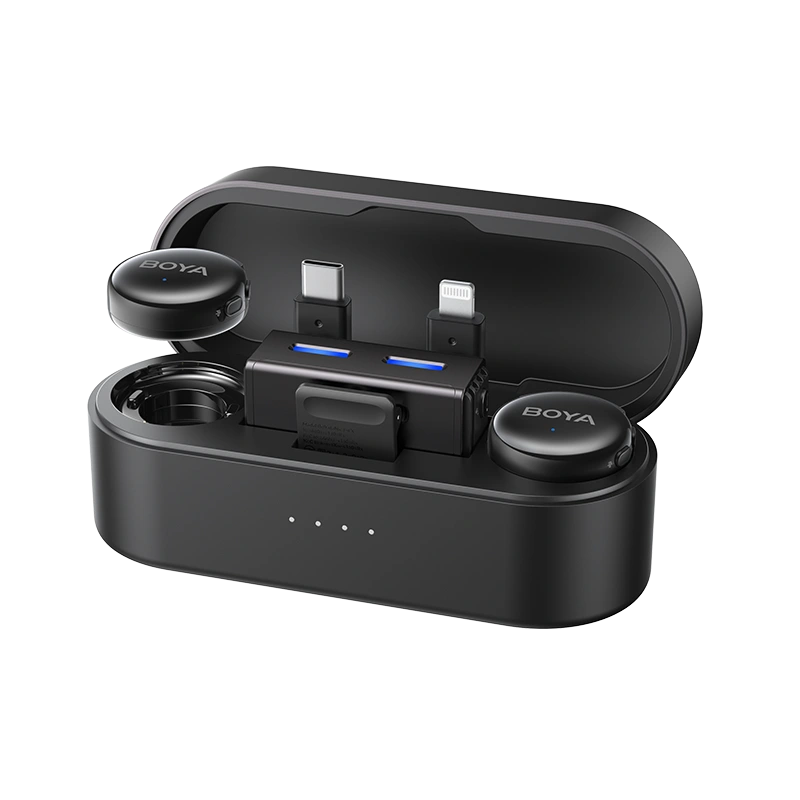
Q4Can the Android receiver be connected to a charger while in use?
It is recommended to connect the charger before use to avoid disconnection issues during simultaneous use and charging.
Q5How do I activate the noise-canceling mode?
While paired and connected, press the NR button on the TX to enable noise cancellation; the indicator will show a steady green light.
Press the NR button again to disable noise cancellation; the indicator will switch to a steady blue light.
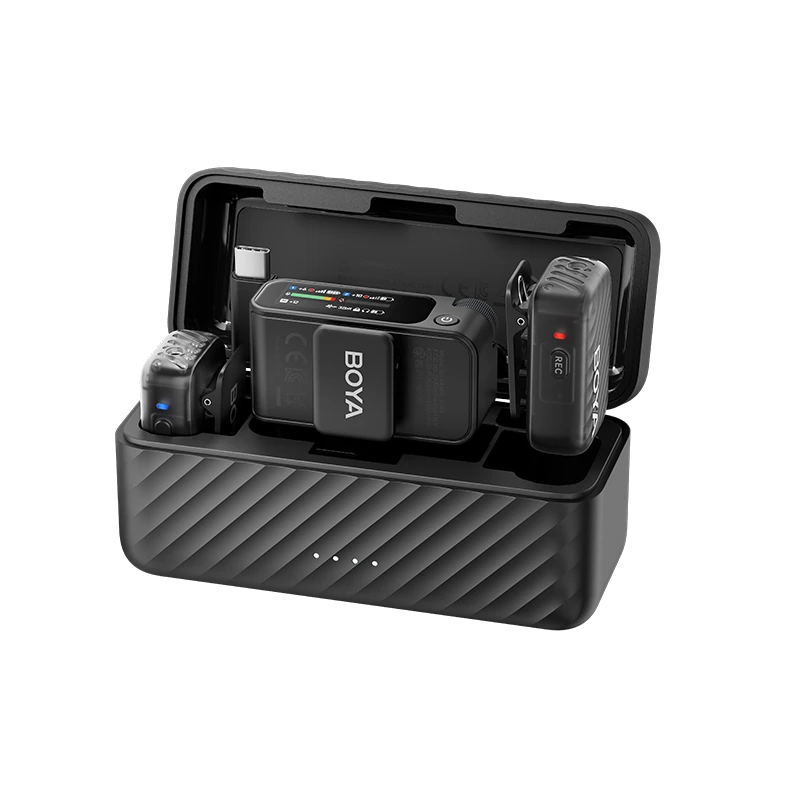
Q6The product isn't charging when placed in the charging case. What should I do?
Clean the contact points on both the product and the charging case to prevent poor connection due to oxidation. Then, charge the case
Q7The RX receiver isn’t charging when placed in the charging case. What should I do?
Only the RX35 has a built-in battery and can be charged in the case.
The RXUC and RXDi do not have batteries and require connection to a phone for power.


