



















BOYA K 问答
Q1Which devices are compatible with the K series?
Equipped with a 1.8m USB-C to USB-A / USB-C cable, it easily connects to computers, phones.
Q2How to activate noise cancellation on the K series?
K3: double tap the top of the mic to toggle noise cancellation.
K9: press and hold the top of the K9 mic to toggle noise cancellation.
K9: press and hold the top of the K9 mic to toggle noise cancellation.
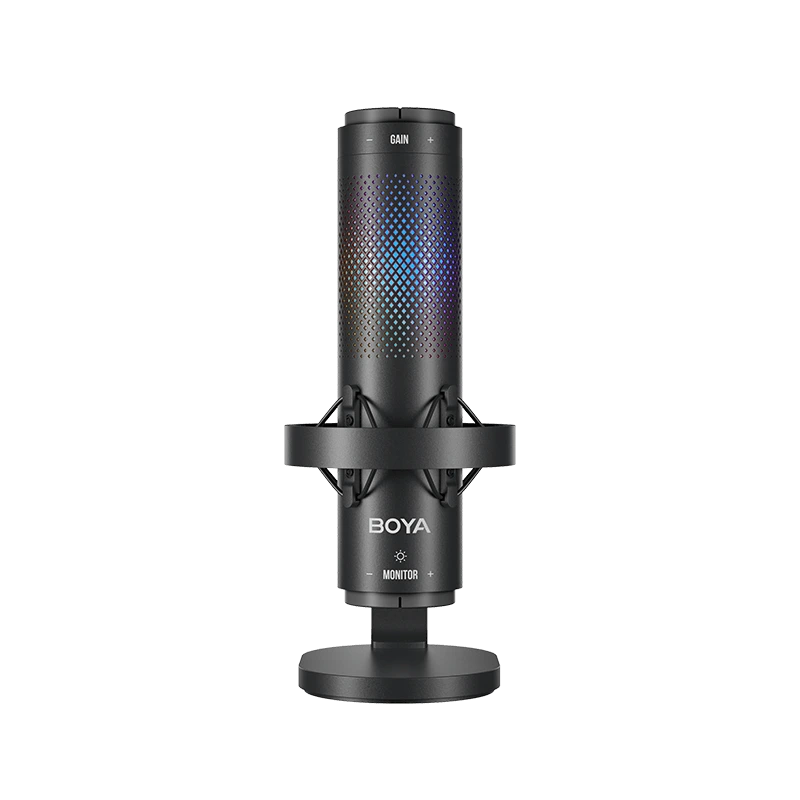
Q3Can the K9 RGB lights switch effects?
There are three lighting effects to switch between static, cycle, and gradient.
Q4How many polar patterns does the K series offer?
K3: supercardioid
K9: supercardioid, omnidirectional, bidirectional
K9: supercardioid, omnidirectional, bidirectional
Q5Does the K series support real-time monitoring?
Yes, you can monitor mic volume and audio quality in real-time via the 3.5mm headphone jack at the mic's base.
Q6How to adjust gain if the recorded sound is too low?
The gain knob adjusts volume: right to increase, left to decrease.
Q7Does the K9 support noise reduction? How to activate it?
No power is required.


