



















BOYALINK 3 问答
Q1What devices is BOYALINK 3 compatible with?
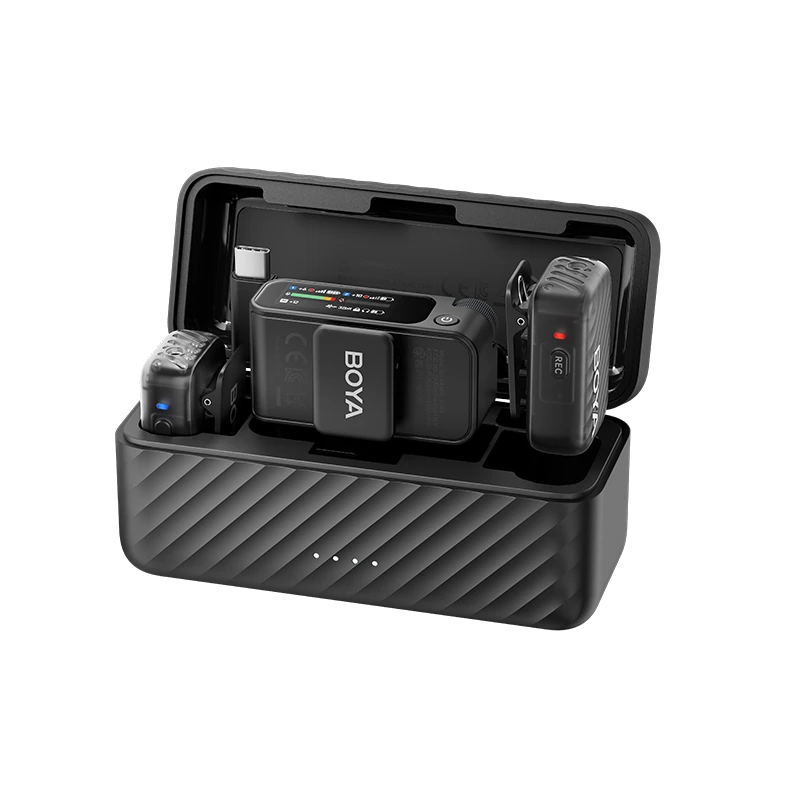
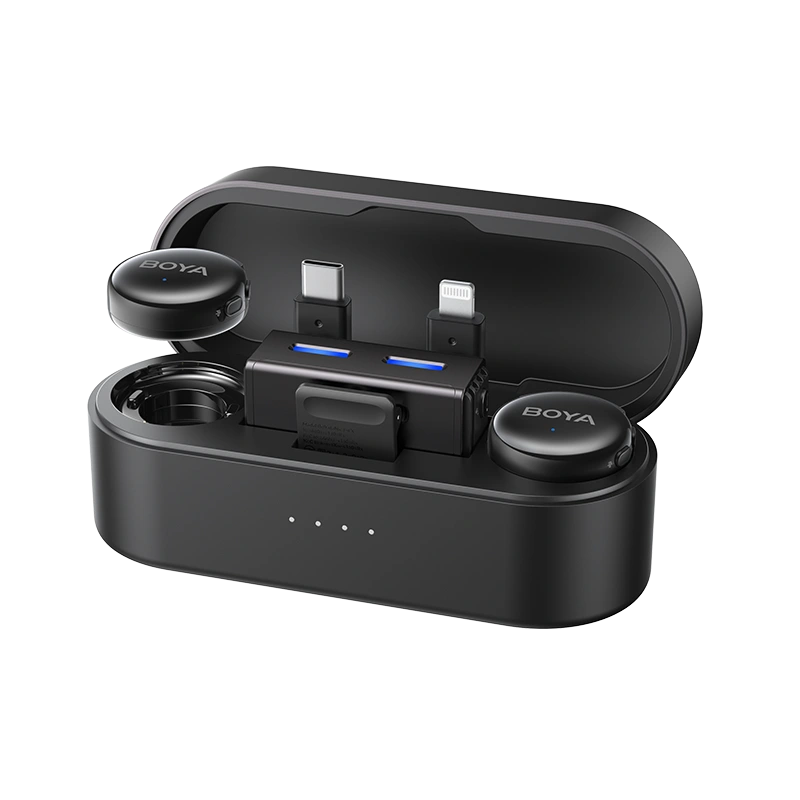
It can be used with cameras, smartphones (supporting USB-C / lightning), computers, etc.
Q2What are the output modes of the BOYALINK 3?
BOYALINK 3 supports three output modes: Mono, Stereo, and Safety Track.
M (Mono): Audio from two transmitters is combined into a single output track.
S (Stereo): Audio from two transmitters is recorded to separate output channels.
Ms (Safety Track): A secondary audio track is recorded at -12 dB as a backup to prevent distortion from unexpected loud sounds.
* Post-production separation is required to use the safety track.
Q3Is BOYALINK 3 transmitters and receivers compatible with BOYALINK 2?
No, they are not compatible.
Q4How long does it take to charge transmitter or receiver via the BOYALINK 3 charging case? How long does the case itself take to charge?
Using a 5V 2A charger at room temperature:
Transmitter / Receiver: 1.5 hours via charging case.
Charging Case: 2 hours.
Q5What is the maximum number of receivers BOYALINK 3 transmitters can connect to?
BOYALINK 3 supports pairing 2 transmitters with up to 4 receivers simultaneously.
* Additional receivers sold separately.
Q6Can BOYALINK 3 charge a phone and receiver at the same time?
Yes. When connected via adapter, use the receiver's USB-C port to charge both devices simultaneously.
Q7Does BOYALINK 3 support phone speaker playback?
Yes.
Q8How to turn on or switch AI noise cancellation function of the BOYALINK 3?
AI noise cancellation can be turned on / off via the transmitter. Adjust levels via the receiver or BOYA Central app.
Strong Mode: Up to -40 dB noise cancellation.
Light Mode: Up to -15 dB noise cancellation.
Q9What is BOYALINK 3’s maximum transmission range?
300 m (line-of-sight).
Q10Does the newly purchased BOYALINK 3 need to be paired before recording? How do I pair transmitters and receiver?
Devices are pre-paired and ready to use immediately. To manually pair:
a. Power off both transmitter & receiver.
b. Hold power button on the transmitter 5 seconds until blue LED flashes rapidly. Do the same on the receiver.
c. Solid blue light on both devices indicates successful pairing.


