



















BOYA Magic 问答
Q1What devices is BOYA Magic compatible with?
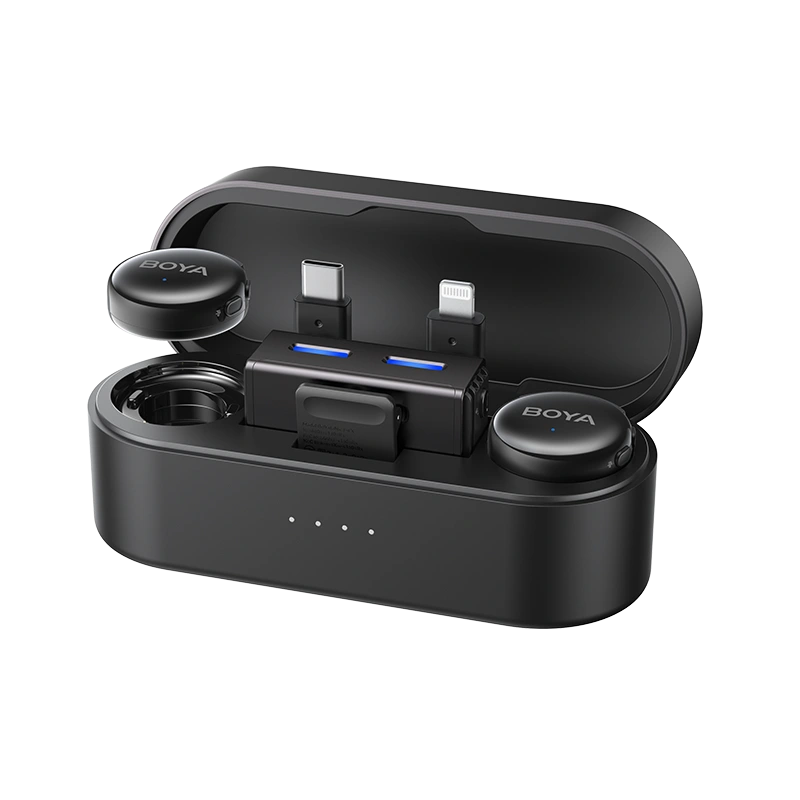
It can be used with cameras, smartphones (supporting USB-C / lightning), computers, etc.
Q2What are the output modes of the BOYA Magic?
BOYA Magic supports three output modes: Mono, Stereo, and Safety Track (selectable via the app).
- M (Mono): Audio from two transmitters is combined into a single output track.
- S (Stereo): Audio from two transmitters is recorded to separate output channels.
- Ms (Safety Track): A secondary audio track is recorded at -12 dB as a backup to prevent distortion from unexpected loud sounds.
* Post-production separation is required to use the safety track.
* Safety Track can only be enabled in Mono mode.
* Stereo recording requires the connected device to support stereo input.
Q3Can I use the clip-on mic along with other mic forms at the same time?
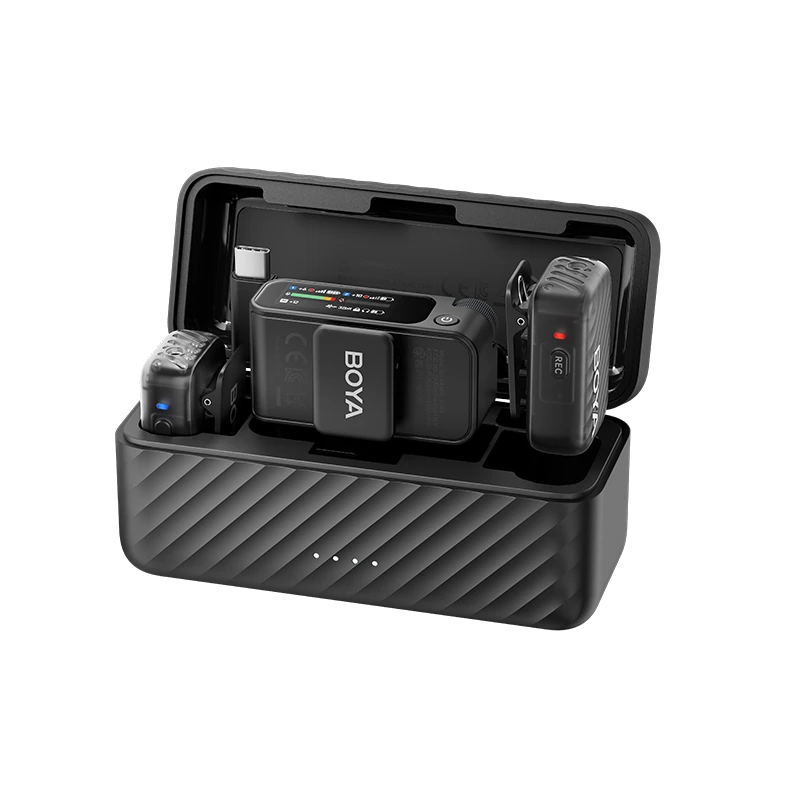
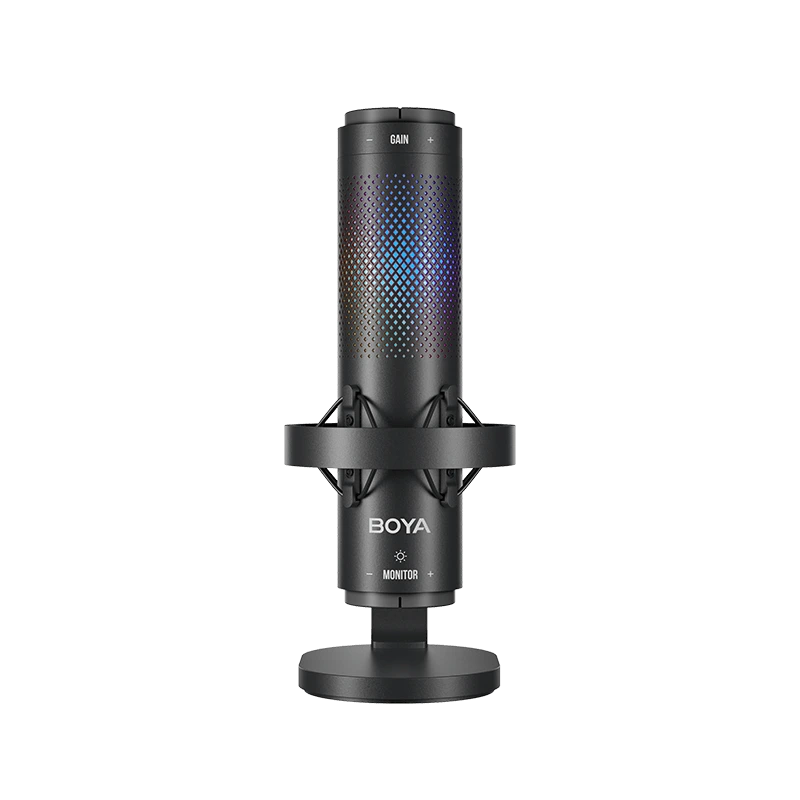
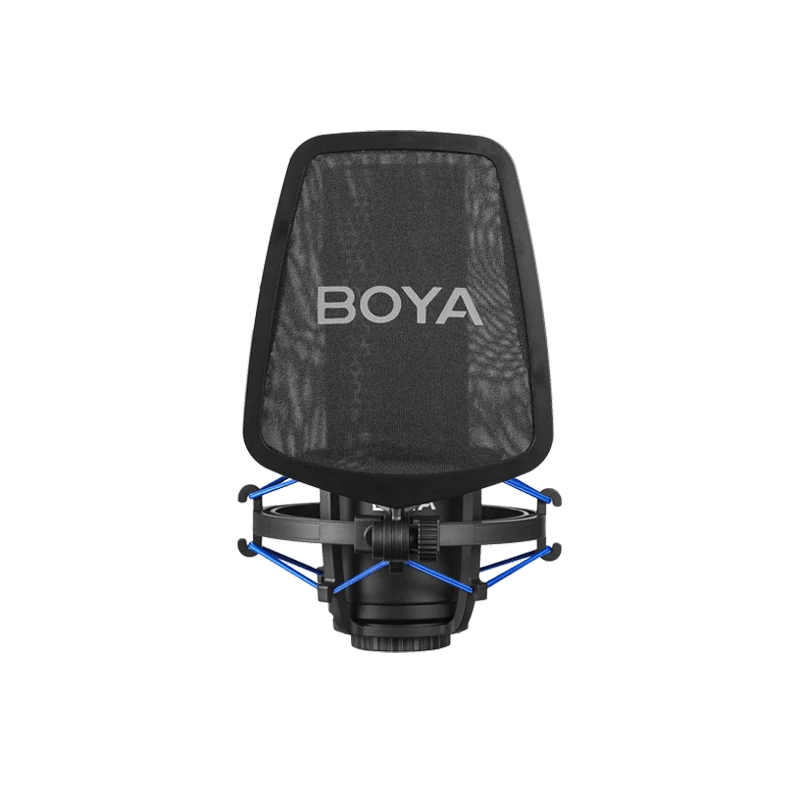
Yes. As long as there's a mic in the top slot of the charging case, clip-on can work simultaneously with handheld, on-camera, or desktop forms.
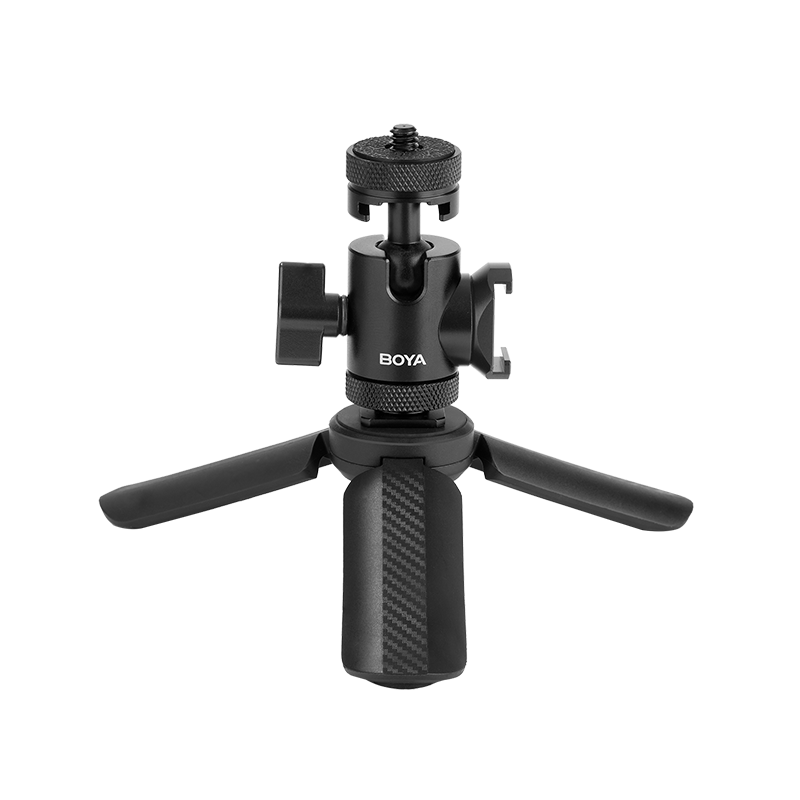
Q4How do I install the mini tripod?
Align the standard 1/4" threaded mount with the 1/4" thread on the bottom of the charging case and tighten securely.
Q5How many transmitters and receivers can BOYA Magic connect to at once?
BOYA Magic supports up to 2 transmitters connected to 1 receiver simultaneously.
Q6Can I charge both my phone and the receiver at the same time?
Yes. When the receiver is connected to a phone via adapter, you can charge both devices simultaneously through the receiver’s USB-C port.
Q7Does BOYA Magic support phone speaker playback?
Yes.
Q8How to turn on or switch AI noise cancellation function of the BOYA Magic?
The BOYA Magic features next-gen True AI noise cancellation (DNNs), which intelligently separates background noise in milliseconds with a simple step:
Short press the transmitter’s button to toggle noise cancellation on or off. Adjust levels via the BOYA Central app.
Strong Mode: Up to -40 dB noise cancellation.
Light Mode: Up to -15 dB noise cancellation.
Q9Does BOYA Magic support internal recording?
No.
Q10What is BOYA Magic’s maximum transmission range?
Up to 100 meters in open environments.
Q11Do I need to pair the transmitter and receiver before use? How do I pair them?
BOYA Magic is pre-paired out of the box. Simply power on the devices to start recording.
To manually pair:
- a. Power off the transmitter and plug the receiver into your phone.
- b. Press and hold the transmitter's power button for 5 seconds until the blue light flashes quickly.
- c. Press and hold the receiver’s power button for 5 seconds until its blue light flashes.
- d. When both lights stay solid, pairing is complete.


