



















Overview
Specs
Video
Download
Reveal All the Vivid Details
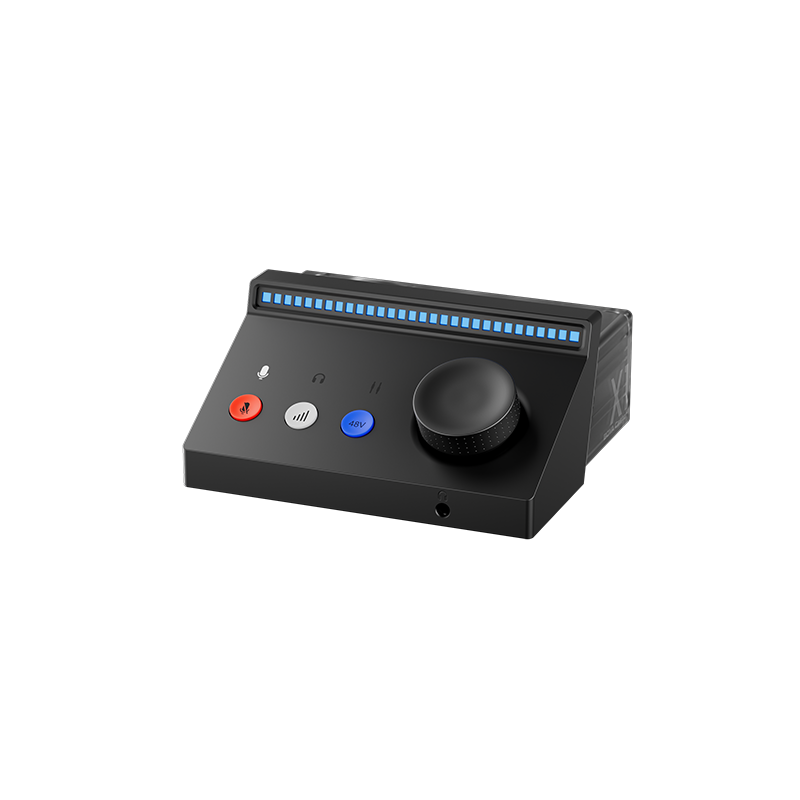
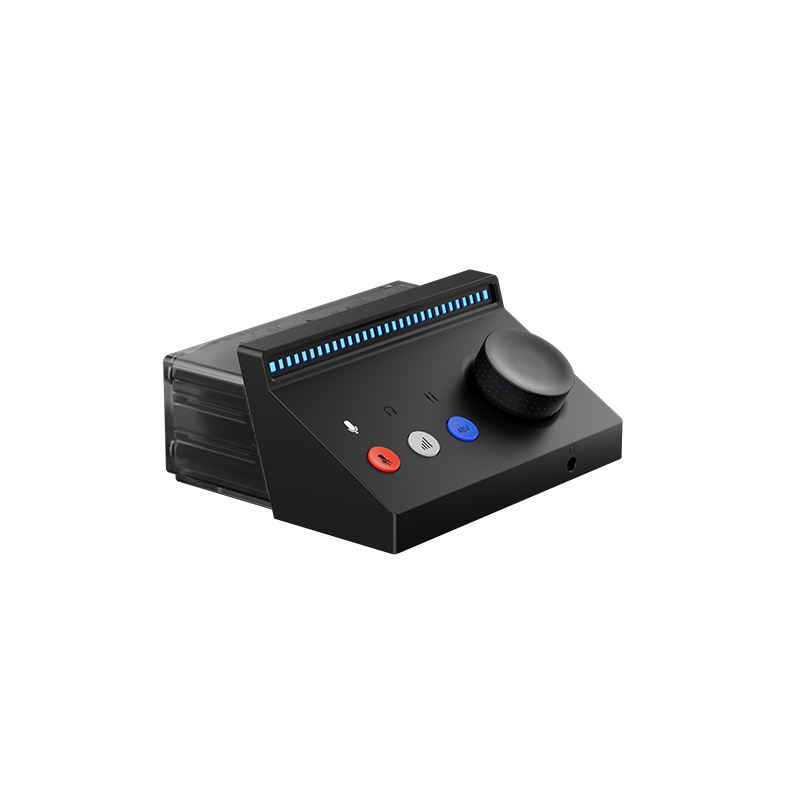
Featuring high-quality microphone preamps and high-resolution 24-bit / 192 kHz recording, this USB audio interface for PC and Mac ensures your sound remains clear and true to the original performance. Whether you're interviewing, podcasting, presenting, or livestreaming, capture exceptional audio anywhere with the BOYA Caster X1.
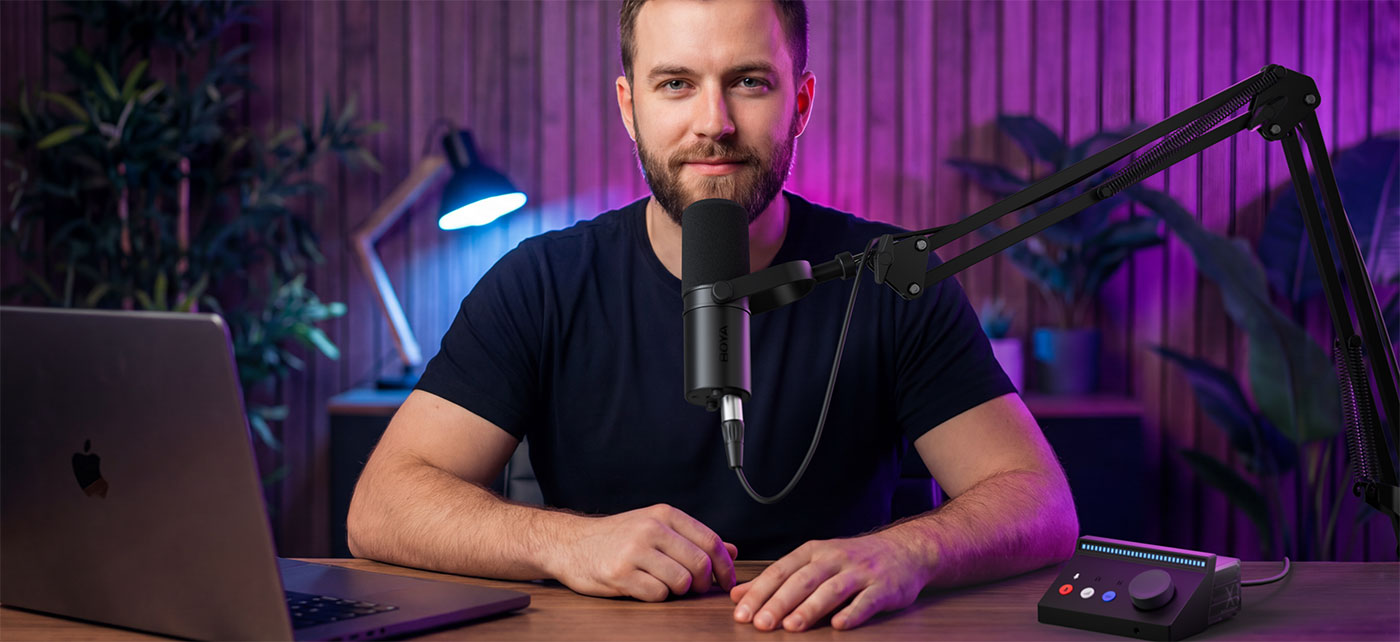
Powerful Preamps for Any Mic
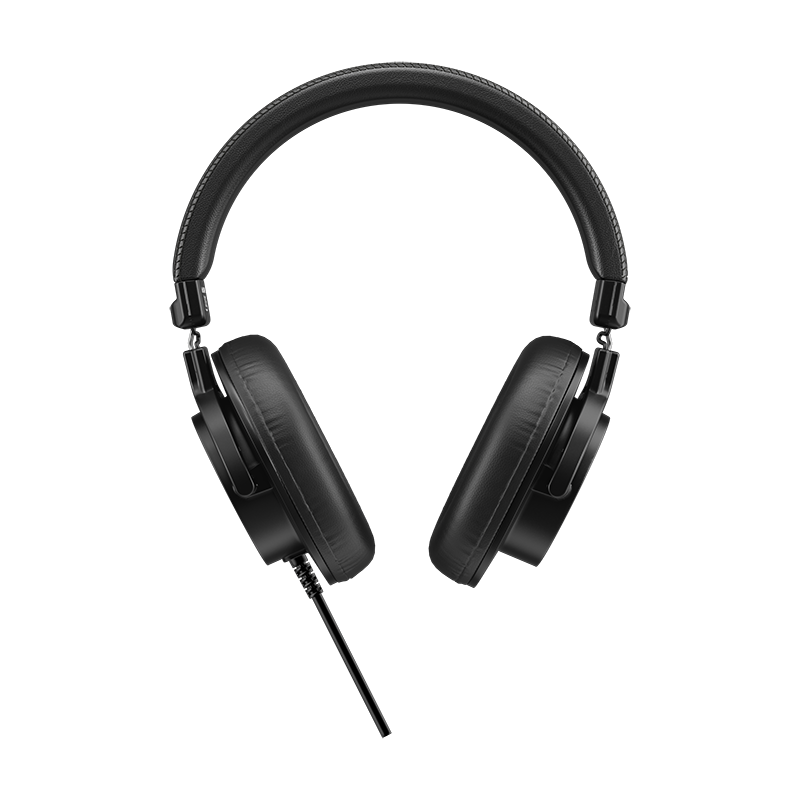
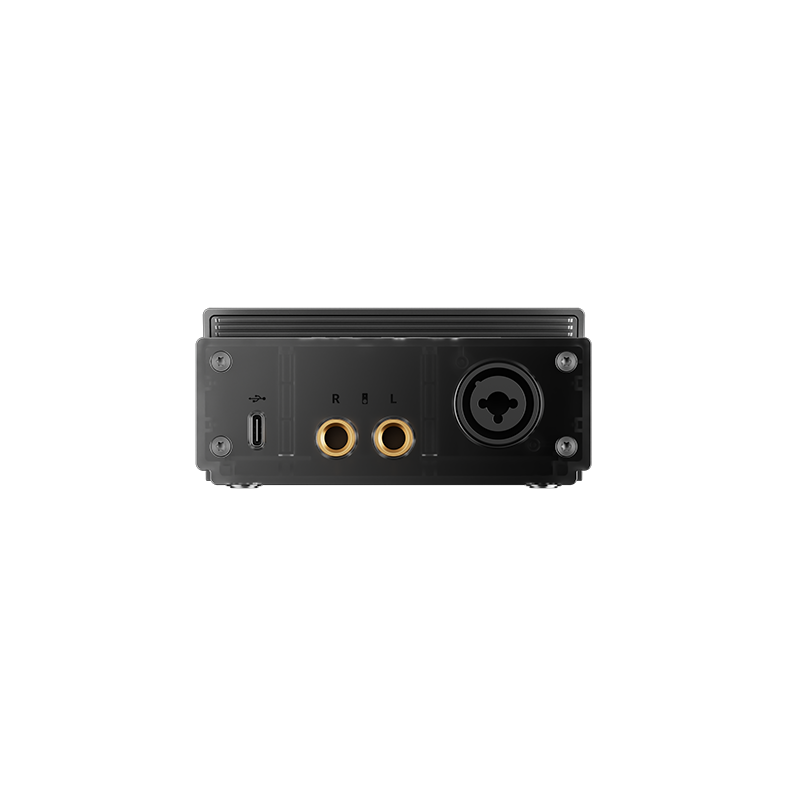
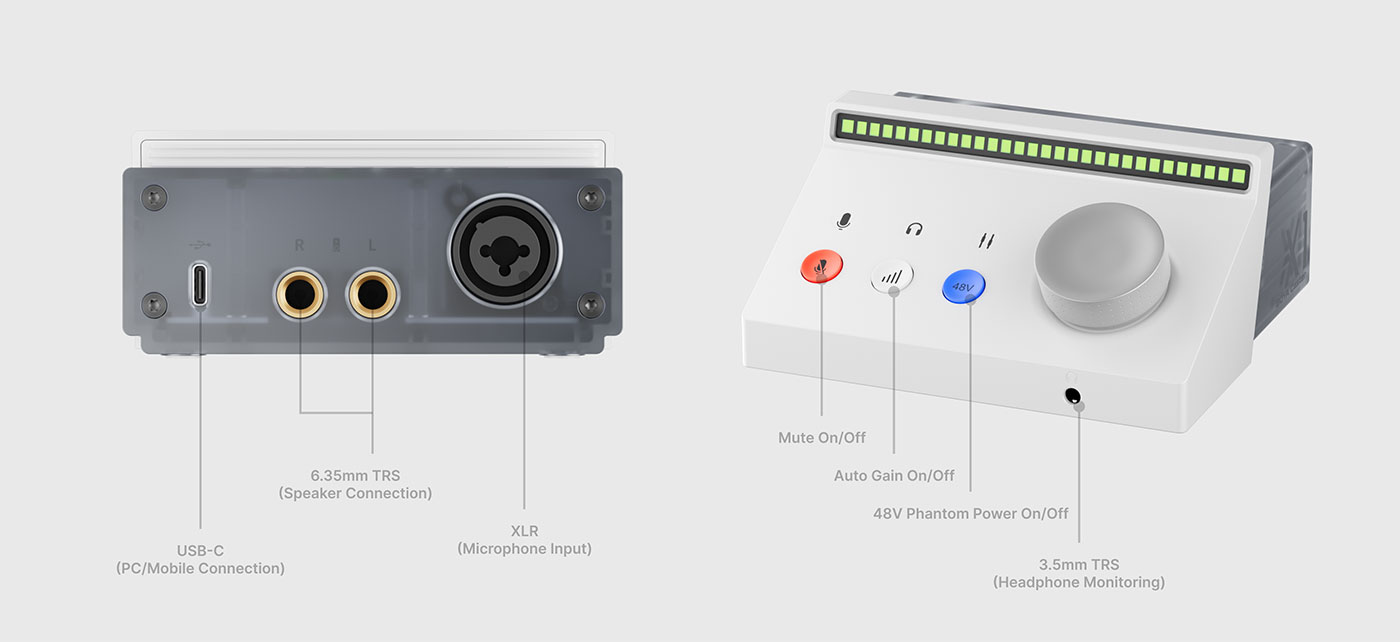
Enjoy warm, clear sound for podcasts or voice-over work. With an XLR input offering 48V phantom power and a 70 dB gain range, you can use both condenser mics and dynamic mics that aren't overly gain-hungry. Balanced ¼-inch outputs let you connect your favorite speakers, while a high-power headphone amplifier drives professional high-impedance headphones for echo-free monitoring.
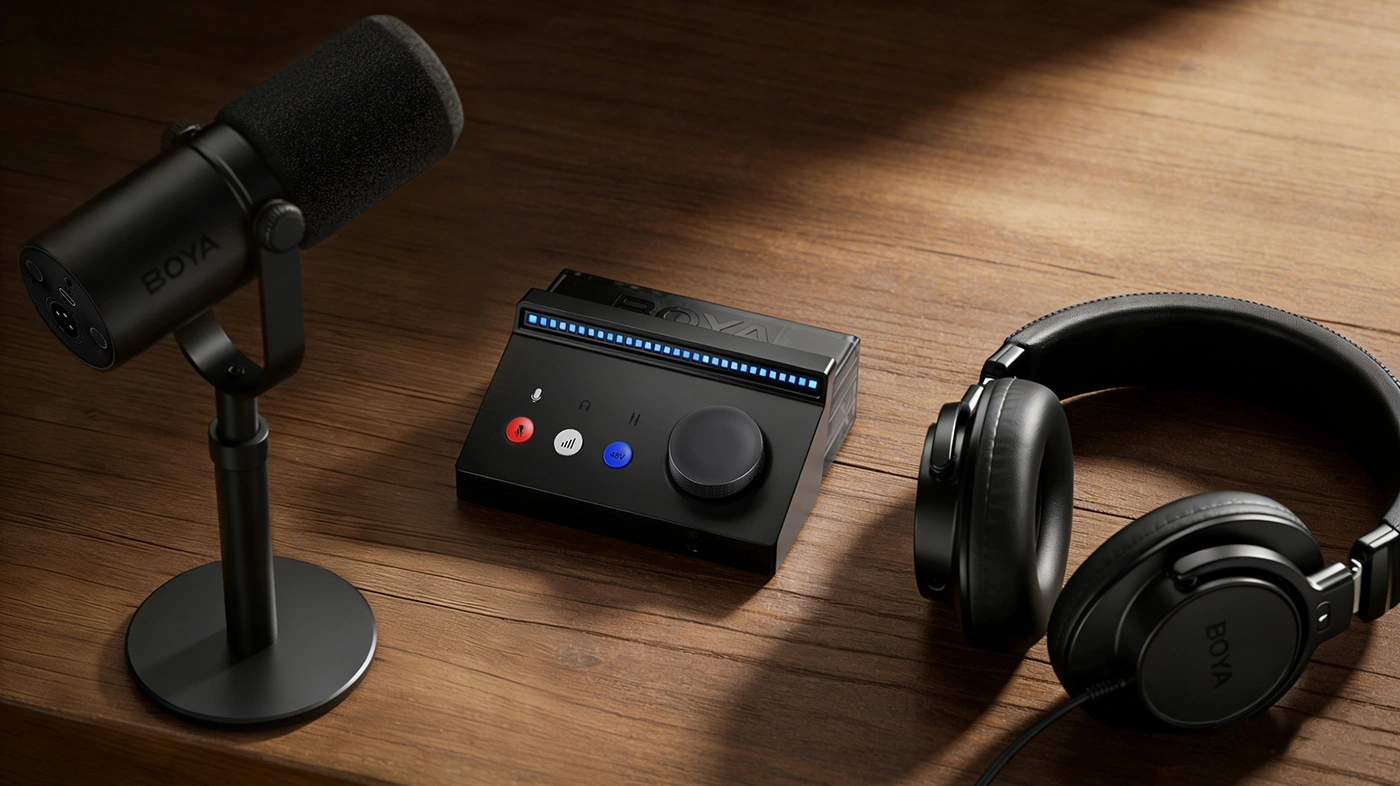
Know Your Levels at a Glance
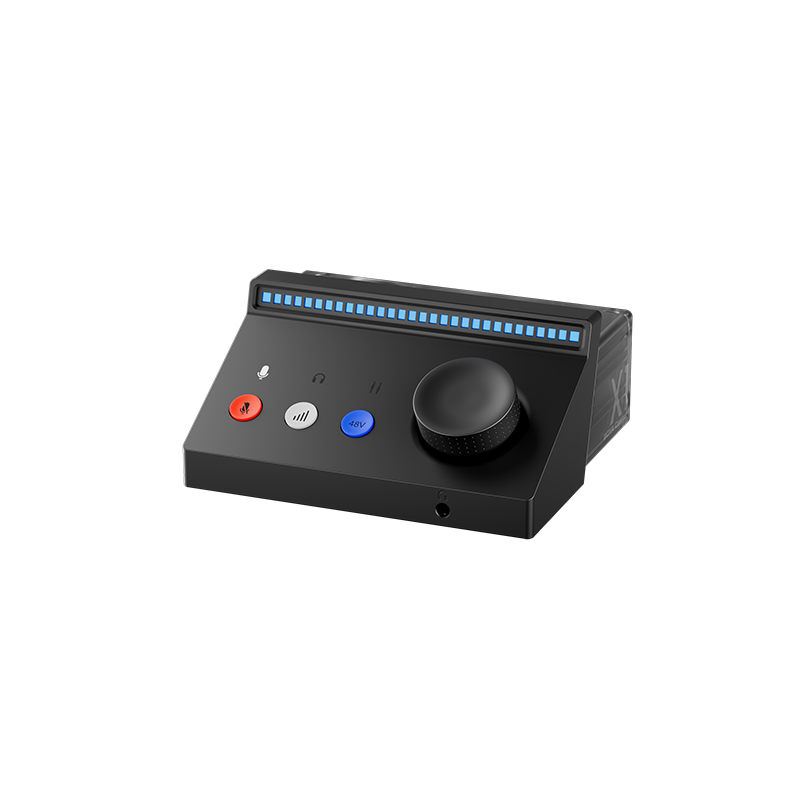
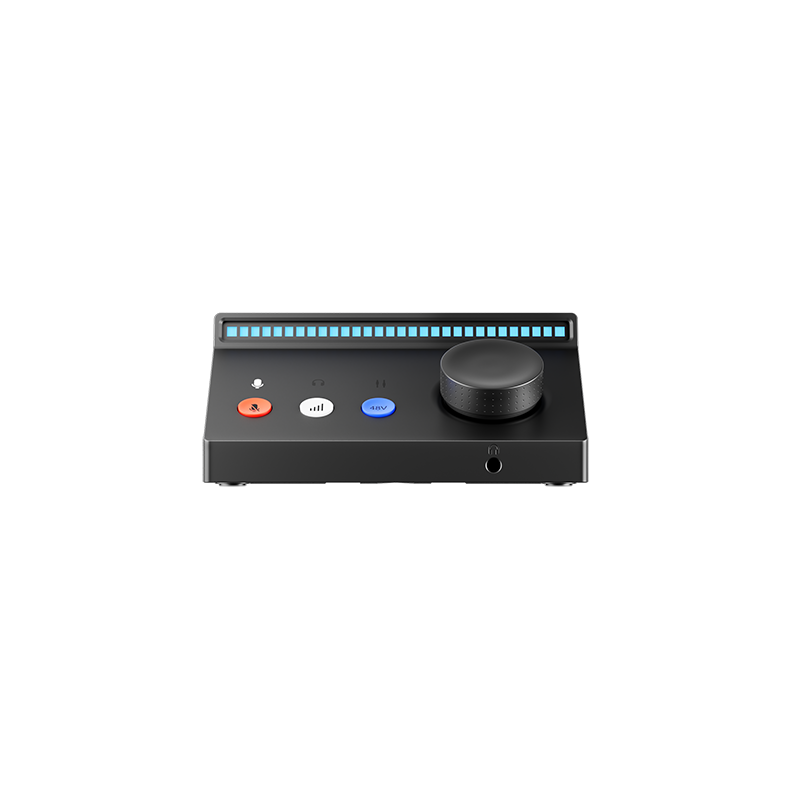
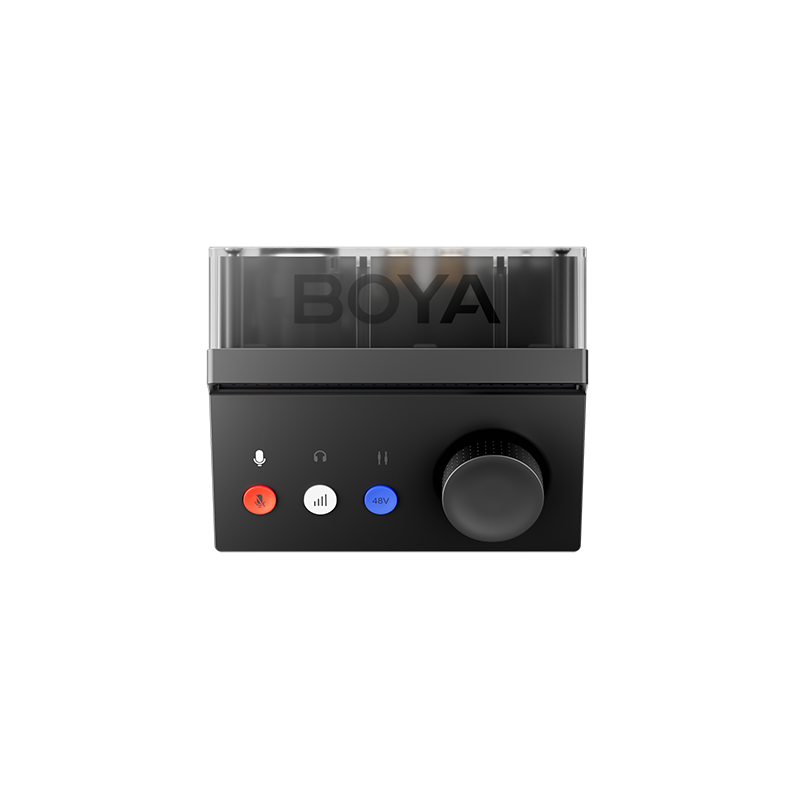
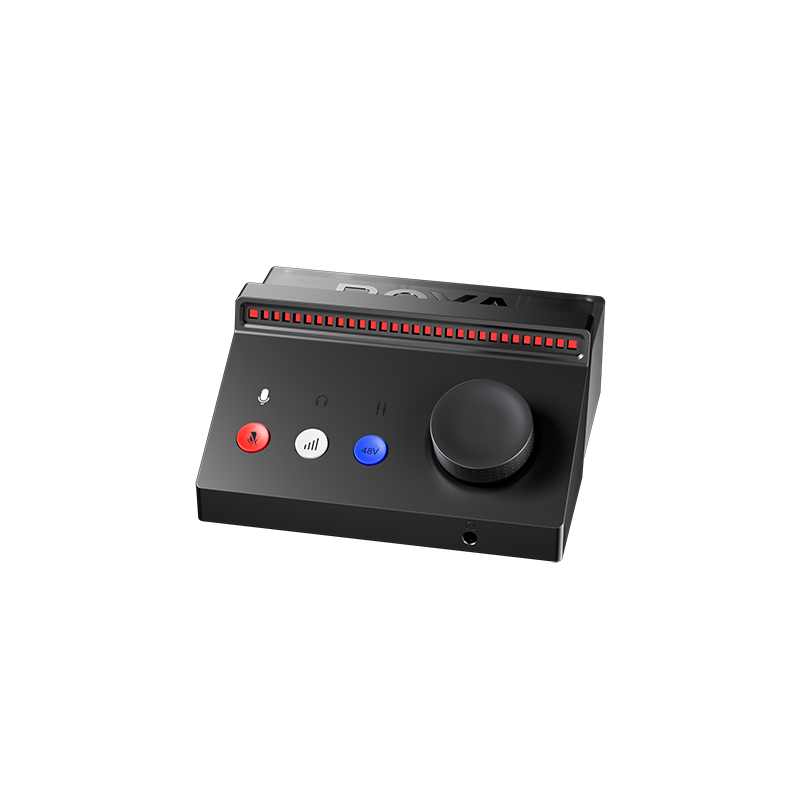
The multifunction control knob with an RGB meter gives you instant visual feedback when your voice level is perfect. The dynamic light bar displays real-time sound waves, microphone gain, and headphone monitoring level at a glance. You can also customize the light's brightness and colors in BOYA Central PC to match your setup. With it's one knob control system, the Caster X1 offers incredible fast and precise adjustments, which gives you the ability to dial and gain levels with pinpoint accuracy down to the decibel control.
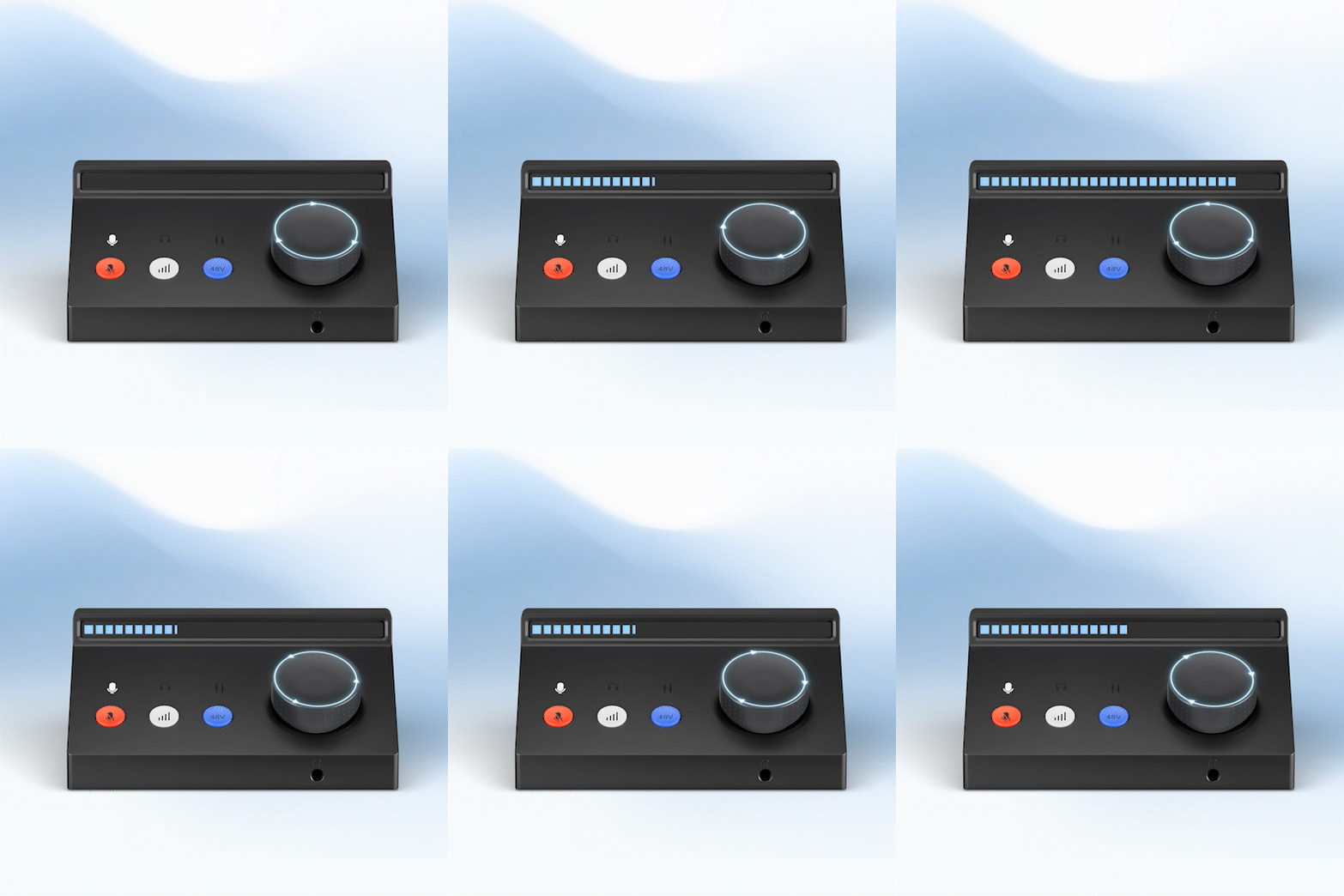
Press It. Record. Done.
When recording, it's crucial to set your input levels correctly. Too loud, and you risk clipping your inputs and creating distortion; too quiet, and you may end up boosting your audio, introducing more noise into the signal. With Auto Gain, there's no more guesswork. Using advanced peak analysis, it automatically adjusts your gain to the optimal level. Just press the button, perform your recording, and let Auto Gain handle the rest—quick, easy, and perfect for focusing on your creativity.
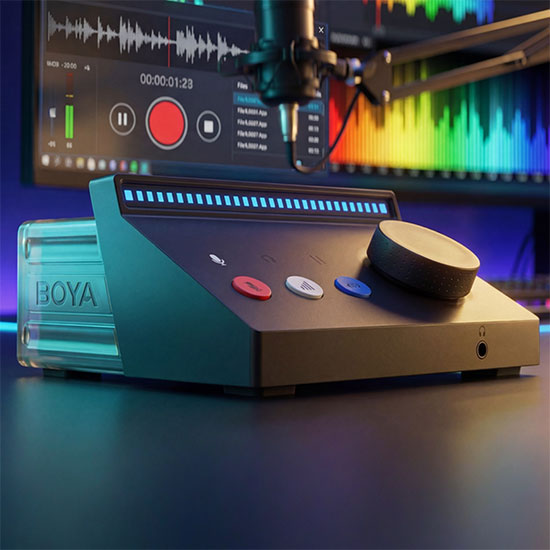
Your Personal Control Center
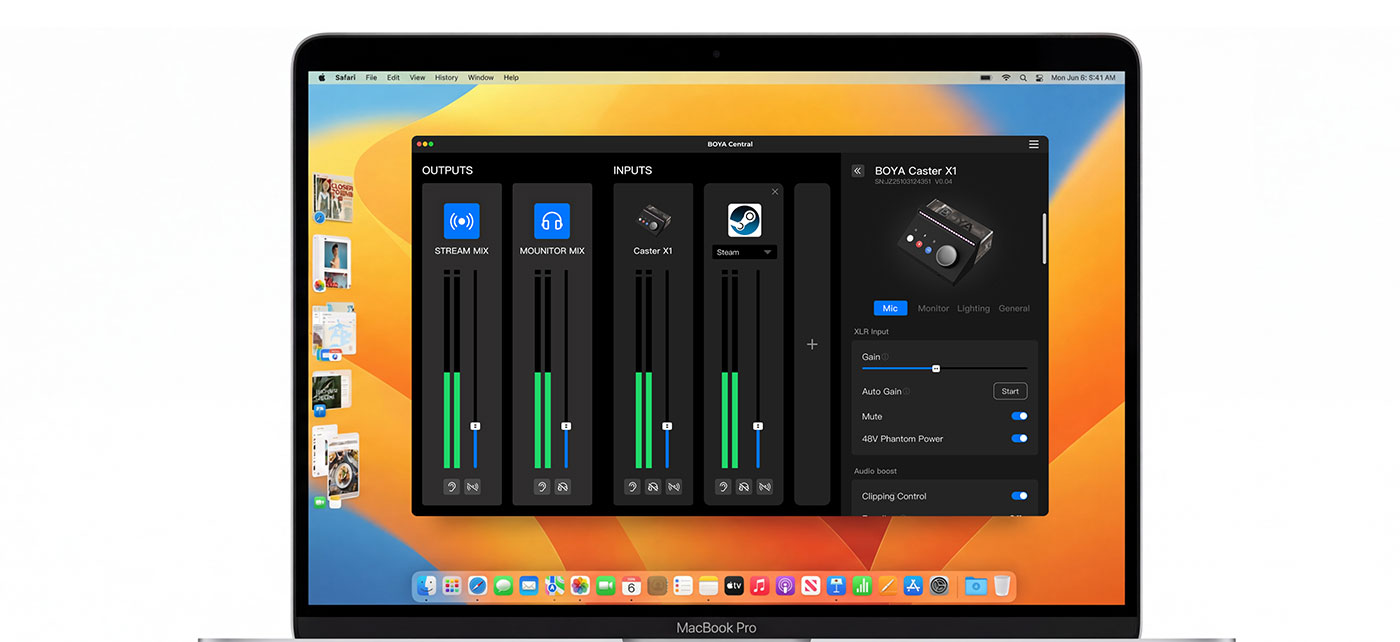
Within the BOYA Central PC, you can control the volume of each software and audio source independently. Simply select an input channel and use the control wheel to adjust its gain, or switch to output mode to set the overall output level. The monitor mix control lets you blend microphone input with computer audio, so you can hear exactly what you need in your headphones with ultra-low latency, perfect for real-time monitoring.
From the intuitive BOYA Central PC on your computer, you can change indicator colors, add virtual channels, and enable features like EQ and anti-clipping, all without ever leaving your workstation.
From the intuitive BOYA Central PC on your computer, you can change indicator colors, add virtual channels, and enable features like EQ and anti-clipping, all without ever leaving your workstation.
Get Connected and Create
It works right out of the box with Windows and Mac over a simple USB connection, and it's just as easy to set up with mobile devices for recording on the road thanks to its compact design. The XLR input supports professional condenser microphones, while the 3.5mm line-in lets you bring in audio from a phone, tablet, or second PC without any software hassle. Portable recording has never been easier.
Mic Input
| Frequency Response | 20 - 20 kHz | ||
| Dynamic Range | 111 dB | ||
| Gain Range | 75 dB | ||
| Output Impedance | 3kΩ |
Headphone Output
| Dynamic Range | 104 dB | ||
| THD+N | <0.002% | ||
| Maximum Output Level | 7 dBu | ||
| Output Impedance | <1Ω |
Line Out
| Dynamic Range | 108 dB | ||
| THD+N | <0.002% | ||
| Maximum Output Level | 15.5 dBV | ||
| Output Impedance | 430 Ω |
Tutorials
2026-02-06
BOYA Caster X1 | Quick Start
User Manual
BOYA Caster X1
Contact Us
You can use the form below to get in touch with BOYA. Let’s get started.


