



















Overview
Video
Q&A
Download
Compare
Studio-Grade Sound for Every Whisper & Shout
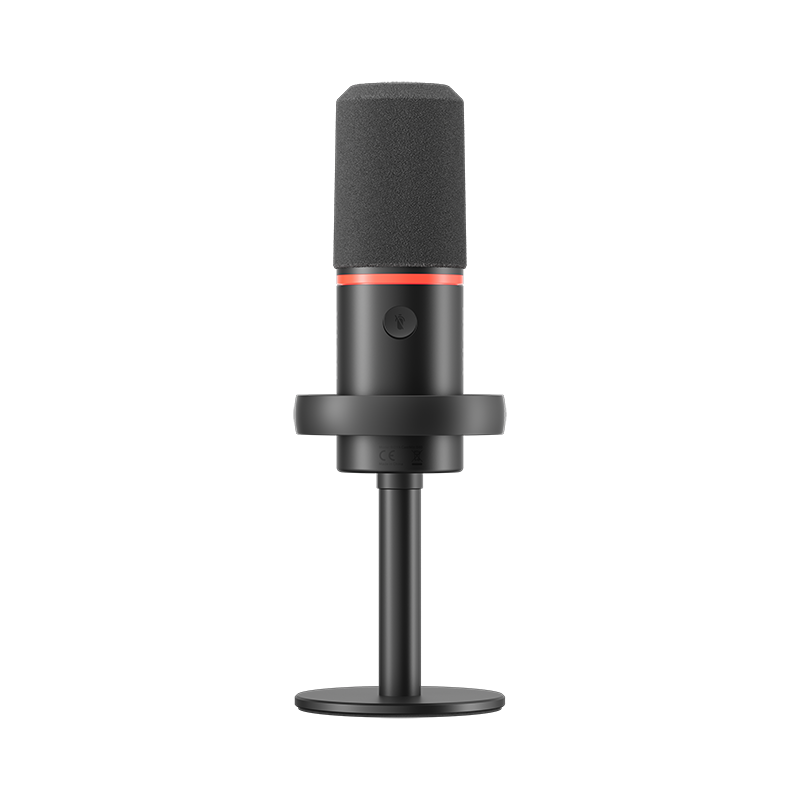
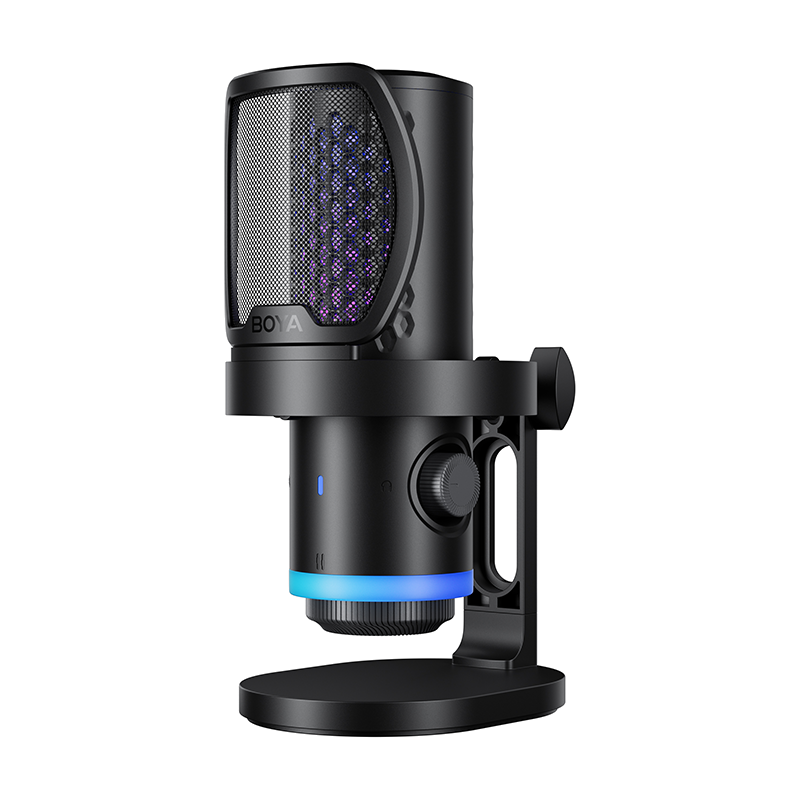
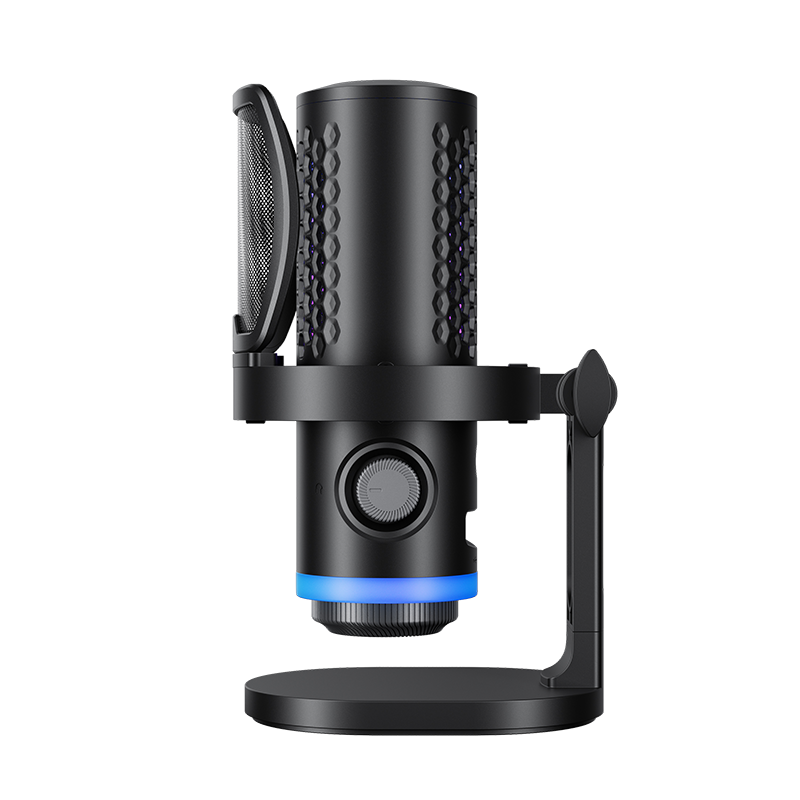
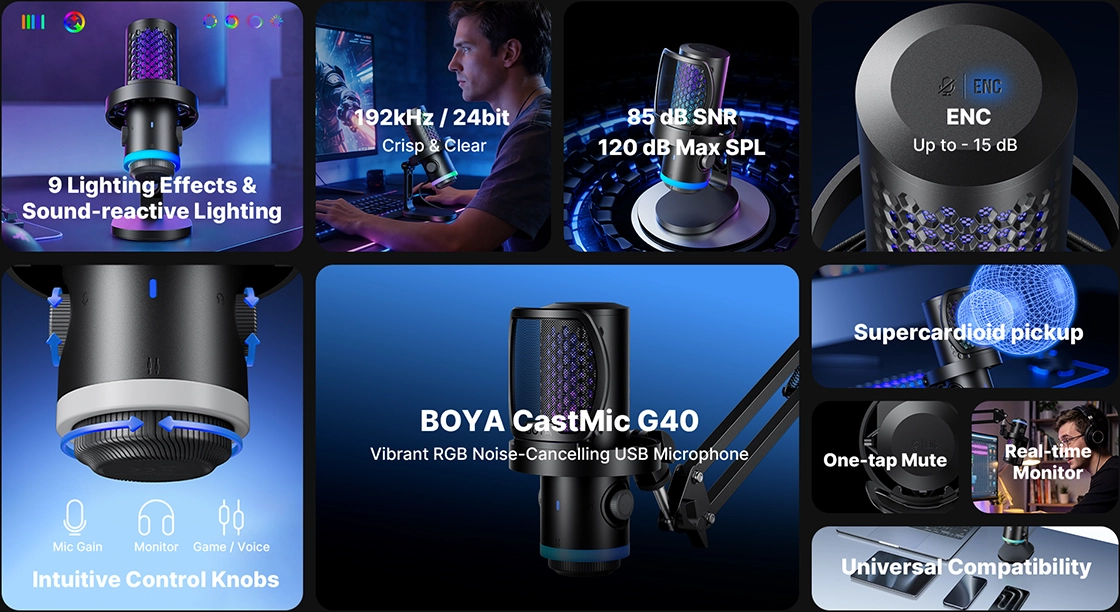
Designed for a studio-quality sound experience, the BOYA CastMic G40 features a 14 mm large-diaphragm condenser capsule delivering high-resolution 192 kHz / 24-bit audio. With powerful 125 dB SPL handling, it captures everything from soft whispers to triumphant shouts without clipping or distortion. An 85 dB signal-to-noise ratio ensures clean, accurate sound while effectively reducing background noise.
Thoroughly Block Out Noise
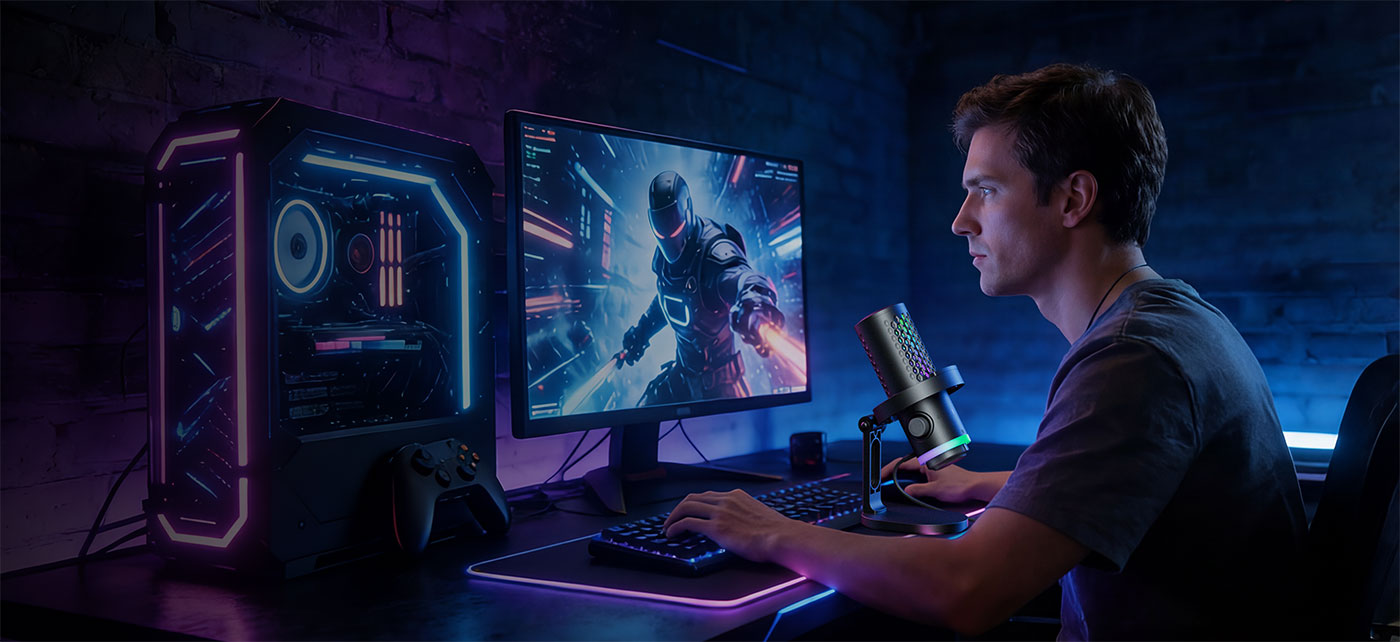
Four-layer noise reduction keeps your voice fully protected. The G40 minimizes noise caused by movement, vibrations, and plosives, reducing distractions from keyboard clicks, distant traffic, or household sounds. Your squad hears your callouts, not your room.
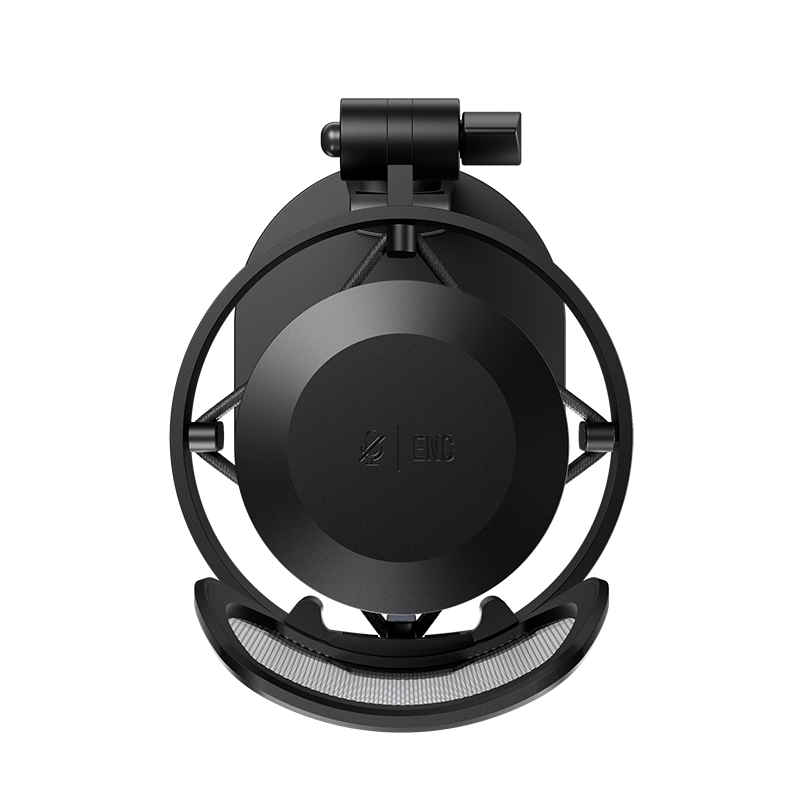
The BOYA CastMic G40 features a built-in DSP chip for noise cancellation, which can be activated with a long press on the top.
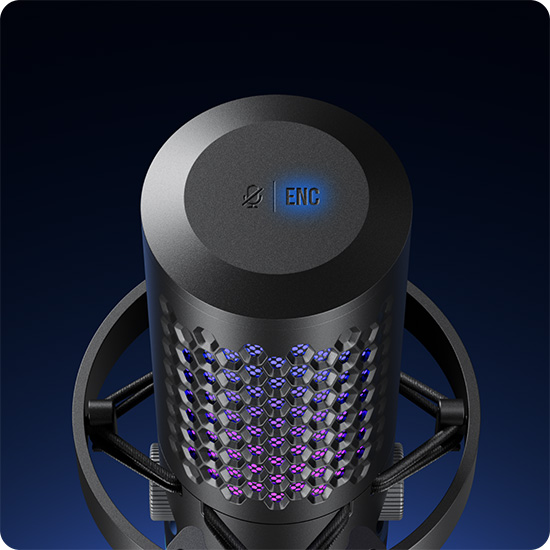
Its supercardioid dynamic capsule effectively suppresses sound from the sides and rear.
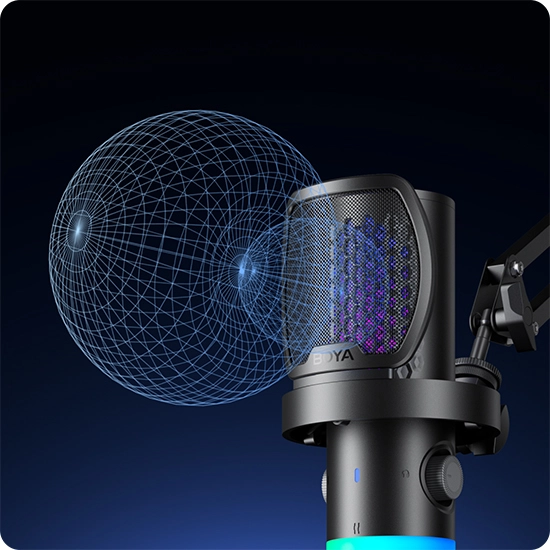
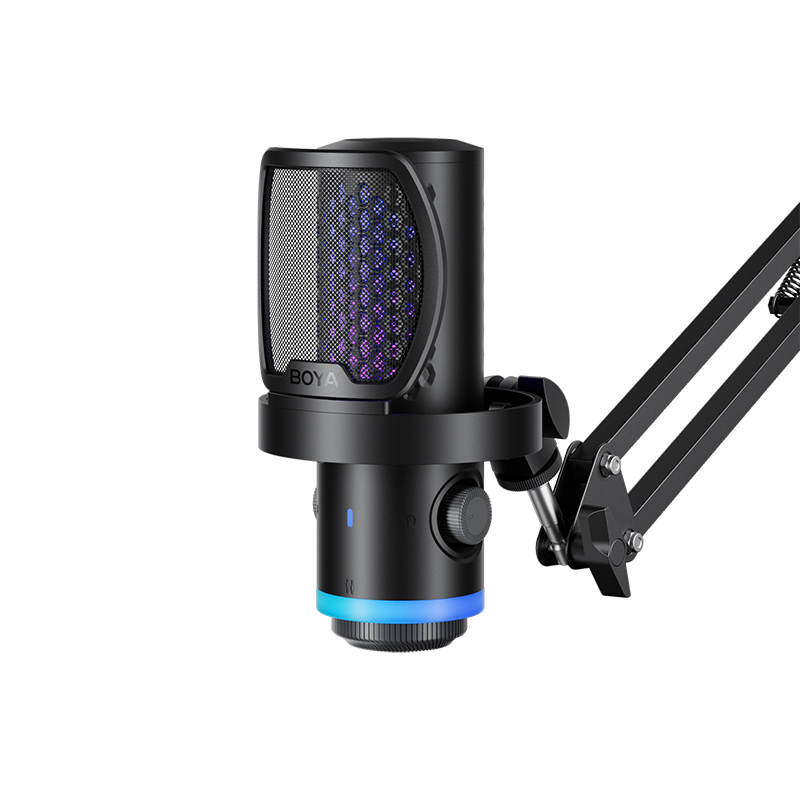
Combined with an anti-vibration shock mount and pop filter, the G40 minimizes noise caused by movement, vibrations, and plosives.
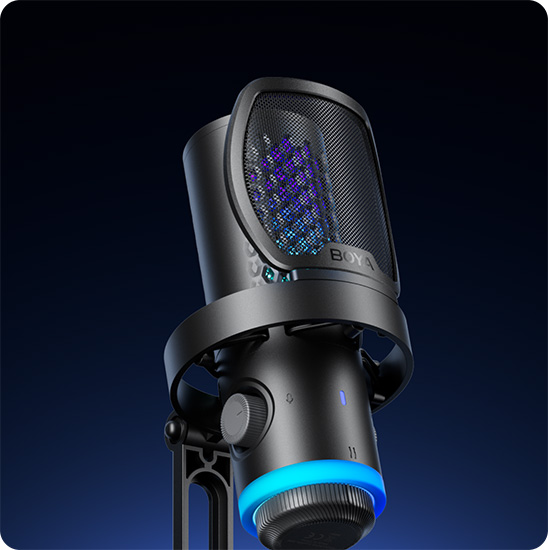
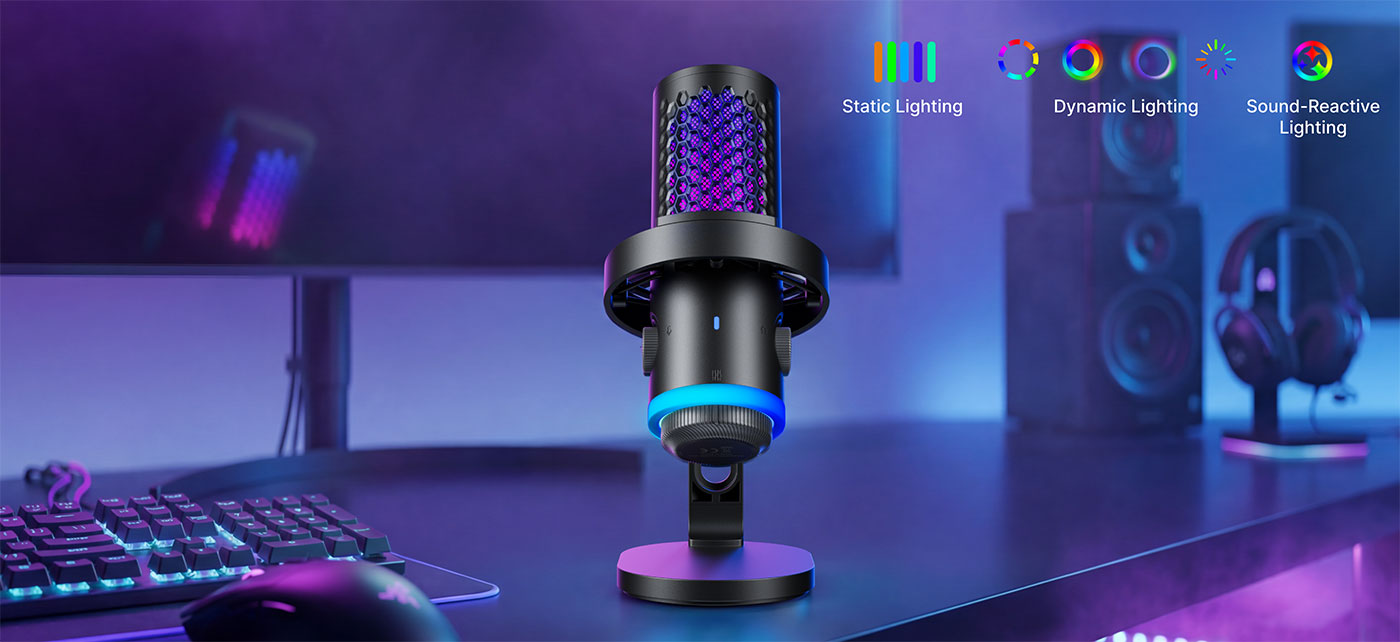
Ignite Your Stream with RGB Lighting Display
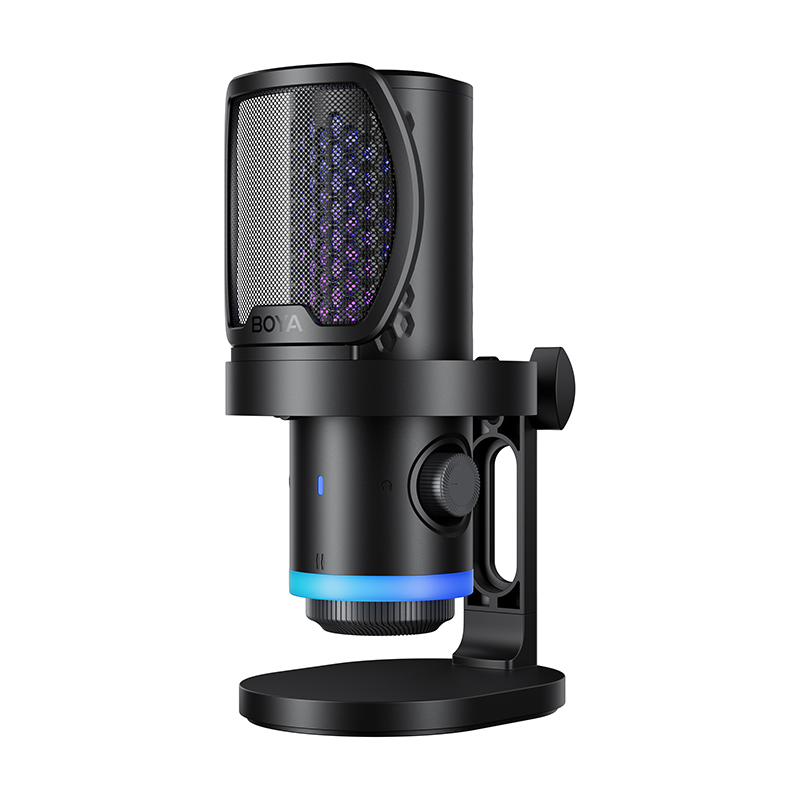
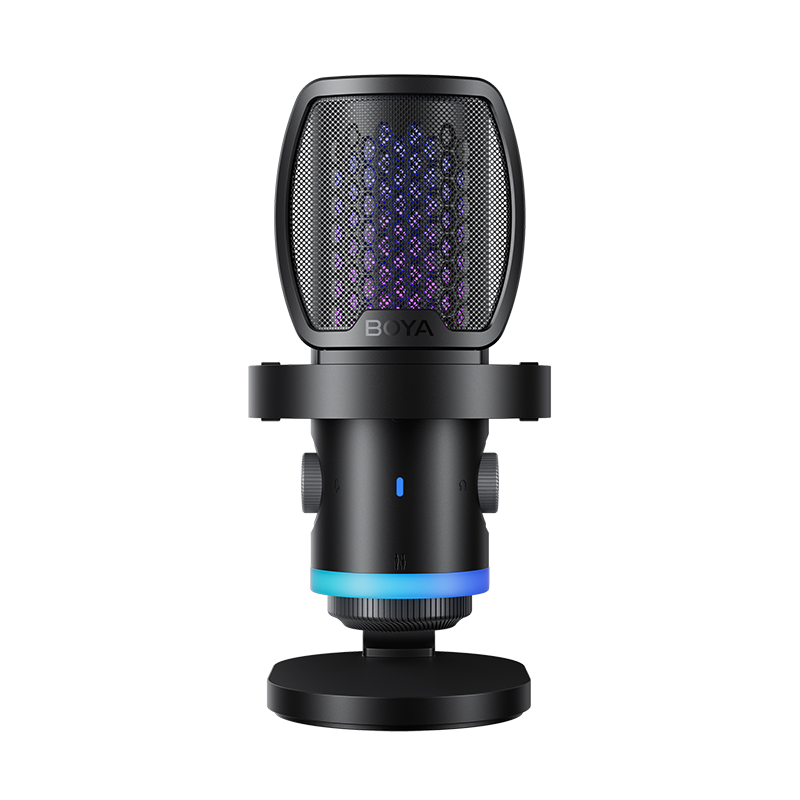
It's a powerful tool designed to help you stand out on streaming platforms. Enhance your setup with 9 dynamic RGB effects and sound-reactive lighting. The immersive visuals create a more engaging gaming atmosphere, making your streams and videos more compelling. All lighting effects are switched directly via a dedicated button button on the microphone body—no software or app required.
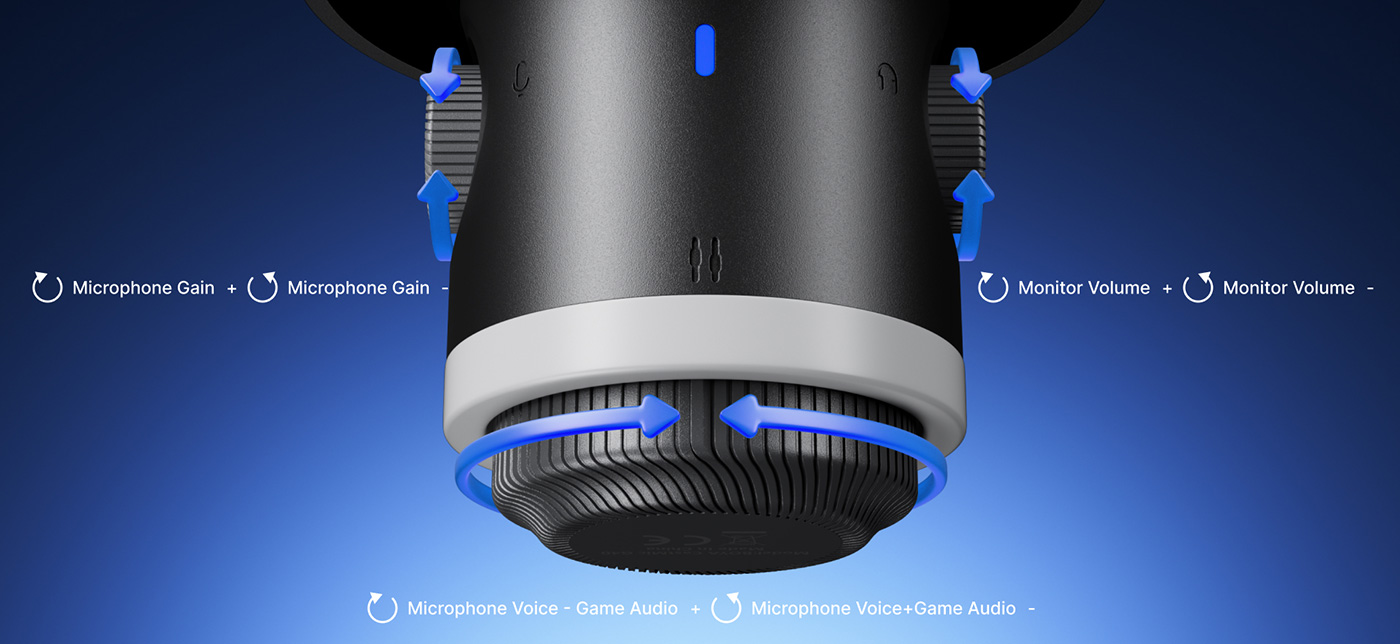
Master Gain, Monitor & Mix
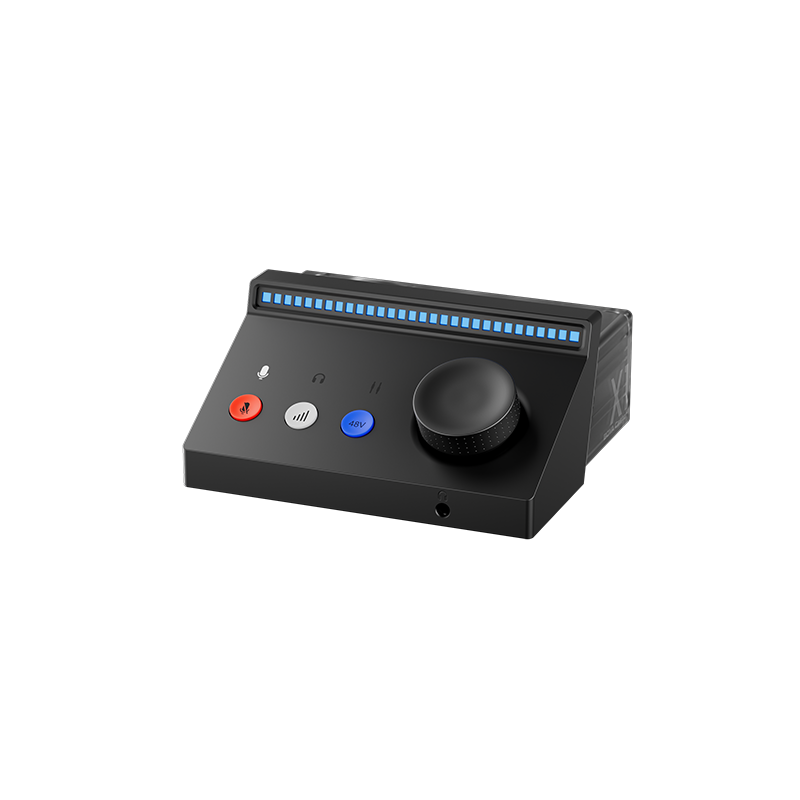
Two intuitive knobs let you adjust microphone gain and headphone monitoring volume independently. But what if you’ve already set the perfect overall level, yet the game audio or voice chat still feels too quiet or too loud? That’s where the mix knob comes in. It lets you balance voice and background audio in real time—without affecting what your audience hears. Turn it clockwise to boost game audio, or counterclockwise to emphasize your voice. With these dials, it’s easy to make your teammates sound clearer on Discord or any video call app, or create a more immersive experience by raising the game sound.
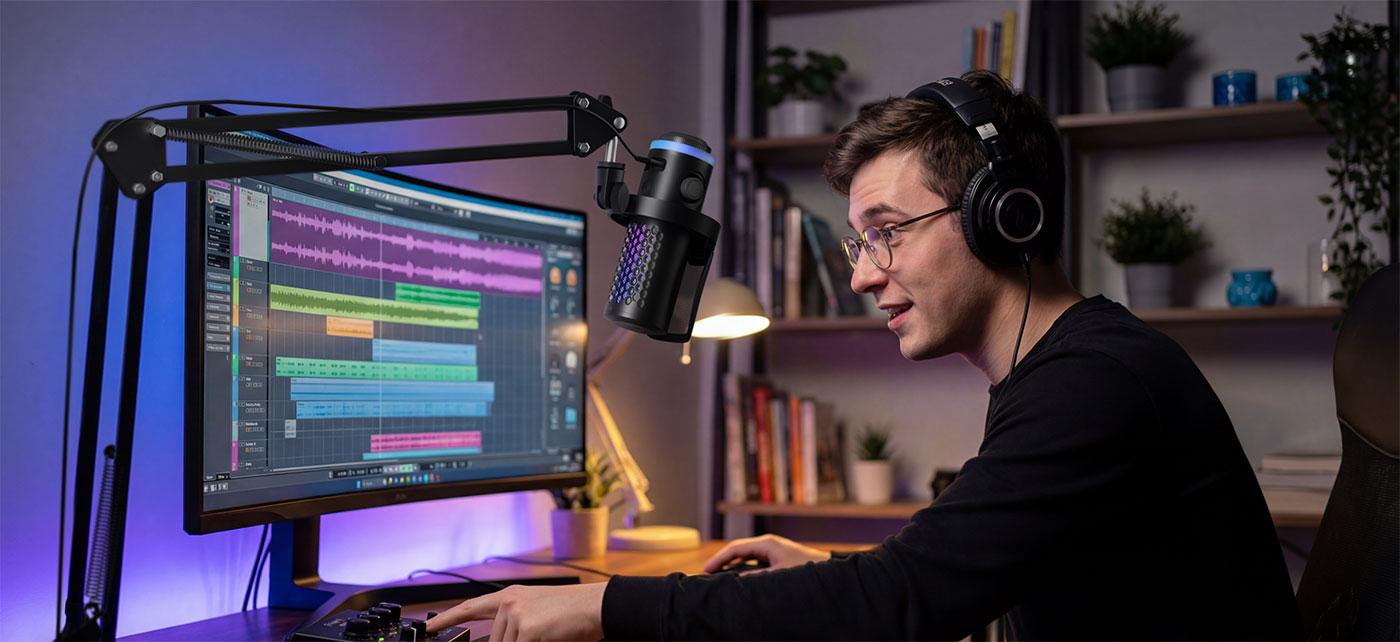
Tap to Mute, Stay on Track
Control your audio presence with the precision and confidence broadcasting demands. A simple tap on the mute button at the top of the microphone instantly mutes or unmutes the mic, keeping audio control silent and effortless. The LED indicator shows your status at a glance, turning red when muted. In addition, the built-in 3.5 mm jack lets you monitor your audio in real time with headphones.
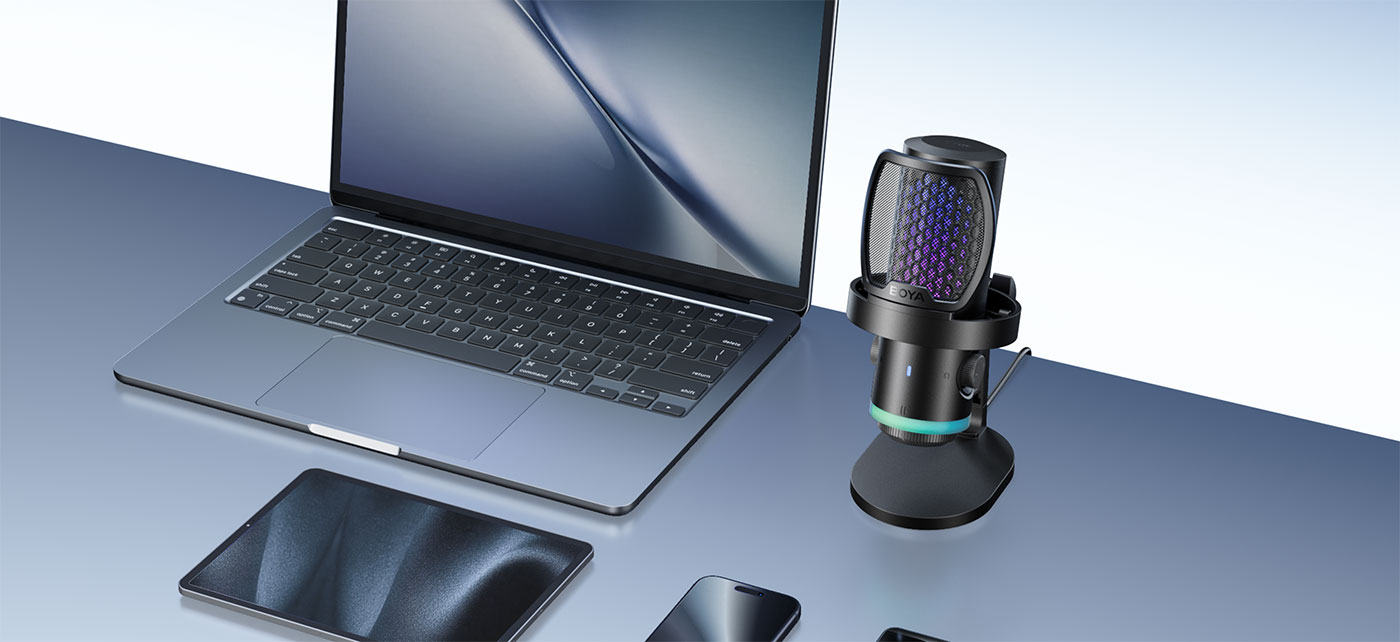
Flexible Connectivity for Every Creator
The USB plug-and-play design works seamlessly with the included USB-C to USB-C / USB-A dual-connector cable, allowing easy connection to PCs, tablets, and phones. No extra drivers or software are required, ensuring a quick and hassle-free setup across multiple devices.
Tutorials
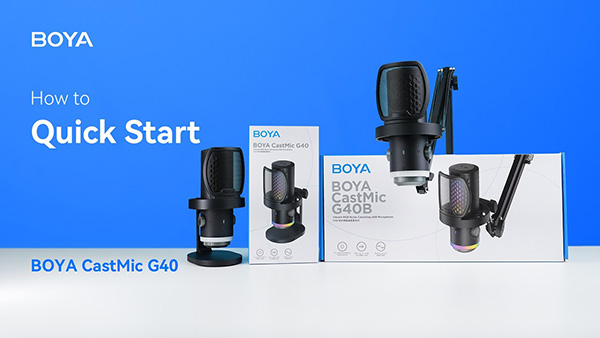
2026-02-06
BOYA CastMic G40 | Quick Start
Q1Which devices are compatible with the G40?
The G40 comes with a 2-meter USB-C to USB-C/USB-A cable, making it easy to connect and use right out of the box—no drivers needed.
Via USB-A: PC, PS5, PS4, Mac
Via USB-C: Android phones, Huawei phones, iPhone 15 or newer, MacBooks, iPads, and more
Xbox❌ is a no-no. Third-party USB audio devices aren't allow to work with Xbox
Q2Does the G40 have a built-in sound card?
Yes. The G40 features an integrated sound card, delivering more stable performance and improved audio quality.
Q3Does the G40 support real-time monitoring?
Yes. You can plug headphones into the 3.5mm jack on the bottom of the microphone to monitor your voice and audio quality in real time.
Q4When should I adjust the mic and system audio balance?
During streaming or gaming, you can use the balance knob on the bottom of the mic to adjust the ratio between your microphone voice and your computer’s audio, so both stay clear and well-balanced.
Q5Does the G40 support noise cancellation? How do I turn it on?
Yes. The G40 features built-in ENC noise cancellation to reduce environmental noise. Simply press and hold the top touch area for two seconds to turn noise cancellation on or off.
Q6G40, S60 and P60, what are the differences between them? Which one should I get?
G40: Ideal for gaming or streaming users who want great value and record in relatively stable noise environments.
S60: Designed for streaming with RGB lighting, suitable for users who want visual ambience and face more variable background noise.
P60: Built for podcasting and voice recording, no RGB lighting, but optimized for less controlled and noisier environments
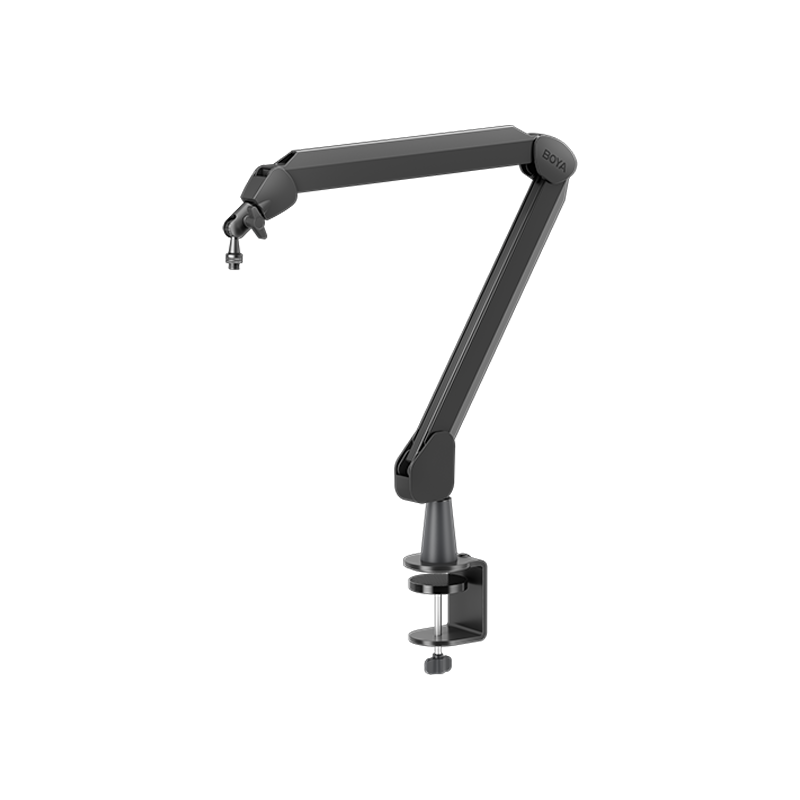
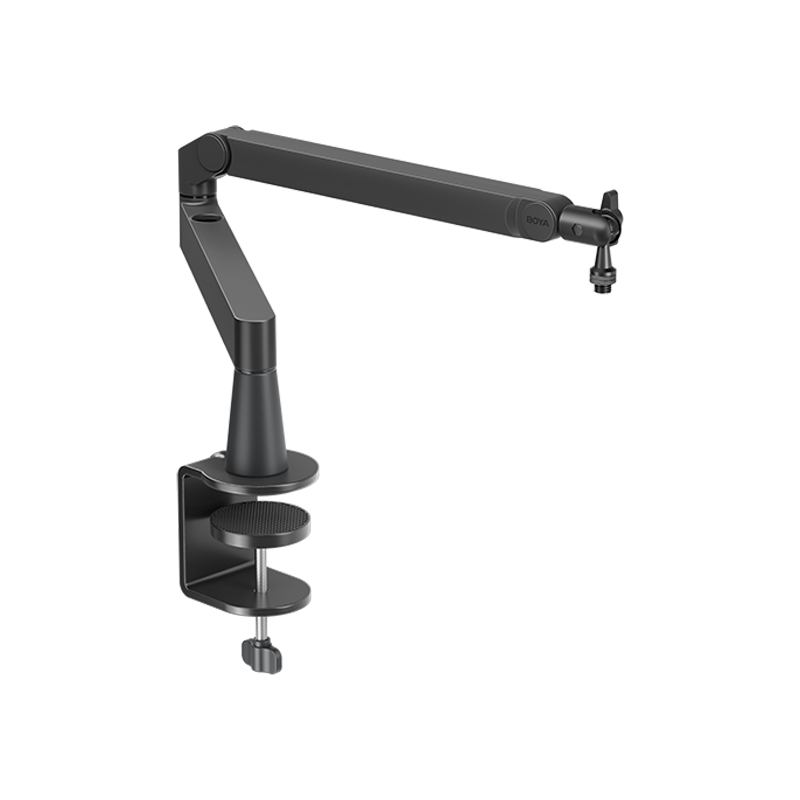
Q7How can I tell if the boom arm that comes with the G40B (mic with boom arm version) fits my desk?
First, check your desk edge-The C-clamp has a 1.6 inches (4cm) throat depth and supports desks up to 2 inches (5cm) thick. Make sure your desk edge can be securely clamped.
And also check your desk space-The boom arm measures 13.8 inches (35cm) in length, so ensure you have enough clearance for comfortable positioning.
BOYA CastMic G40
BOYA CastMic S60
BOYA CastMic P60
SPECs
- Sample Rate
- 192 / 96 / 48 kHz
- Bit Depth
- 16-bit / 24-bit
- Microphone Sensitivity
- -46dB±3dB
- SNR Signal-to-noise Ratio
- 85dB
- Max SPL
- 125dB
- Polar Pattern
- Supercardioid
- RGB Lighting
- √
- Noise Cancellation
- √
- Built-in Mic
- 14 mm Condenser Microphone
- Frequency Response
- 20 Hz-20 kHz
- Power Supply
- USB-C
- Real-time Monitoring
- √
- Microphone Gain Range
- √
- Gain Adjustment Knob
- √
- Audio Output
- USB-C
- Dimensions
- 205×124×100 mm
- Weight
- 440g
Contact Us
You can use the form below to get in touch with BOYA. Let’s get started.


