



















BOYA CastMic P60 Q&A
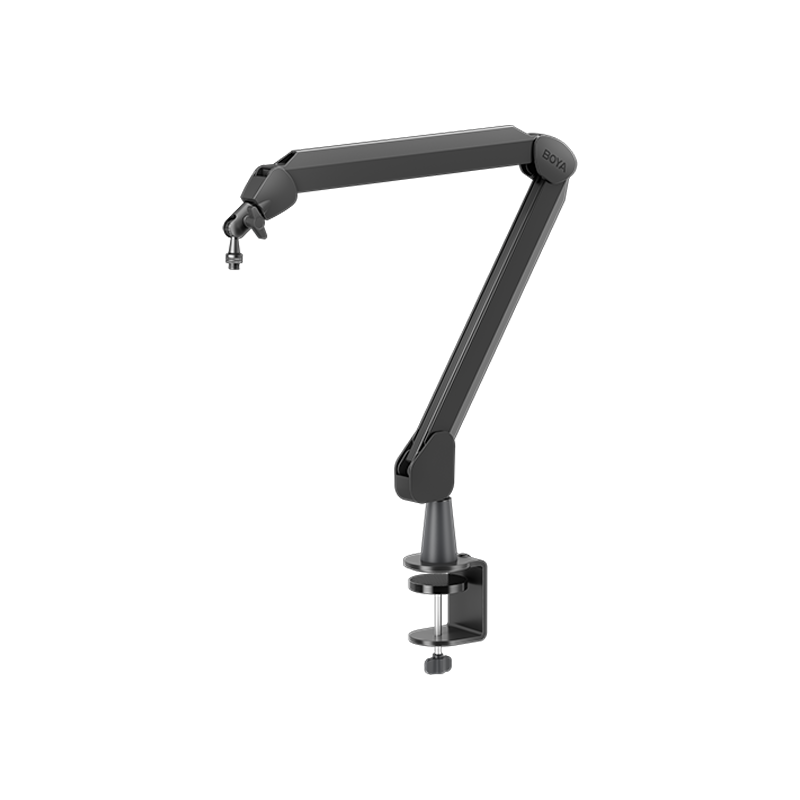
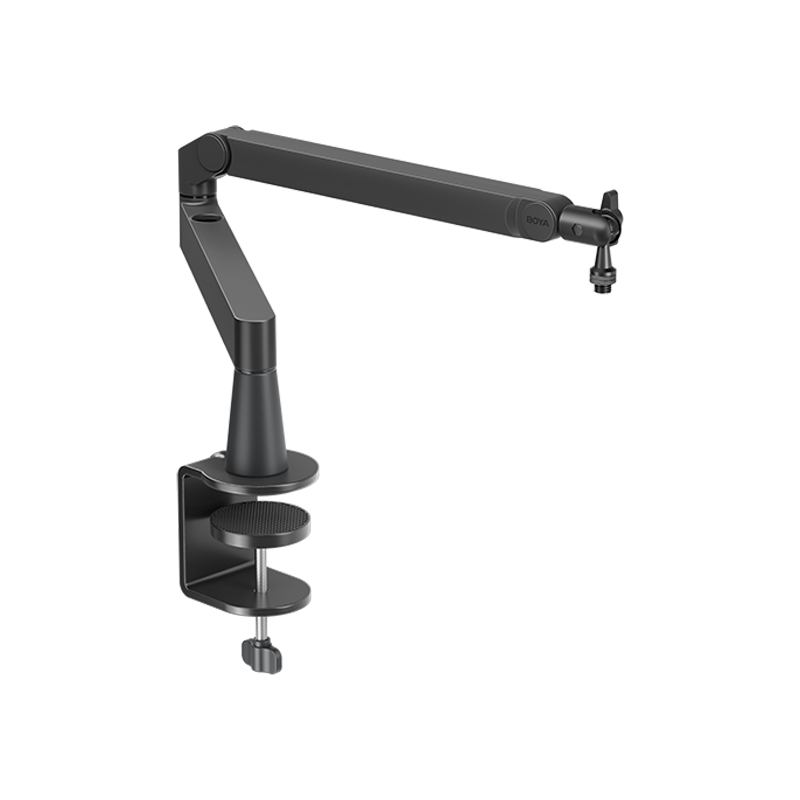
Q1How can I tell if the boom arm that comes with the P60B (mic with boom arm version) fits my desk?
First, check your desk edge-The C-clamp has a 1.6 inches (4cm) throat depth and supports desks up to 2 inches (5cm) thick. Make sure your desk edge can be securely clamped.
And also check your desk space-The boom arm measures 13.8 inches (35cm) in length, so ensure you have enough clearance for comfortable positioning.
Q2G40, S60 and P60, what are the differences between them? Which one should I get?
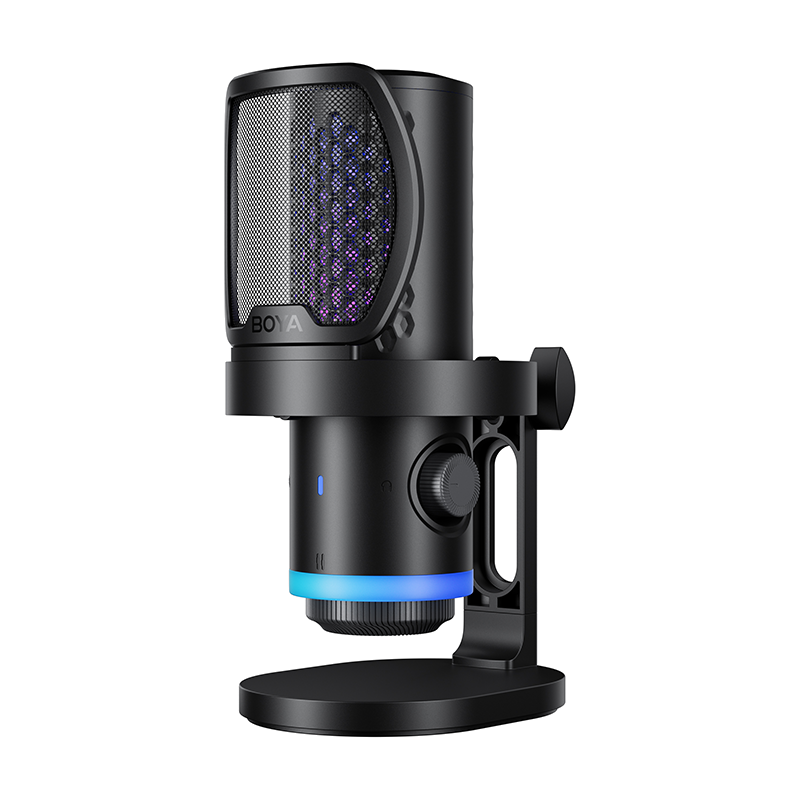
G40: Ideal for gaming or streaming users who want great value and record in relatively stable noise environments.
S60: Designed for streaming with RGB lighting, suitable for users who want visual ambience and face more variable background noise.
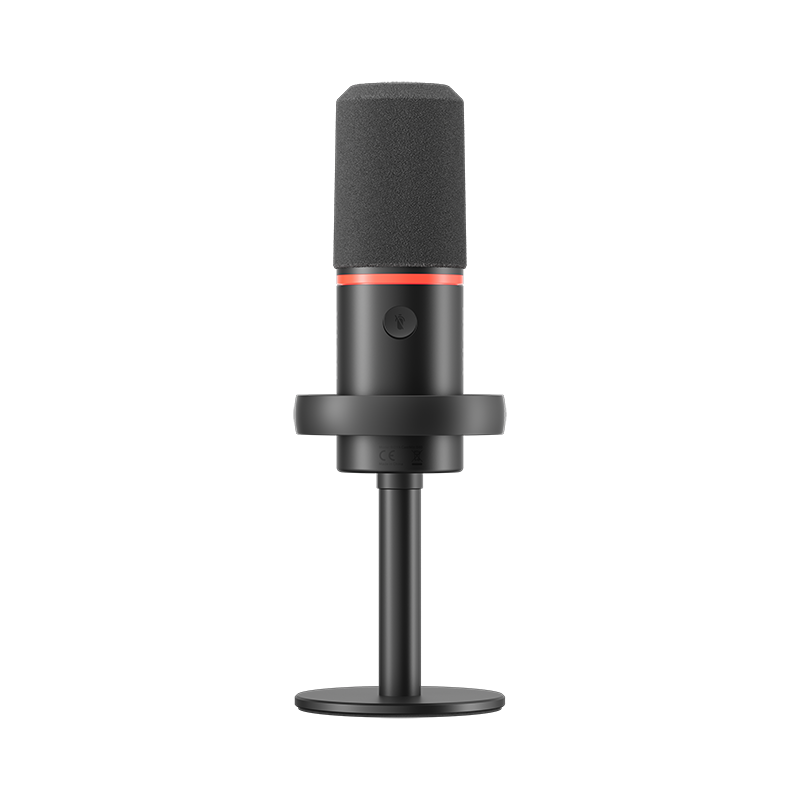
P60: Built for podcasting and voice recording, no RGB lighting, but optimized for less controlled and noisier environments.
Q3Can I adjust gain or other settings on the microphone when using the XLR connection?
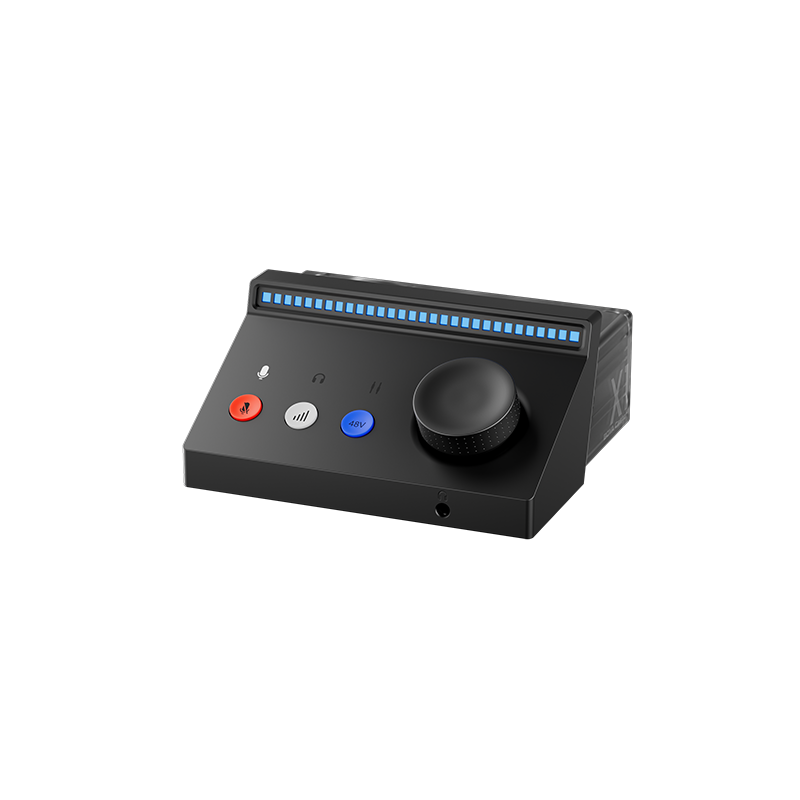
When connected via XLR to an audio interface or mixer, the microphone’s onboard lighting and controls are disabled. All gain and audio adjustments must be made through the external audio interface.
Q4Does the P60 support real-time monitoring?
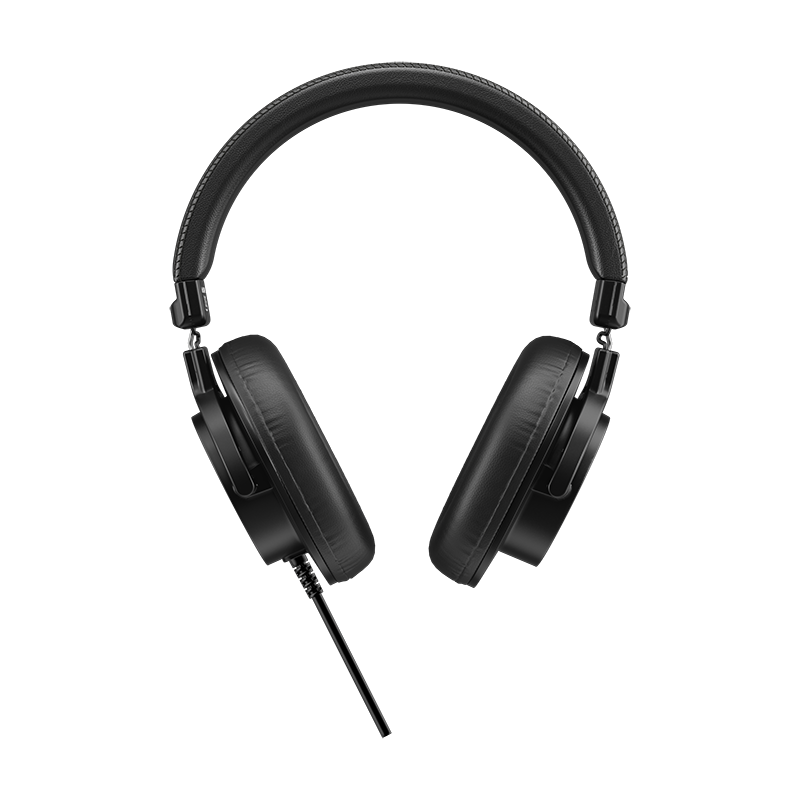
Yes. You can plug headphones into the 3.5mm jack on the bottom of the microphone to monitor your voice and audio quality in real time.
Q5Does the P60 have a built-in sound card?
Yes. The P60 features an integrated sound card, delivering more stable performance and improved audio quality.
Q6Which devices are compatible with the P60?
The P60 comes with a 2-meter USB-C to USB-C/USB-A cable, making it easy to connect and use right out of the box—no drivers needed.
Via USB-A: PC, PS5, PS4, Mac
Via USB-C: Android phones, Huawei phones, iPhone 15 or newer, MacBooks, iPads, and more
Xbox❌ is a no-no. Third-party USB audio devices aren't allow to work with Xbox


