




Boya Notra Neo Q&A
Q1What is the difference between Boya Notra Neo and Boya Notra?
Boya Notra Neo is a more accessible AI Note Taker in the Notra lineup, designed for users who are new to AI-powered recording and smart working.
Compared with Boya Notra, Notra Neo offers a simplified recording experience with automatic recording mode recognition, eliminating the need for manual switching. It also features 8 GB local storage, Unlimited Cloud Storage, and up to 20 hours of continuous recording, providing an easier way to capture conversations across learning, meetings, interviews, and everyday communication.
Q2Who is Boya Notra Neo designed for?
Boya Notra Neo is designed for anyone who wants to capture and organize everyday information more easily, whether for learning, work, or daily communication.
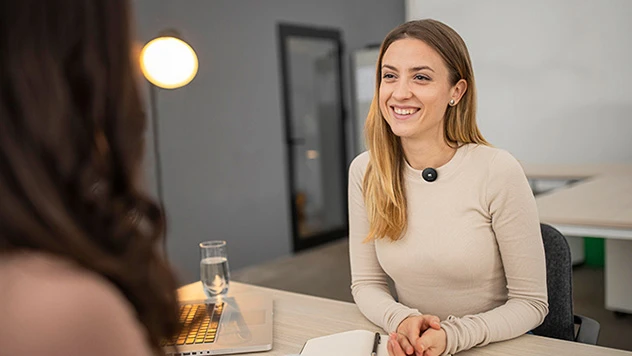
For students and international learners, it helps capture in-person classes, online courses, and study discussions. For interns and young professionals, it can record meetings, video interviews, phone calls, and everyday conversations.
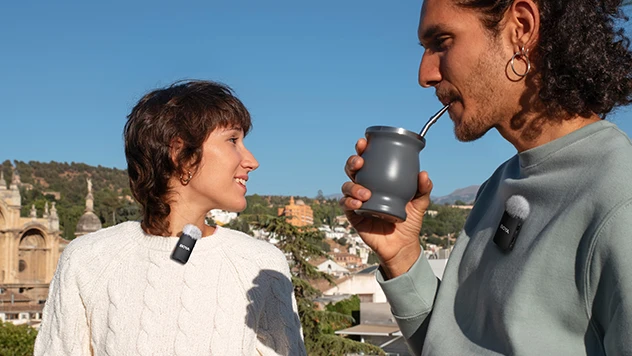
With Ambient Recording, Phone Call Recording, and Bluetooth Recording, Notra Neo covers more real-life scenarios, helping users spend less time taking notes and stay focused on the conversation.
Q3What can Boya Notra Neo do after recording?
Boya Notra Neo converts recordings into AI transcription, summaries, key points, action items, and mind maps.
Users can also use ASK AI to quickly search and understand important information from recordings, making it easier to review and organize meetings, classes, and everyday conversations.
Q4Why choose Boya Notra Neo over a phone recording app?
Phone recording apps can handle basic recording, but Boya Notra Neo, as a dedicated AI recording device, provides a more flexible and reliable recording experience.
1.Ready whenever you need it
·Start recording with one press, without unlocking your phone or opening an app.
2. Independent recording experience
·Works independently without draining your phone battery or using your phone storage.
·More recording scenarios covered
3. Supports Ambient Recording, Phone Call Recording, and Bluetooth Recording, covering in-person classes, online courses, video interviews, phone calls, offline meetings, and online meetings.
4. A complete information workflow
·After recording, AI transcription, AI summaries, and mind maps help you quickly review and organize important information.
Q5Can Boya Notra Neo record independently without connecting to the App?
Yes. Boya Notra Neo supports independent recording. Even without connecting to the App, it can record and save files directly to the device.
Once connected to the App, recordings can be synced and managed easily for viewing and further processing.
Q6Do I need to manually switch between recording modes on Boya Notra Neo?
No. Boya Notra Neo can automatically recognize different scenarios and switch between Ambient Recording, Phone Call Recording, and Bluetooth Recording without manual adjustment.
Whether you are having a face-to-face conversation, making a phone call, or using Bluetooth earbuds for calls or meetings, Notra Neo makes recording easier and more seamless.
Q7How do I use Ambient Recording?
Ambient Recording is ideal for meetings, classes, lectures, interviews, and other face-to-face conversations.
Steps:
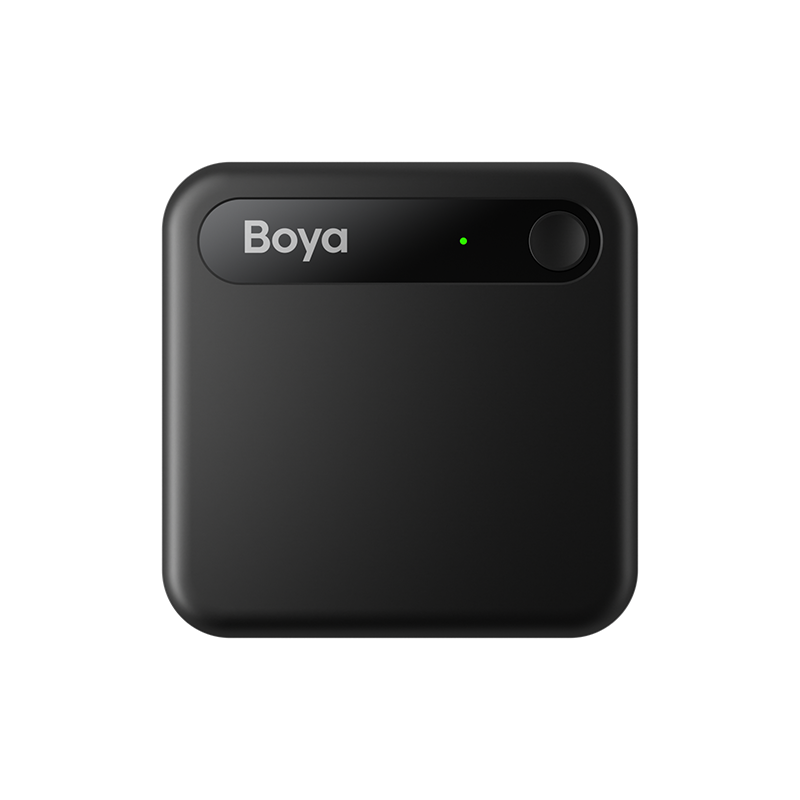
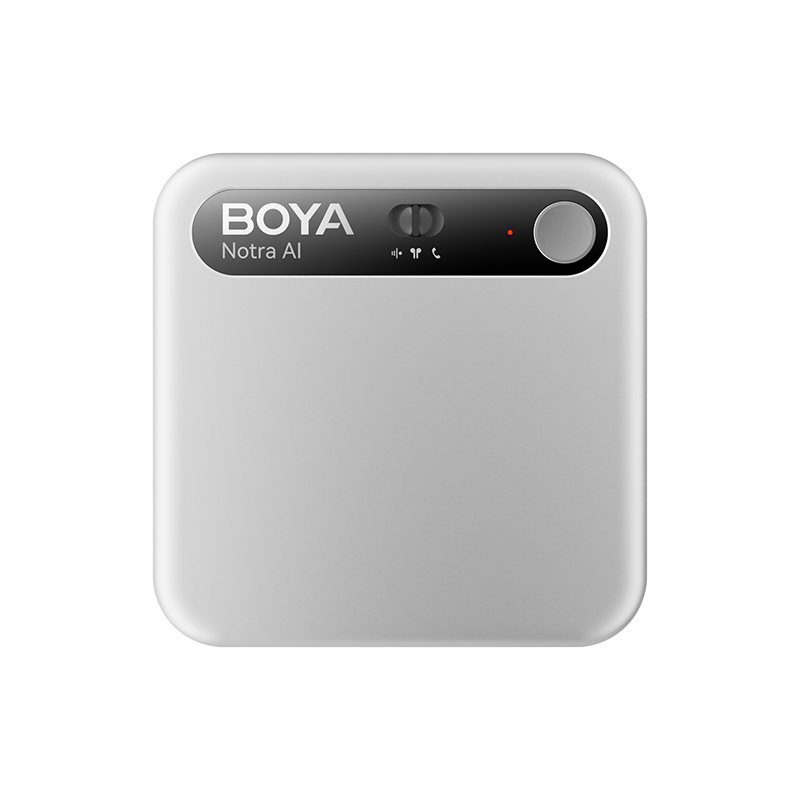
STEP 1: Press and hold the recording button. Notra Neo vibrates once, and the indicator light turns red to start Ambient Recording.
STEP 2: During recording, short press the button to mark key moments; press and hold the button to stop recording. Notra Neo vibrates twice when recording ends.
Q8How do I use Phone Call Recording?
Phone Call Recording is designed for phone calls and VoIP calls.
Steps:
STEP 1: Attach Notra Neo to the back of your phone.
STEP 2: Press and hold the recording button. Notra Neo vibrates once, and the indicator light turns red to start Phone Call Recording.
STEP 3: During recording, short press the button to mark key moments; press and hold the button to stop recording. Notra Neo vibrates twice when recording ends.
Q9How do I use Bluetooth Recording?
Bluetooth Recording is designed for calls, meetings, online classes, and other scenarios using Bluetooth earbuds.
Steps:
STEP 1:Connect Notra Neo to your phone or computer via a USB-C cable.
STEP 2:Open the App and go to Me → My Device → Bluetooth Headset to pair Notra Neo with your Bluetooth earbuds.
STEP 3:Press and hold the recording button. Notra Neo vibrates once, and the indicator light turns red to start Bluetooth Recording.
STEP 4:During recording, short press the button to mark key moments; press and hold the button to stop recording. Notra Neo vibrates twice when recording ends.
Q10Does Boya Notra Neo support all Bluetooth earbuds for Bluetooth Recording?
Boya Notra Neo’s Bluetooth Recording feature depends on the microphone performance and Bluetooth voice transmission capabilities of the connected earbuds. Different combinations of phones, computers, and Bluetooth earbuds may affect the actual recording experience.
For better recording and transcription results, the following earbuds are recommended:
1.Apple AirPods series
2.Samsung Galaxy Buds series
Other Bluetooth earbuds may also work, but compatibility and performance may vary depending on the device combination.
Q11How far can Boya Notra Neo pick up voices?
Boya Notra Neo supports voice pickup up to 5 meters, making it suitable for meetings, classrooms, group discussions, interviews, and other everyday scenarios.
Under ideal conditions, placing the device in the center of the conversation area allows the 5-meter pickup range to cover most classrooms, group discussions, and medium-sized meetings.
Actual recording performance may vary depending on background noise, room acoustics, and device placement. For better recording and transcription results, keeping the device closer to the main sound source is recommended.
Q12How long can Boya Notra Neo record continuously? How long does it take to fully charge?
Boya Notra Neo supports up to 20 hours of continuous recording and up to 365 days of standby time, making it ready for everyday learning, meetings, interviews, and long-term use.
It takes approximately 1.5 hours to fully charge via USB-C.
Q13How much storage does Boya Notra Neo have?
Boya Notra Neo features 8 GB local storage, capable of saving approximately 1,000 hours of recordings for daily learning, meetings, interviews, and conversations.
It also supports Unlimited Cloud Storage for long-term storage needs.
Q14What content can Boya Notra Neo export?
Boya Notra Neo supports 10 export formats for audio, transcripts, AI summaries, and mind maps, making it easy to review, edit, and share content across different workflows.
1.Audio: MP3, WAV
2.Text: DOCX, PDF, TXT, Markdown, SRT
3.Mind Maps: JPEG, Markdown
4.Shared Link
Users can export and share content in different formats to meet various needs across learning, work, and everyday use.
Q15Can I edit recordings and transcripts on a computer or tablet?
Yes. With the Boya OS App and Web platform, you can view, edit, and manage recordings and transcripts across your phone, tablet, and computer.
Q16Can I use Boya Notra Neo without buying a membership?
Yes. After pairing your device for the first time, you can activate the Starter Plan, which includes 320 AI transcription minutes per month and basic AI features for everyday recording, transcription, and content organization.
New users who bind their device before December 31, 2026 can enjoy 600 AI transcription minutes per month for 12 months.
Once your transcription quota is used up, you can purchase additional transcription time directly in the App or upgrade to a higher membership plan for more minutes and advanced features.
Q17Will Boya store my data or use it to train AI?
No. Your data belongs to you. Boya will not use your data for AI model training without your authorization.
When you use cloud sync, AI transcription, or AI summary features, related data will be processed according to the service requirements with appropriate data protection measures in place.