








💡 Key Takeaways
- AI can turn recorded lectures into transcripts, summaries, key points, and other study-friendly formats.
- Recording and handwritten note taking work best together rather than as competing approaches.
- Clear audio matters because transcription and summarization quality depend heavily on the source recording.
- A transcript preserves detail, while a summary, key-point list, or mind map makes that information easier to study.
- AI-generated notes should be reviewed against the original lecture rather than treated as automatically correct.
- The best workflow uses AI to reduce repetitive transcription so you can spend more attention listening, questioning, and understanding.
Lectures move fast. A professor may explain a key concept, give an example, answer a question, and move on to the next topic within minutes. If you are trying to understand the material and write everything down at the same time, it is easy to miss both the explanation and the notes.
AI note taking offers a different approach. Students can record lectures and use AI to generate transcripts, summaries, key concepts, structured notes, and visual study materials, turning spoken information into something easier to review later.
The most effective workflow is not simply “record everything and let AI do the rest.” It combines clear lecture capture, active listening, AI-assisted organization, and your own review of what the AI produces.
Can AI Take Notes During a Lecture?
Yes. AI note-taking tools can process recorded lectures and turn spoken content into searchable transcripts, summaries, key points, and structured study notes. However, AI works best as a support tool rather than a replacement for active listening and critical thinking.
Traditional lecture notes depend on how quickly you can recognize what matters and write it down. AI-assisted note taking changes the sequence:
Lecture → Recording → Transcript → Summary → Organized Notes → Review
Instead of deciding in real time whether every sentence is worth writing down, you can focus more on understanding the professor's explanation and return to specific details afterward.
Depending on the AI note-taking tool, the output may include:
| AI Output | What It Gives You | Best Use for Students |
|---|---|---|
| Transcript | A detailed text record of the lecture | Finding exact explanations or terminology |
| Summary | A condensed overview | Reviewing the lecture quickly |
| Key Points | Important concepts and takeaways | Preparing for quizzes or exams |
| Structured Notes | Information grouped by topic | Building study guides |
| Mind Map | Visual relationships between concepts | Understanding complex or connected topics |
| Search / AI Q&A | Retrieval from recorded information | Finding something discussed earlier |
The important distinction is that recording captures information, while AI note taking helps organize it into something usable.

Is AI Note Taking Better Than Handwritten Notes?
AI note taking and handwritten notes solve different problems. AI helps preserve and organize more of what was said, while handwritten notes encourage you to actively select, question, and process what matters. In practice, a hybrid workflow can provide the advantages of both.
When students rely only on handwritten notes, they have to listen, understand, prioritize, and write almost simultaneously. That process can be useful for learning, but it also means some information will inevitably be missed.
Recording solves a different problem: capturing more of what was said.
Handwritten notes are useful for:
- Writing down ideas in your own words
- Marking concepts you find difficult
- Adding your own questions
- Following equations, diagrams, or visual explanations
- Staying actively engaged with the material
Lecture recordings are useful for:
- Revisiting explanations you did not fully understand
- Checking terminology or definitions
- Recovering details missed while writing
- Reviewing examples given verbally
- Creating AI transcripts and summaries afterward
A practical strategy is therefore to record to preserve what was said and write to support understanding.
Instead of trying to reproduce the lecture word for word, use your own notes for the things that require judgment: questions, connections, confusing concepts, important formulas, and ideas the professor emphasizes.
The recording becomes a reference you can return to. Your handwritten notes capture your own interpretation of the lecture. AI notes tell you what was said. Your own notes tell you what you need to do with it.

How Should Students Record Lectures Clearly?
For more accurate AI transcription, place the recording device where the lecturer's voice can be captured clearly, minimize handling noise, and keep the microphone unobstructed. Better source audio generally gives the transcription system a clearer signal to work with.
Even advanced transcription systems may struggle to recover speech that was not captured clearly in the original recording.
A few simple habits can make a substantial difference.
1. Choose a recorder with enough pickup range for the classroom
In a classroom, the distance between the lecturer and the recording device can have a major impact on speech clarity. A recorder with sufficient pickup range and omnidirectional coverage can make it easier to capture lectures without needing to place the device directly beside the speaker.
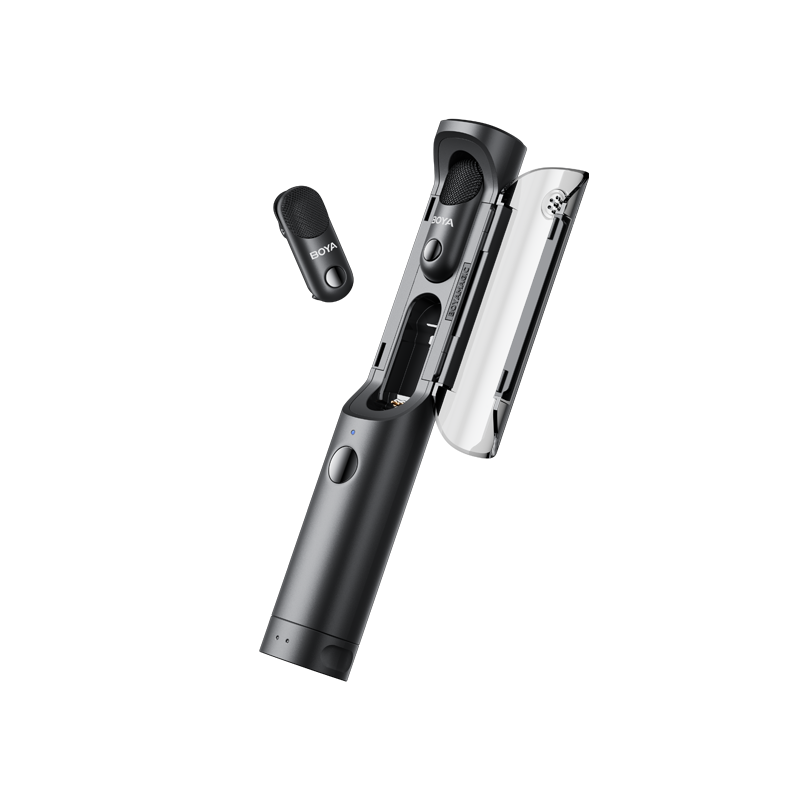
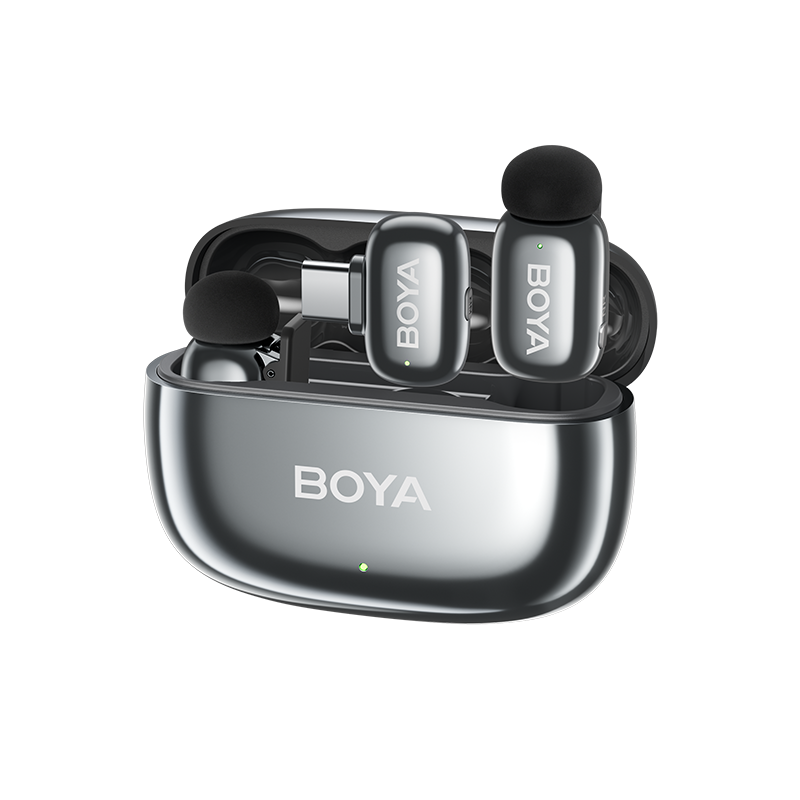
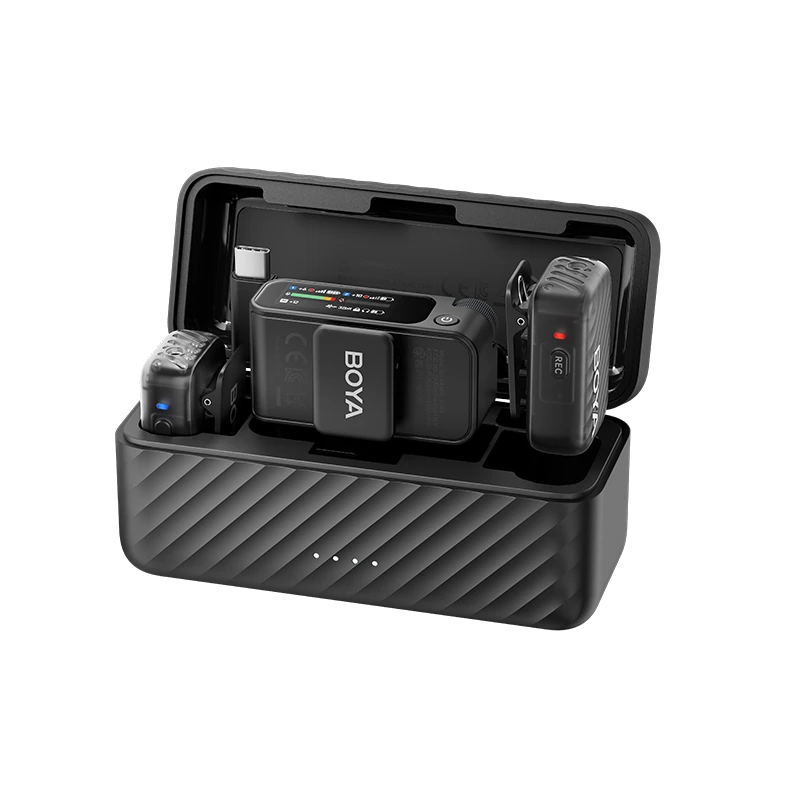
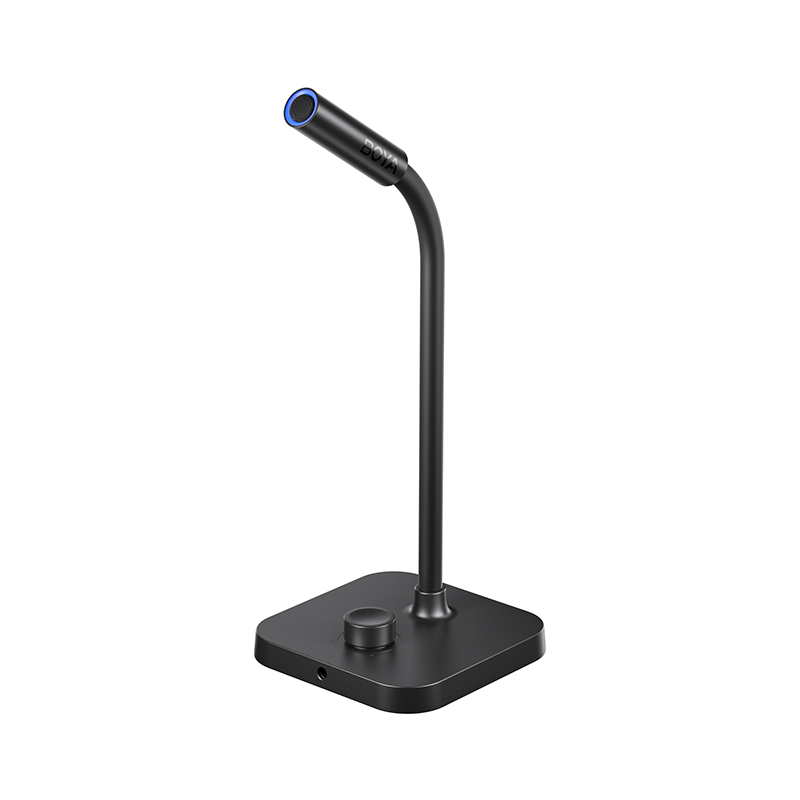
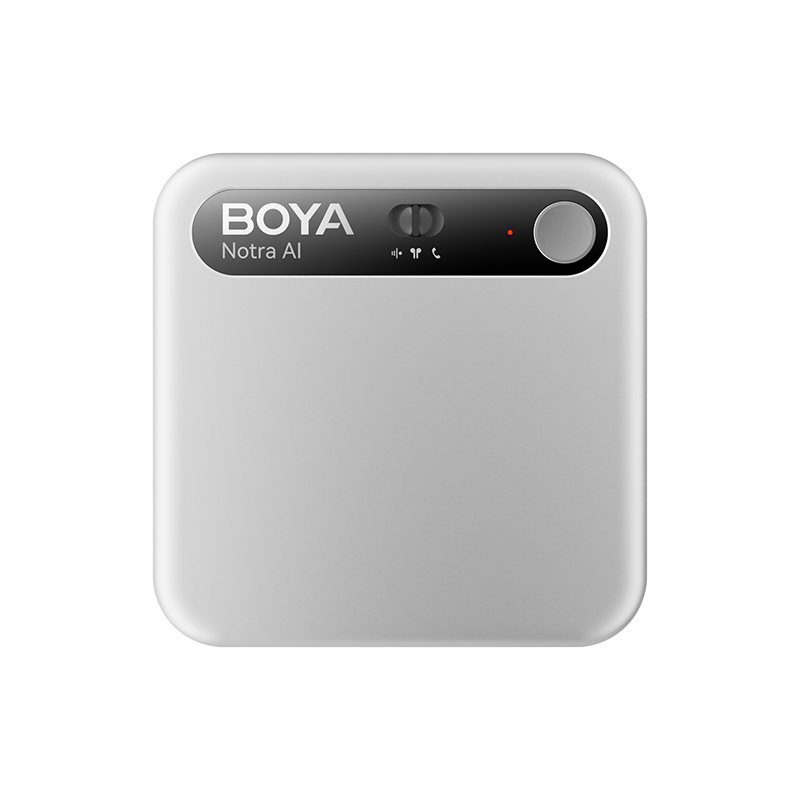
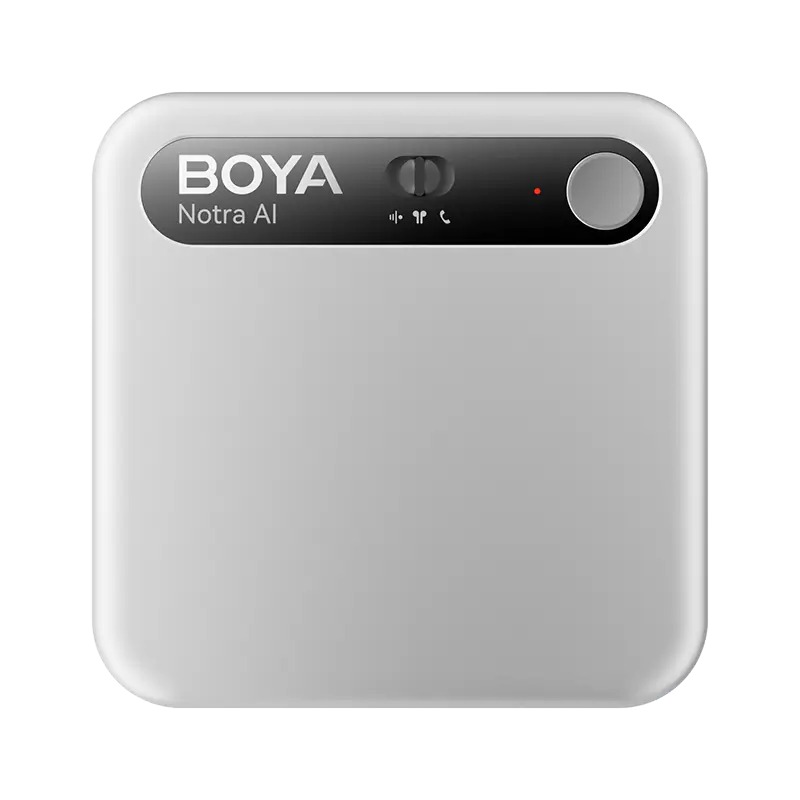
For example, Boya Notra Neo offers up to a 5-meter pickup range with 360° omnidirectional sound capture, making it suitable for typical classrooms, seminars, and smaller lecture spaces. For larger classrooms or lecture halls, BOYA Notra extends the pickup range to up to 10 meters, providing more flexibility when the lecturer is farther away.
Audio capture is also an area where BOYA's experience matters. With more than a decade of experience developing microphones and audio products, BOYA brings established acoustic and microphone engineering expertise into its AI note-taking devices. That foundation can be particularly valuable in lecture environments, where clear source audio directly affects the quality of downstream transcription and AI-generated notes.
2. Keep the microphone unobstructed
Do not bury the recorder beneath notebooks, laptops, clothing, or other objects. These materials can reduce clarity and introduce unwanted rubbing noise. A stable position on the desk is usually preferable.
3. Avoid constantly touching the device
Moving a recorder, tapping the desk, or placing objects beside it can create mechanical noise that competes with speech. Once recording begins, leave the device in a stable position whenever possible.
4. Follow your school's recording rules
Recording policies vary by institution, course, and instructor. Some lectures may also contain copyrighted material, confidential information, or personally sensitive content. Always confirm that recording is permitted before capturing a class.
How Do You Turn a Lecture Recording Into Useful Study Notes?
A useful AI lecture workflow does not stop at transcription. Start with the full transcript, identify the main ideas, summarize them, and then reorganize the information into a format that is easier to review and study.
A practical workflow looks like this:
Step 1: Capture the complete lecture
Begin with a reliable audio recording so that you have a reference for anything you missed during class.
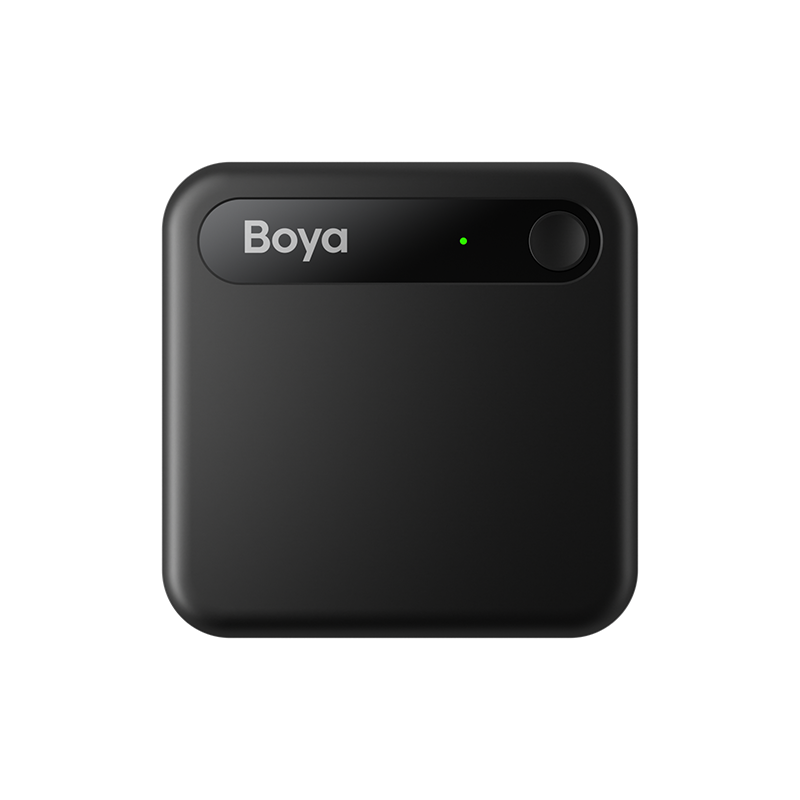
For example, an AI note taker such as Boya Notra Neo can be placed on a desk for ambient lecture recording, giving students a simple way to capture spoken content without constantly interacting with a phone or laptop.
The goal at this stage is simple: preserve the source material.
Step 2: Generate a transcript
The transcript creates a searchable text version of the lecture.
This is especially useful when you remember that the professor discussed a particular topic but cannot remember exactly when or how it was explained.
However, a full transcript is usually too detailed to serve as your final study notes. Think of the transcript as a reference source, not a finished study guide.
A 60-minute lecture may contain repetition, side discussions, examples, questions, and transitions that are useful in context but inefficient to reread before an exam.
Step 3: Create a lecture summary
The next step is to compress the transcript into its most important ideas.
A useful summary should answer questions such as:
- What was the lecture mainly about?
- What were the major concepts?
- What arguments or processes were explained?
- Which examples were important?
- What conclusions did the lecturer reach?
This gives you a fast way to reconstruct the overall lesson before going back into the details.
Step 4: Extract key concepts
A summary gives you the overall structure of the lecture. Key concepts identify the ideas you may need to understand, remember, or review further.
For example, after a psychology lecture, your notes might identify:
- Topic: Classical Conditioning
- Key Concepts: Unconditioned stimulus, conditioned stimulus, acquisition, extinction
- Example: Pavlov's dogs
- Important distinction: Classical vs. operant conditioning
This structure is much easier to revise than a continuous transcript.
Step 5: Reorganize the information
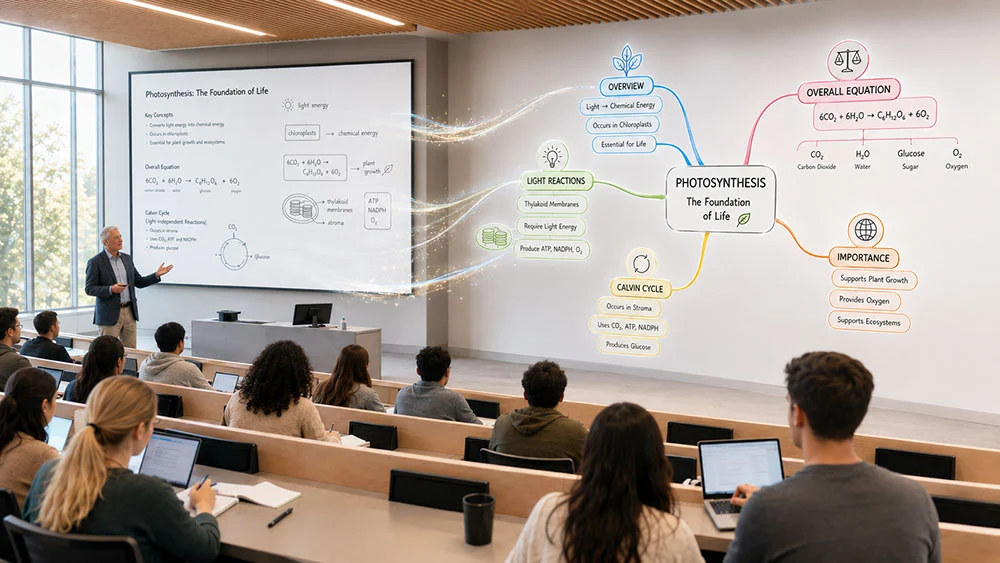
Different subjects benefit from different note structures. A lecture can be reorganized into a timeline, concept framework, key-point outline, or mind map depending on the material. This is where AI becomes more useful than transcription alone: it can turn a long recording into structured information that is easier to review and study.
What Is the Best AI Note-Taking Workflow for Lectures?
A practical AI note-taking workflow is to use technology for capture and organization while keeping your own attention focused on understanding. Before class, briefly review the topic or previous notes so you have a basic framework for the lecture. During class, focus on listening and use your own notes selectively for questions, key ideas, formulas, diagrams, or anything you find confusing, while the recorder preserves the spoken content.
After class, review the AI-generated transcript or summary while the lecture is still fresh, correct obvious errors, and check whether any important concepts or examples were missed. When preparing for an exam, start with summaries and key concepts, then return to the transcript or original audio only when you need more detail.
Conclusion
AI note taking can make lectures easier to capture and review, but its biggest benefit comes from turning recorded information into something you can actually use.
A strong lecture workflow combines clear recording, searchable transcription, concise summaries, structured key concepts, and your own active notes. The recording preserves what was said, AI helps organize it, and your own thinking turns that information into learning.
Instead of trying to write down every word, students can spend more of the lecture listening, questioning, and understanding while still having a structured record to return to later.
Frequently Asked Questions About AI Note Taking for Lectures
Can AI take notes for me during a lecture?
Yes. AI note-taking tools can turn recorded lectures into transcripts, summaries, key points, and other structured outputs. You should still review the results because transcription errors can affect accuracy, and AI-generated summaries may occasionally omit or misrepresent terminology, context, or emphasis.
Is it better to record a lecture or take notes?
The two methods solve different problems. Recording preserves more of what was said, while personal note taking helps you process ideas and identify what matters to you. Using both together is often more practical than choosing only one.
How can I get better AI transcripts from lectures?
Start with better source audio. Place the recorder where the lecturer is clearly audible, keep the microphone unobstructed, reduce handling noise, and avoid positioning it beside unnecessary noise sources.
Can AI summarize a recorded lecture?
Yes. AI note-taking platforms can analyze lecture transcripts and create shorter summaries. The quality of the summary depends partly on the quality of the recording and transcript, so students should verify important concepts against the source material.
Can AI create mind maps from lecture notes?
Some AI note-taking tools can reorganize transcripts or summaries into visual or hierarchical structures such as mind maps. These are particularly useful when a lecture contains concepts with complex relationships, categories, or processes.
Should I ask permission before recording a lecture?
Recording rules vary between universities, courses, instructors, and jurisdictions. Check the applicable policy and obtain permission when required before recording a lecture.
Can AI transcribe lectures in different languages?
Many AI transcription services support multiple languages, which can be useful for multilingual lectures or students studying in a second language. Accuracy can vary depending on the language, accent, audio quality, technical terminology, and whether multiple languages are mixed in the same discussion. Always verify important names, numbers, formulas, and specialized terms against the original audio.