




















💡 Key Takeaways
- USB-C makes a much bigger difference than you might expect for frequent travelers and remote workers. By abandoning proprietary Pogo Pin connections in favor of a universal USB-C port, the BOYA Notra significantly reduces the physical and mental burden of cable management for frequent travelers.
- The dedicated earbud recording mode solves a major problem for people who take calls and meetings with wireless earbuds. Unlike most competitors that offer only "Environment" and "Phone Call" dual modes, the Notra introduces a pioneering Bluetooth mode via USB-C bridging, reliably capturing audio from virtual meetings.
- The Notra feels more focused on everyday usability than many first-generation AI recorders. Instead of relying heavily on proprietary accessories or software lock-in, BOYA prioritizes practical hardware decisions that simplify meetings, travel, and remote work.
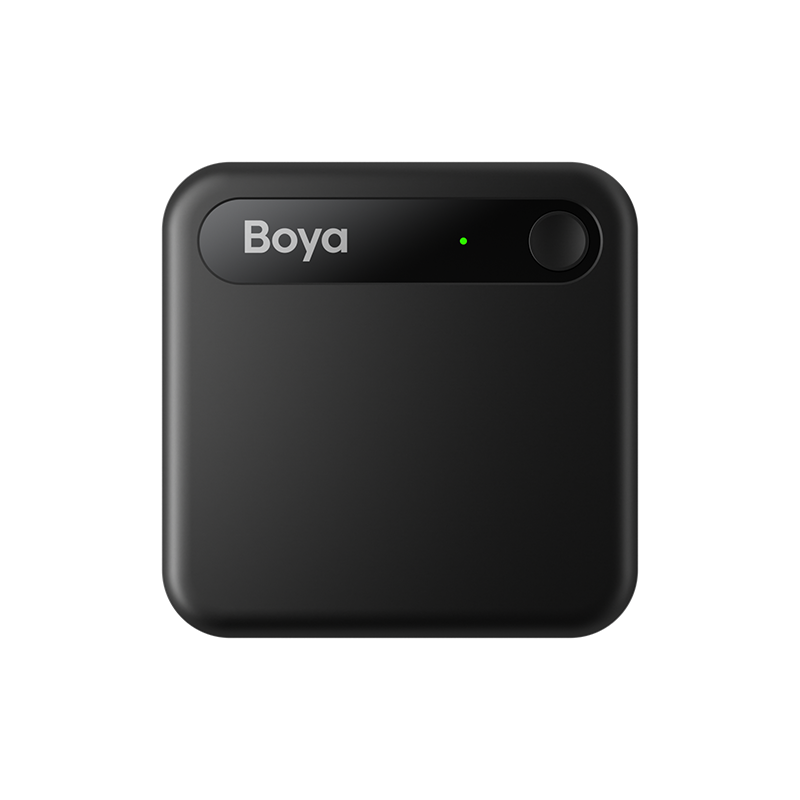
Over the past year, card-style AI voice recorders like the PLAUD NOTE, have completely reshaped the meeting documentation workflow for mobile professionals. However, several practical limitations—such as proprietary charging cables and the inability to record audio during Bluetooth earbud calls—have continued to plague users. BOYA designed the Notra to directly target those weaknesses with USB-C charging, a dedicated earbud recording mode, and a lightweight aluminum design built for mobile workflows.
To see how it truly measures up against the industry standard, we conducted an in-depth, cross-scenario comparison of both flagship AI recorders.
Design & Hardware: Why USB-C Matters More Than You Think
Using USB-C makes the Notra much easier to live with while traveling.
In high-frequency business travel or fast-paced mobile work environments, carrying a proprietary charging cable introduces unnecessary friction and a constant risk of device downtime. Tech reviewer Hacking Modern Life highlighted this exact vulnerability in real-world use, noting that the PLAUD NOTE’s custom Pogo Pin charger constantly induced anxiety over potentially losing it, which even led him to leave the device behind on shorter trips. The BOYA Notra solves this problem by switching to a standard USB-C port.
As KOL emphasized:
"The BOYA Notra charges and connects via a standard USB-C. That's a huge advantage. It sounds like like a small detail, but when you are traveling, being able to charge your laptop, your phone, your headphones, and your AI recorder with the exact same cable is a massive quality of life improvement. I honestly cannot overstate how much I appreciate this. "
Switching to USB-C may seem simple, but it removes one of the biggest frustrations people have with AI recorders while traveling.
A Thin Aluminum Design That Still Feels Practical
The BOYA Notra measures a mere 0.27 inches (approximately 6.8mm) in thickness, making it smaller than a standard credit card. Its chassis is forged from high-grade micro-blasted aluminum, offering a sleek tactile feel. Hacking Modern Life observed that while the Notra features more vibrant color options—such as a standout bright orange—it looks like a close sibling to the PLAUD NOTE. Crucially, the Notra features a robust built-in magnetic ring. Whether paired with an iPhone or an Android device, it snaps securely to the phone's backplate, keeping the recorder securely attached during everyday use.
As noted in the review:
"It holds very, very strongly. It literally just stays there. It's not like a bulky plastic add-on that might snap off if you bump a table or take it out of your pocket."
The magnets are strong enough that the recorder stays attached even when pulling your phone out of a pocket or moving quickly between meetings.

Three Recording Modes That Fit Modern Workflows
A dedicated Bluetooth mode solves one of the biggest limitations of AI recorders during virtual meetings.
Modern remote workers rely heavily on wireless earbuds for call privacy and convenience, but this setup traditionally blinds hardware recorders, which cannot natively intercept audio routed internally to wireless earbuds. The BOYA Notra elegantly circumvents this limitation by introducing a third physical toggle: "Bluetooth Mode (headset mode)". When a user links the Notra to a phone or laptop using a USB-C cable, the Notra effectively behaves like a wired audio interface.
Addressing what he described as one of the biggest frustrations with current AI recorders, Hacking Modern Life stated:
"And honestly, like a major complaint I had about the Plaud Note was that its inability to record virtual meetings or phone calls when I wore my earbuds. The BOYA Notra solves this. When you switch to the headset mode and connect it via USB-C, it essentially becomes a wired headset interface. So, whenever you are on a phone call or an online class with your earbuds in, the Notra can transcribe everything seamlessly. It is a brilliant solution for the modern remote worker. "
Consequently, whether you are conducting a standard phone call or participating in Zoom, Microsoft Teams, or Google Meet sessions, the Notra seamlessly captures and transcribes both sides of the conversation without interrupting the wireless earbud audio stream.
How the Notra Handles Calls and Crowded Spaces
Instead of relying only on software processing, the Notra uses different hardware approaches for different recording situations. The Notra’s call recording mode utilizes advanced bone-conduction technology (Voice Pickup Sensor). By physically detecting vibrations from the phone itself, the device captures two-way call audio entirely via hardware. This completely bypasses application-level software permissions and eliminates the intrusive, robotic "this call is being recorded" announcements common to software-based recorders.
Conversely, sliding the switch to the left activates the "Ambient Mode," engaging dual premium MEMS microphones that capture a full 360-degree soundscape. To test the microphones in a challenging real-world environment, KOL field-tested the Notra at the highly chaotic South by Southwest conference:
"Sitting 20 feet back in an echoing convention hall, I just set the Notra on my knee or like on the chair next to me, and in practice, it clearly picked up the speakers over the PA systems without any glowing issues."
In large and noisy exhibition halls, the dual microphone array does a surprisingly good job of isolating voices from crowd noise and echo.

Storage, Battery, and Faster File Syncing
Integrating 64GB of onboard storage and a 24-hour battery effectively eliminates local capacity bottlenecks.
For heavy meeting users, battery life and local storage matter a lot, particularly for people attending long conferences or traveling frequently. BOYA refuses to compromise on hardware overhead, outfitting the Notra with 64GB of built-in storage.
As KOL pointed out during a deep dive into the hardware specifications:
"You get 64 GB built-in, and that holds roughly 8,000 hours of compressed audio. It also boasts 24 hours of continuous recording battery life. So, not only you can charge it easily on the go, you also not worried about any gap without batteries."
Complementing this large amount of onboard storage is a continuous 24-hour recording battery life and an exceptional standby window of up to a full year. Combined with its long standby time, the Notra is much easier to rely on during multi-day conferences and business trips without constantly worrying about charging.
Background Wi-Fi Synchronization Automates
File transfer speed also plays a big role in the overall experience. Beyond serving as a standard USB-C mass storage device for drag-and-drop manual transfers, the BOYA Notra introduces a crucial but under-discussed feature: background Wi-Fi automated uploads.
KOL highlighted this highly efficient, useful feature:
"And one thing that I didn't see mentioned enough is it can actually do auto upload via Wi-Fi when it's charging. So, if you connect to your home Wi-Fi, it will automatically upload your files when you connect it to charge."
When a user returns to their office or hotel room and connects the Notra to a power source, the device automatically activates its internal Wi-Fi chip to upload all newly generated audio files to the cloud. In real-world use, the Notra’s data synchronization speeds in fast mode noticeably outpaced PLAUD's Bluetooth-reliant transfers.
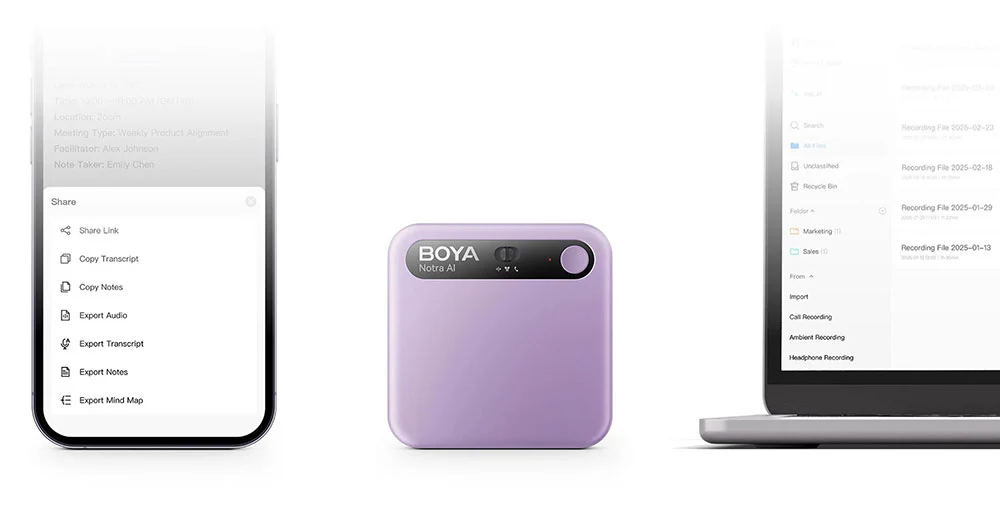
BOYA Notra vs. PLAUD NOTE: Quick Comparison
Hardware Specifications & Core Capabilities
| Feature / Specification | BOYA Notra | PLAUD NOTE |
|---|---|---|
| MSRP (Retail Price) | $149 (Current promo drops to ~$119) | $159 |
| Charging & Data Interface | Standard USB-C (Core Advantage) | Proprietary Magnetic Pogo Pin |
| Physical Recording Modes | 3 Modes (Ambience / Bluetooth / Phone) | 2 Modes (Ambient / Phone) |
| Call Recording Technology | Hardware Bone-Conduction Sensor | Hardware Bone-Conduction Sensor |
| Onboard Storage Capacity | 64 GB (Approx. 8,000 Hours) | 64 GB (Approx. 480 Hours High-Quality) |
| Continuous Recording Battery | 24 Hours | 30 Hours |
| Wi-Fi Auto-Upload | Supported (Triggers while charging) | Not Supported (Relies on Bluetooth App) |
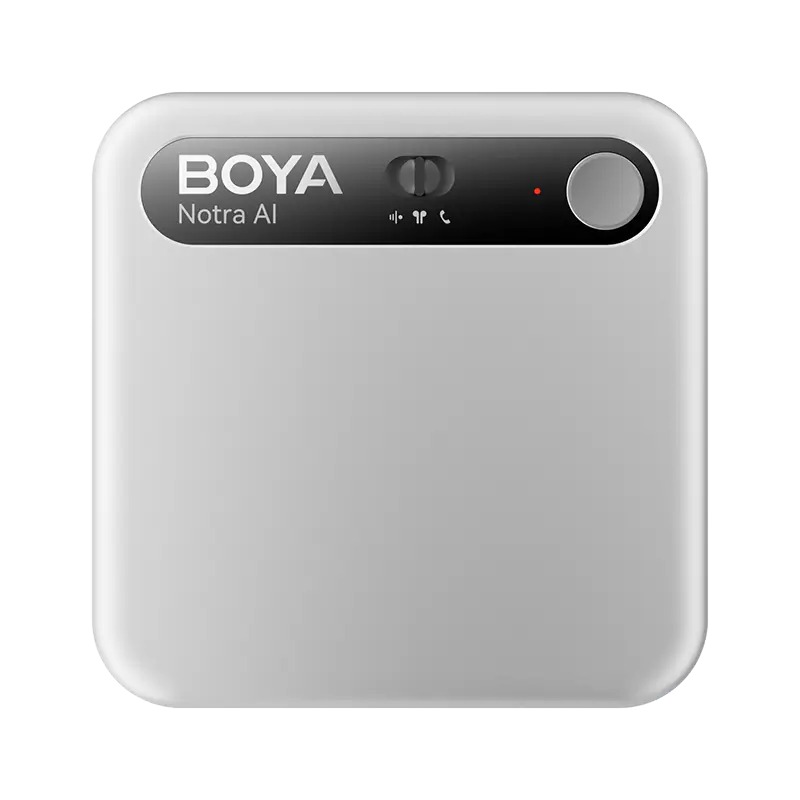
Which Device Fits Different Workflows Better?
| Target User Scenario | BOYA Notra Suitability | PLAUD NOTE Suitability | Best Choice For |
|---|---|---|---|
| Ultra-Minimalist Travel | ⭐⭐⭐⭐⭐ | ⭐⭐ | Choose Notra. Standard USB-C charging means one less cable to pack and far less risk of forgetting or losing a proprietary charger. |
| Remote Virtual Meetings | ⭐⭐⭐⭐⭐ | ⭐ | Choose Notra. The middle headset mode offers one of the few hardware solutions that works reliably with wireless earbuds. |
| Face-to-Face & Lectures | ⭐⭐⭐⭐ | ⭐⭐⭐⭐ | Tie. Both devices offer exceptional far-field microphone arrays and AI summary generation. |
| Software Polish Preference | ⭐⭐⭐ | ⭐⭐⭐⭐⭐ | Choose PLAUD. PLAUD's companion app has undergone multiple software cycles and feels more refined. |
Conclusion
Ultimately, the BOYA Notra feels far more practical in day-to-day use than many first-generation AI recorders. Instead of pushing users toward proprietary accessories and charging systems, BOYA focuses on solving common workflow frustrations with USB-C charging and a dedicated earbud recording mode. While the companion app still feels less polished than PLAUD’s software ecosystem, the Notra’s strong hardware design and competitive pricing make it a compelling option for frequent travelers, remote workers, and heavy meeting users.
To learn more about the latest news from BOYA, join in our official social media accounts: Facebook, Youtube, Instagram.
FAQ: Common Questions About AI Voice Recorders
Why should I purchase a dedicated AI voice recorder when I can use a free transcription app on my smartphone?
Dedicated AI recorders are faster and less distracting to use during meetings.
While AI meeting software and smartphone transcription apps are convenient, dedicated AI recorders are often much easier to use in fast-paced professional environments. If you want a deeper comparison between hardware recorders and software-based meeting tools, you can also read our detailed guide on AI voice recorders vs. AI meeting software.
In a busy meeting, unlocking a smartphone, swiping through pages, finding an app, and tapping record introduces significant workflow friction. Furthermore, leaving an unlocked smartphone face-up on a conference table exposes you to a barrage of incoming texts, emails, and private push notifications that derail professional focus. A dedicated device like the Notra initiates recording with a single, tactile physical press, automatically generating transcripts and summaries in the background without distracting the user or clients.
Is It Legal to Use an AI Voice Recorder During Meetings?
Legal regulations dictate local compliance, but absolute transparency remains the gold standard of professional etiquette.
Recording laws vary depending on where you live—for example, New York operates under a "one-party consent" law, meaning you can legally record any conversation you actively participate in, whereas other states or countries demand "all-party consent." In practice, however, the most effective approach mimics corporate Zoom AI bots. KOL shared his highly successful real-world framing script: place the bright orange Notra visibly on the conference table before negotiations begin, and state openly:
"Is it okay if I record this for like internal use for an automated summary?"
He noted that throughout two years of rigorous testing: "Nobody has ever told me no. In fact, they usually appreciate the transparency and love getting a clean summary in their inbox 10 minutes later."
Who should immediately upgrade to the BOYA Notra, and who should pass on it?
Mobile professionals hindered by custom charging cables or those dependent on wireless earbuds for remote calls should upgrade immediately.
If you currently own a PLAUD NOTE and your daily workflow is completely optimized around it, there is little financial justification to shelve it, as both devices yield comparable end-state AI text summaries. However, if you are actively shopping for your first AI voice recorder, deeply resent carrying specialized charging bricks, or frequently participate in Zoom, Teams, or phone calls using wireless earbuds, the BOYA Notra’s USB-C charging and unique headphone-bridging mode make it one of the most practical options currently available.
More broadly, AI voice recorders tend to benefit people who spend large portions of their day in meetings, interviews, lectures, or client discussions. If you are still unsure whether this category fits your workflow, our guide on who actually needs an AI voice recorder in 2026 breaks down the most common real-world use cases.


