




















💡 Key Takeaways
- Physical call recording solution: Uses vibration-based recording technology to bypass software-level call recording restrictions on iPhone and Android.
- Multi-AI model support: Works with GPT, Claude, Gemini, and Grok for AI transcription, meeting summaries, and voice note analysis.
- Hardware-first workflow: Physical controls make recording faster and easier than opening a recording app on your phone.
- Long-range voice capture: Designed for meetings, lectures, interviews, and remote voice recording scenarios.
In a world saturated with productivity tools, do we still need a dedicated device just to record audio? With AI transcription becoming mainstream, smartphones already seem capable of handling most voice-recording tasks. However, after extensively testing the BOYA Notra, tech creator YanNick TECH came to a different conclusion.
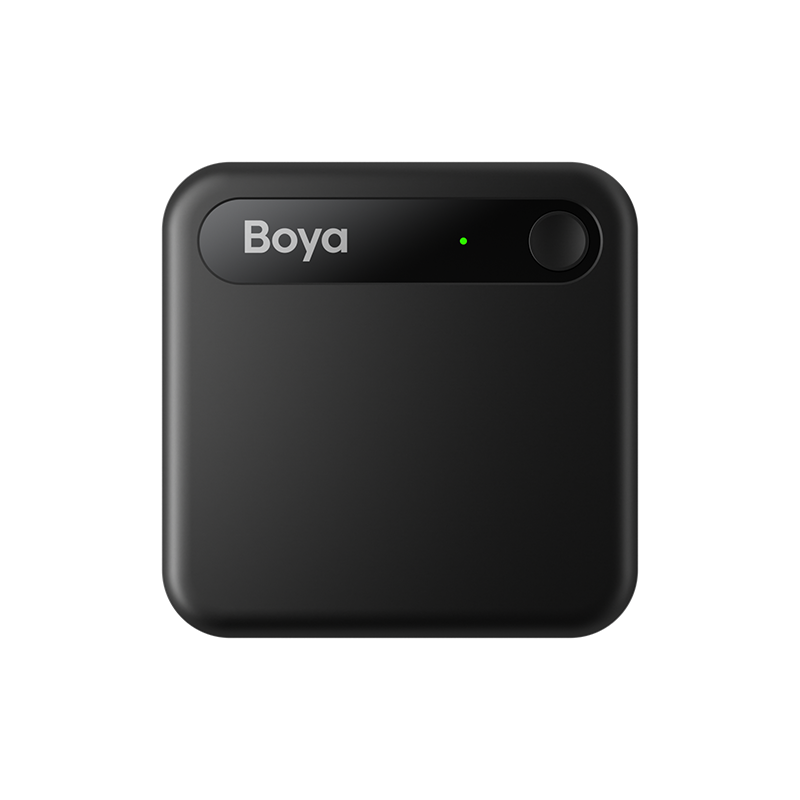
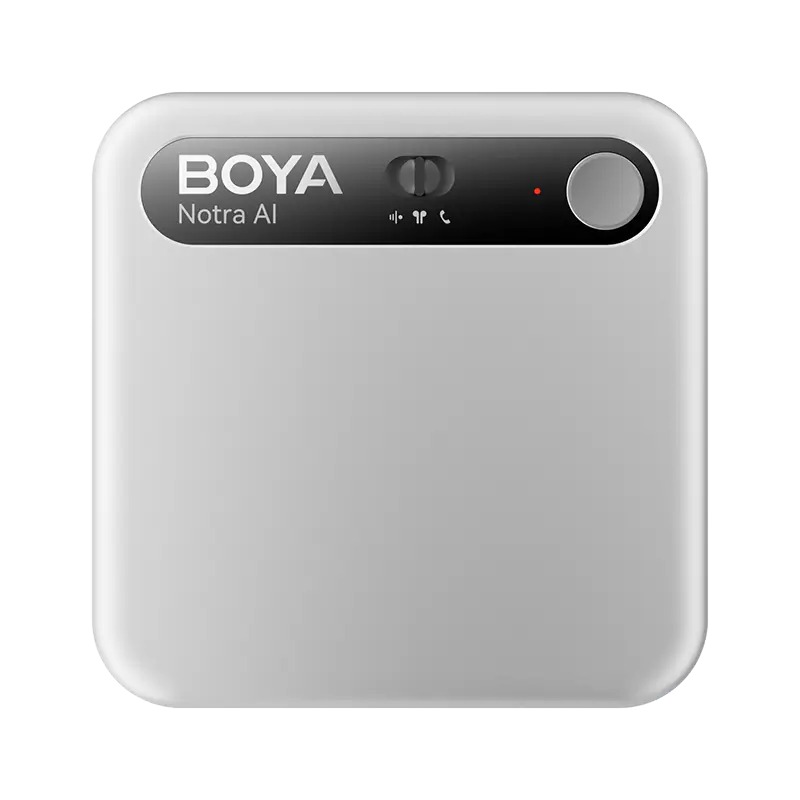
This credit-card-sized AI voice recorder is not simply another smart recording gadget. Instead, it attempts to solve one of the biggest limitations of modern smartphones: reliable call recording on iPhone and Android devices. As more professionals adopt voice-based productivity workflows, many users are also beginning to explore who actually needs an AI voice recorder in 2026 and whether dedicated AI recording hardware offers advantages over smartphones alone.
How BOYA Notra Bypasses iPhone Call Recording Restrictions
The core idea behind BOYA Notra is not to “hack” iOS permissions. Instead, it records the physical vibrations generated by phone conversations.
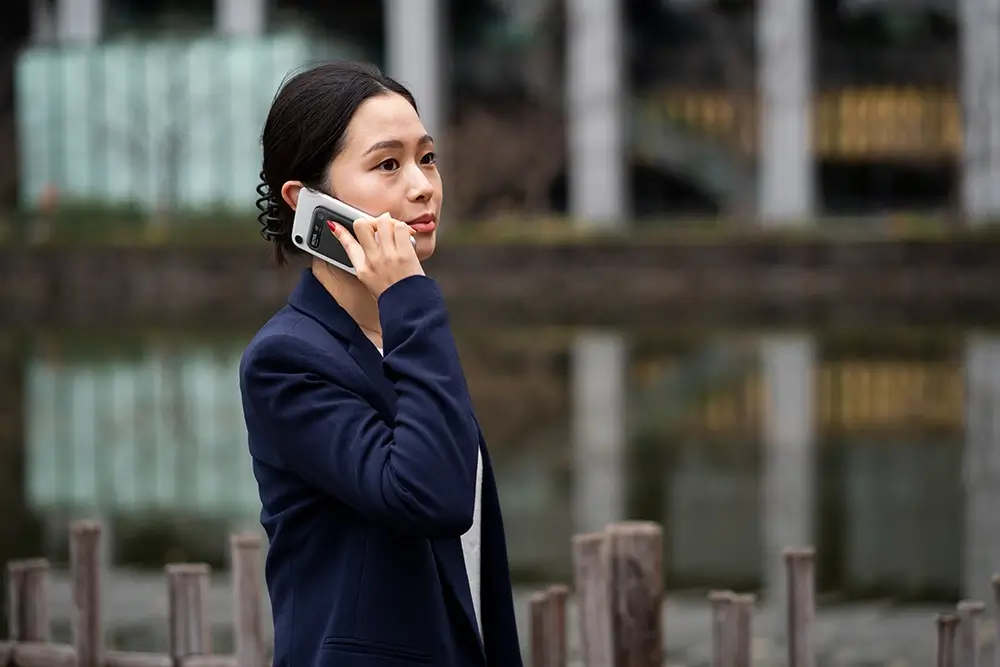
As demonstrated by YanNick TECH, when the Notra is magnetically attached to the back of an iPhone via MagSafe, it avoids direct access to the phone’s internal call audio stream.
“It uses a conduction sensor to record vibrations of the conversation from both sides in a completely transparent way.”
Rather than relying on software APIs, the device captures subtle vibrations from the phone speaker and earpiece. Whether you are using standard carrier calls, WhatsApp, Teams, or other communication apps, the recorder can capture both sides of the conversation.
For professionals who need reliable call recording, interview backups, or verbal agreement documentation, this creates a far more stable workflow than traditional recording apps.
Compared to unlocking your phone, opening an app, granting permissions, and manually starting recording, BOYA Notra turns recording into an almost frictionless action. In the review, YanNick TECH repeatedly mentioned that he eventually started leaving the device attached to the back of his phone throughout the day.
Three Recording Modes for Different Workflows
BOYA Notra offers three dedicated recording modes optimized for different audio sources and use cases.
Ambient Mode
Ambient Mode focuses on omnidirectional voice recording. The built-in DNN noise reduction system helps prioritize speech even in noisy environments such as restaurants, classrooms, or meeting rooms.
This mode is ideal for:
- Meeting recording
- Lecture recording
- Voice memos
- Podcast notes
Phone Mode
Phone Mode is specifically designed for smartphone call recording. When attached to the back of the phone, the vibration sensor captures call audio physically instead of digitally accessing the operating system.
Bluetooth / Headphone Mode
This is arguably the most impressive feature highlighted in the review.
“The sound is remarkably clear as it records the pure digital source without picking up background noise from the room around you......You need to validate the pairing of the headphones with the BOYA APP, but once everything is in place, it's perfect and totally transparent in terms of operation.”
Instead of recording speaker output, this mode captures the clean digital audio stream sent to Bluetooth headphones. For Zoom meetings, Teams calls, online classes, and remote interviews, the result is significantly cleaner audio without environmental speaker noise.

BOYA Notra Use Cases and Feature Comparison
To help users quickly determine whether the device fits their workflow, we’ve broken down its core use cases and key specifications into a modular comparison.
Recommended Recording Modes
| Use Case | Recommended Mode | Main Advantage |
|---|---|---|
| Meetings & Lectures | Ambient | DNN voice enhancement and room pickup |
| Phone Calls & Voice Chats | Phone | Physical call recording without OS restrictions |
| Zoom & Teams Meetings | Bluetooth | Clean digital audio capture |
| Voice Notes & Podcast Ideas | Ambient | Instant hardware recording access |
Core Specifications
| Specification | Details | User Benefit |
|---|---|---|
| Thickness | 6.9mm | Ultra-portable and MagSafe compatible |
| Storage | 64GB | Offline storage for thousands of hours of audio |
| Battery Life | 24-hour continuous recording | Suitable for all-day meetings and interviews |
| AI Models | GPT / Claude / Gemini / Grok | Flexible AI analysis and summaries |
BOYA Notra Limited-Time Benefits Upgrade
Users who activate and bind their Notra between April 18 and December 31, 2026, will receive a complimentary service upgrade, increasing the monthly free transcription limit from 320 to 600 minutes. This upgraded benefit remains valid for 12 months from the date of device binding.
Why AI Voice Recorders Are Replacing Traditional Voice Recorders
DNN Noise Reduction Improves AI Transcription Accuracy
DNN (Deep Neural Network) noise reduction works differently from traditional audio filtering. Instead of simply reducing overall background sound, it attempts to distinguish speech from environmental noise.
This matters because AI transcription quality depends heavily on clean input audio. Poor recordings often lead to inaccurate transcripts and unreliable AI summaries. BOYA Notra attempts to solve this problem at the hardware level before the audio even reaches the AI processing stage.
This hardware-first approach also highlights one of the growing differences between dedicated AI recording devices and software-only solutions. For users evaluating workflow efficiency, the debate around AI voice recorders vs AI meeting software is becoming increasingly relevant as remote work and AI transcription tools continue to evolve.
Multi-AI Model Integration Adds Workflow Flexibility
BOYA Notra supports multiple AI models for transcription and content analysis. Users can choose different AI engines depending on their preferred workflow and writing style.
This transforms recordings from passive archived files into searchable AI-powered voice notes and meeting knowledge bases. That shift is one of the biggest differences between AI recorders and traditional digital voice recorders.
Conclusion
What makes BOYA Notra interesting is not simply its AI transcription features. Plenty of apps already offer summaries, meeting notes, and voice-to-text tools. The real innovation lies in how it solves the physical limitations of smartphones — especially around call recording, fast audio capture, and long-duration recording workflows.
By combining vibration-based call recording, hardware-first controls, local storage, and multi-model AI support, Notra feels less like a traditional voice recorder and more like a dedicated voice workflow device built for modern work habits.
In many ways, that may ultimately become the defining direction of AI hardware — not replacing smartphones entirely, but solving the tasks smartphones were never designed to handle well in the first place.
To learn more about the latest news from BOYA, join in our official social media accounts: Facebook, Youtube, Instagram.

FAQ About AI Voice Recorders
Why buy an AI recorder if my phone already has a voice recorder app?
The short answer: independence and call recording capability.
Most smartphones — especially iPhones — cannot reliably record phone calls due to operating system restrictions. BOYA Notra includes its own battery, storage, and hardware controls while enabling recording workflows that smartphones alone cannot handle.
Can BOYA Notra identify different speakers automatically?
Yes. The system supports speaker identification and speaker labeling through AI-powered transcription features. Meeting participants can automatically appear as “Speaker 1,” “Speaker 2,” and so on, with manual renaming available afterward.
Is my audio data private and secure?
Audio files are stored locally on the device first. Cloud upload only happens when users manually enable AI processing features inside the app. Users concerned about privacy can also use BOYA Notra entirely as an offline voice recorder. As privacy concerns around AI productivity tools continue to grow, more users are also evaluating whether AI voice recorders are actually secure before adopting AI-powered recording workflows.
Can older Android phones without MagSafe still use BOYA Notra?
Yes. The package includes magnetic attachment accessories for non-MagSafe smartphones. Once attached, the device can still use its vibration-based call recording system normally.


