




















Have you ever wondered why a $300 flagship microphone sometimes sounds worse than a $50 budget mic? The answer is simple: Mismatch of mic type and environment. Using a high-sensitivity condenser microphone in a noisy, street-facing bedroom is like using a microscope to look at a pile of trash—you just get a clearer view of the mess.
Over the past few years, USB microphones have evolved from "cheap substitutes" to the DSP (Digital Signal Processing) powerhouses they are today. In 2026, the logic of buying a mic has shifted. We no longer just compare sample rates; we look at ambient noise, mic distance, and post-processing capabilities. With the rise of AI-powered noise cancellation and USB/XLR hybrid interfaces, the how to choose a USB microphone logic in 2026 has a brand new priority: it’s no longer about "the more expensive, the better," but "the better the match, the better the sound."
This scenario-based guide will help you skip the guesswork and find the perfect mic for your specific needs.
Pre-Purchase Diagnosis: The "3-Check" Rule
Before you hit "Buy," complete this self-diagnosis to determine your direction.
- Check Your Environment: Is it noisy?
This is the core of your choice. If your room is untreated or has high ambient noise (mechanical keyboards, street traffic, AC hum), a Dynamic Microphone should be your first choice. They are naturally less sensitive to distant sounds and excel at background noise rejection. Conversely, in a treated, silent room (with absorption and no reflection), a Condenser Microphone will capture richer, more delicate vocal details. - Check Your Distance: Desk-mounted or Boom Arm?
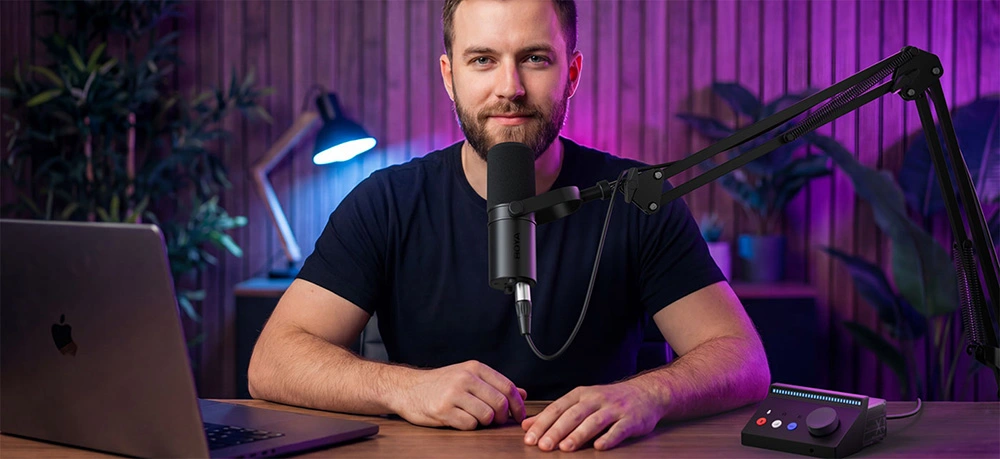
Do you prefer the mic on a boom arm close to your mouth (5-15cm), or "invisible" on the desk 1 meter away? For best results, USB microphones are designed for near-field use (5–20cm). Recording from 1 meter away will almost always introduce room reflections and thin-sounding audio. Incorrect distance is the #1 cause of "unclear audio." - Check Your Subject: Solo, Interview, or Instruments?
Is it a solo podcast, gaming, a two-person interview, or a round-table meeting? Or recording instruments like guitar or piano?- Solo Podcast/Gaming: Cardioid / Supercardioid
- Two-person Interview: Bi-directional
- Round-table/Meeting: Omnidirectional
- Instruments/Vocal Demos: Wide frequency response and high dynamic range.
Scenario-Based Analysis
Scenario 1: Gaming & Streaming — Focus on "Efficiency & Noise Rejection"
User Pain Points: Clicky keyboard noise, need for instant muting, and accidental clipping during loud moments.
The Checklist:
- Tight Cardioid/Supercardioid Pattern: To isolate your voice from keyboard and mouse clicks.
- Tap-to-Mute with LED Indicator: A lifesaver for privacy and avoiding "hot mic" embarrassments.
- Auto-Gain / Clipguard: Ensures your voice stays clear even if you shout during intense gameplay.
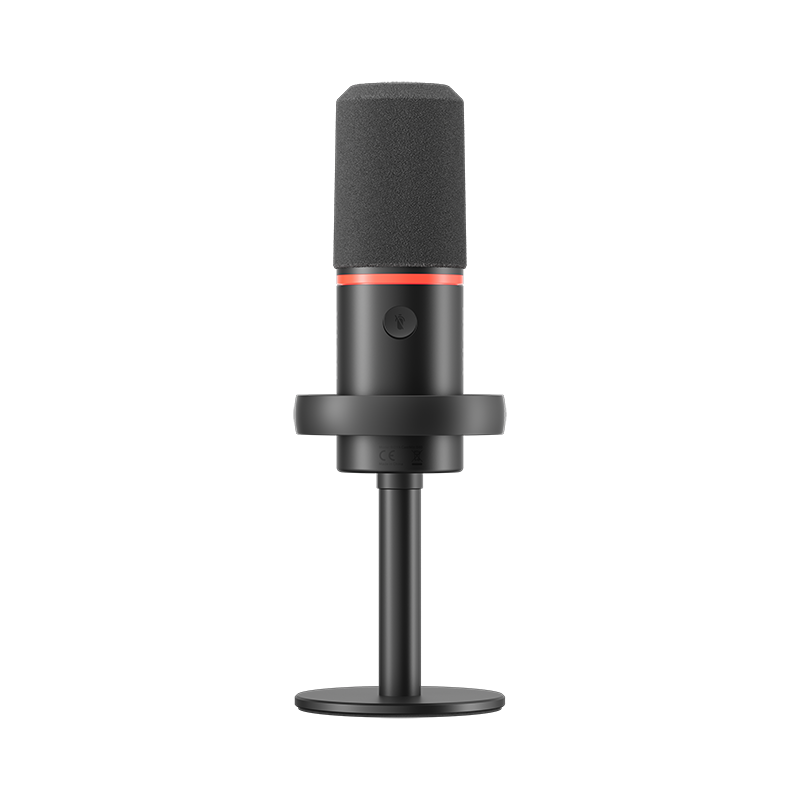
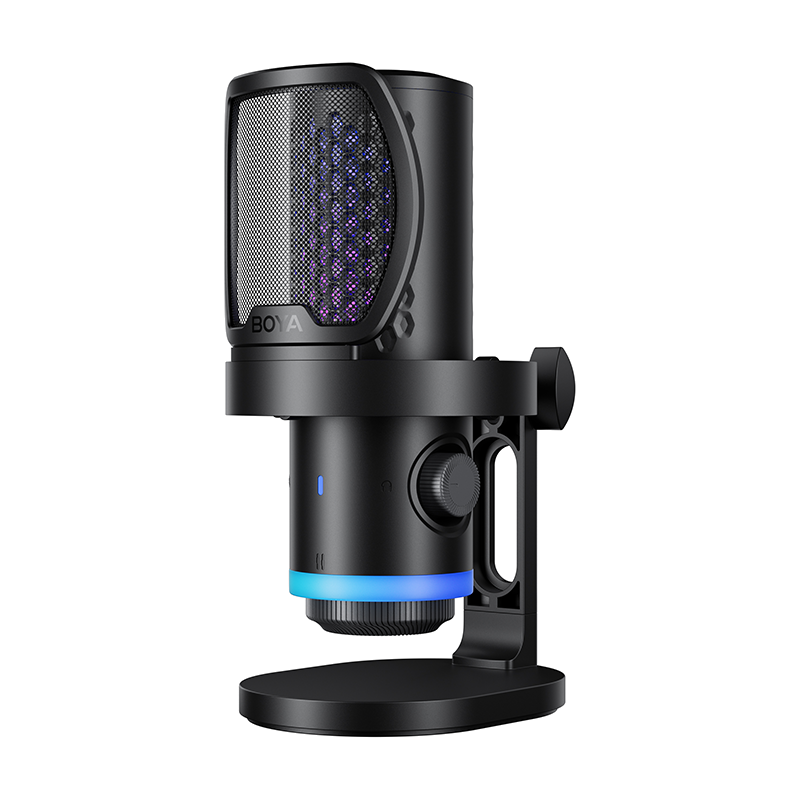
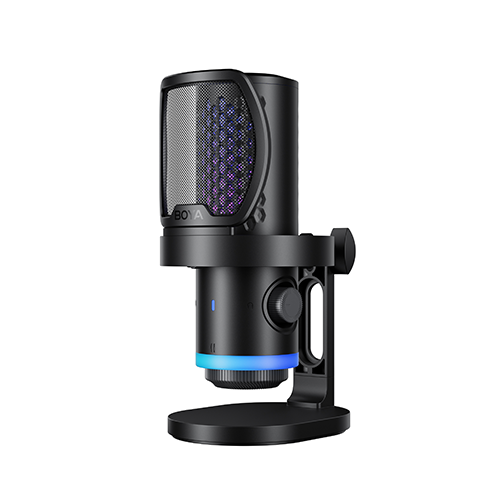
Top Pick: BOYA CastMic G40
- Core Specs: 14mm condenser capsule, 192kHz/24-bit high-res audio.
- Key Feature: Built-in ENC (Environmental Noise Cancellation) that significantly reduces steady background noise such as fan hum and room ambience. Its ultra-compact design fits perfectly under monitors without blocking your view.
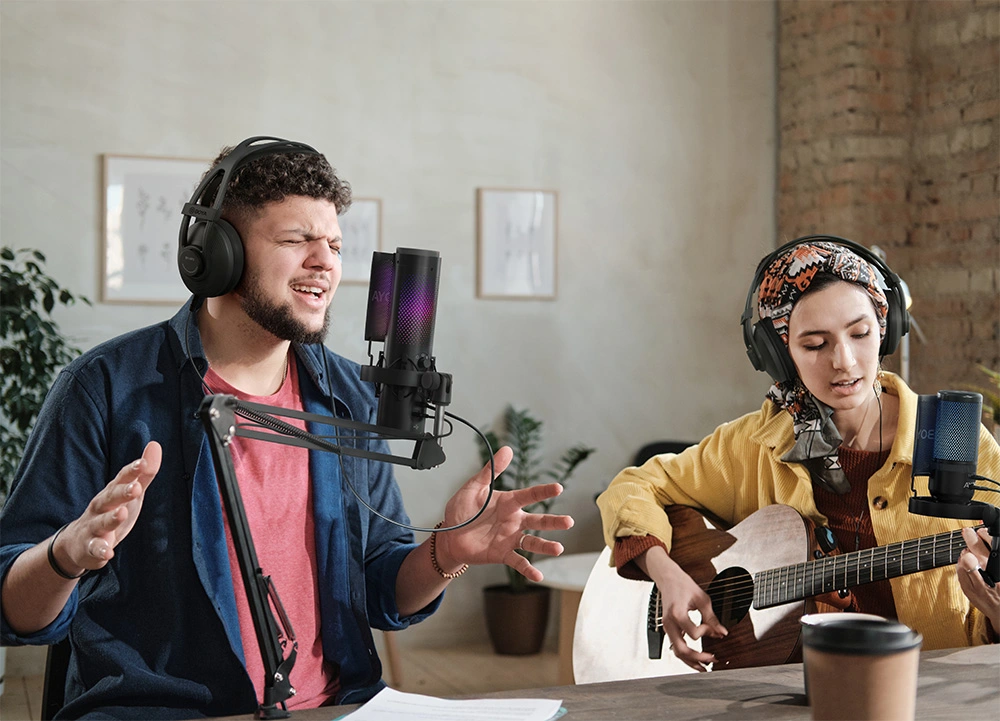
Scenario 2: Podcasting & Interviews — Focus on "Versatility & Stability"
User Pain Points: Recording in different rooms, unbalanced multi-person volume, and long hours of post-editing.
The Checklist:
- Professional Dynamic Capsule: To ensure dry, radio-ready vocals even in rooms with less-than-perfect acoustics.
- Built-in DSP (Compression & EQ): Hardware-level processing for that "broadcast-ready" sound straight out of the box.
- USB/XLR Dual Output: Plug-and-play today, with the ability to upgrade to an audio interface later.
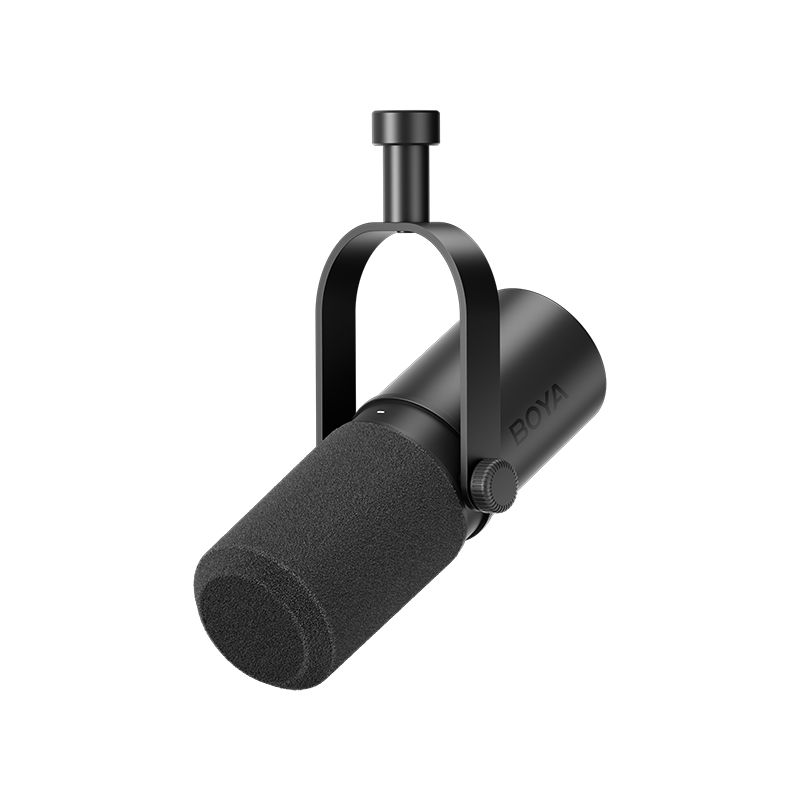
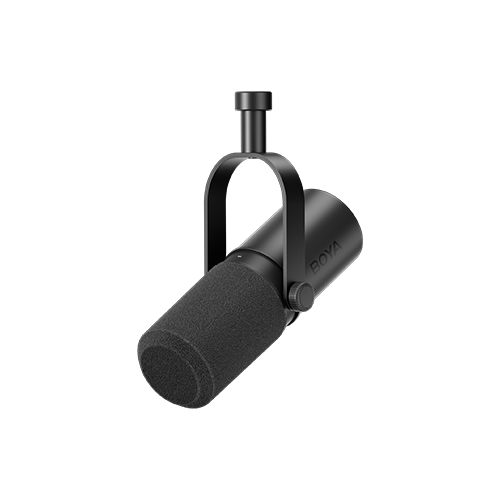
Top Pick: BOYA CastMic P60
- Core Specs: Large Φ29mm dynamic capsule with a focused Cardioid polar pattern. It integrates with the BOYA Central App for one-tap EQ and limiting. The dynamic nature ensures your podcast sounds professional by rejecting off-axis noise and room reflections.
Scenario 3: Music Creation & Vocal Recording — Focus on "Detail & Dynamics"
User Pain Points: Losing harmonic detail, vocals sounding "thin," and digital clipping on high notes.
The Checklist:
- High Max SPL: To record loud vocals or instruments without distortion.
- Zero-latency Monitoring: Essential for singers to stay in tune and on beat.
- High SNR: Ensuring a clean background without that annoying "hiss."
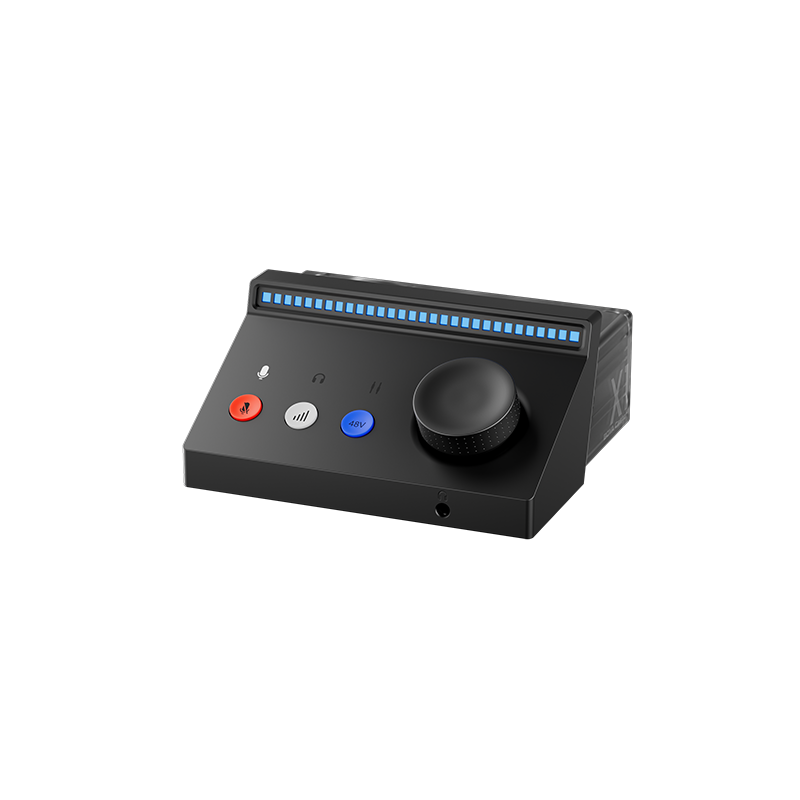
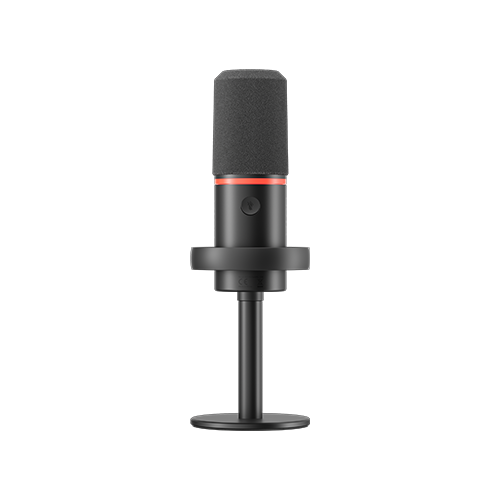
Top Pick: BOYA CastMic S60
- Core Specs: Professional dynamic capsule, USB/XLR dual output. SNR: 90dB, Max SPL: >130dB. Its "4-in-1 Smart Knob" simplifies gain and monitoring control. For musicians, the S60 handles explosive vocals and high-volume instruments while maintaining a warm, authentic tone.
Scenario 4: Remote Work & Online Education — Focus on "Simplicity & Clarity"
User Pain Points: Technical complexity, bulky mics blocking the webcam, and echo issues.
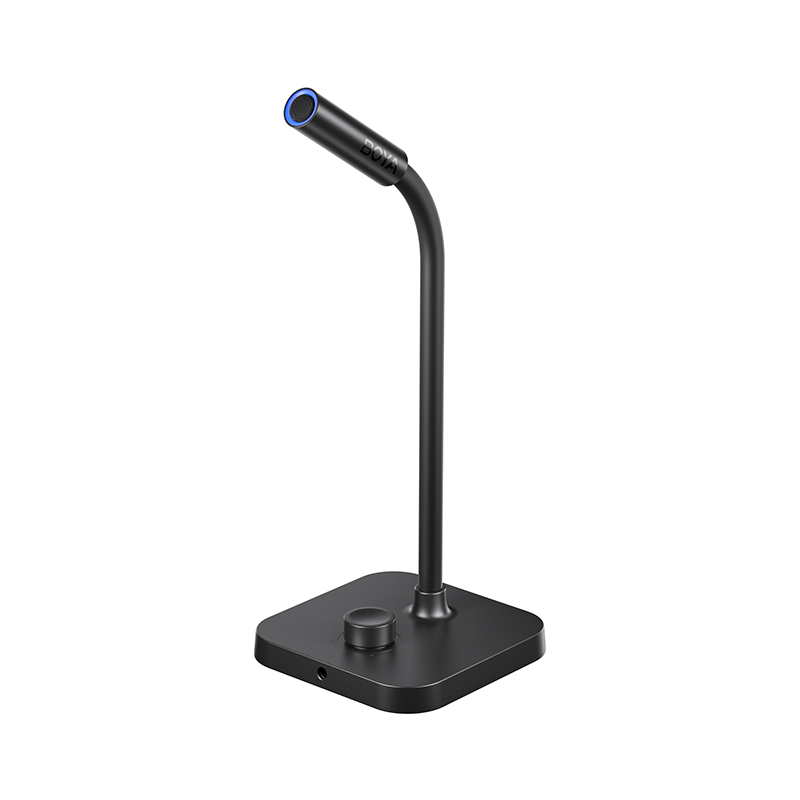
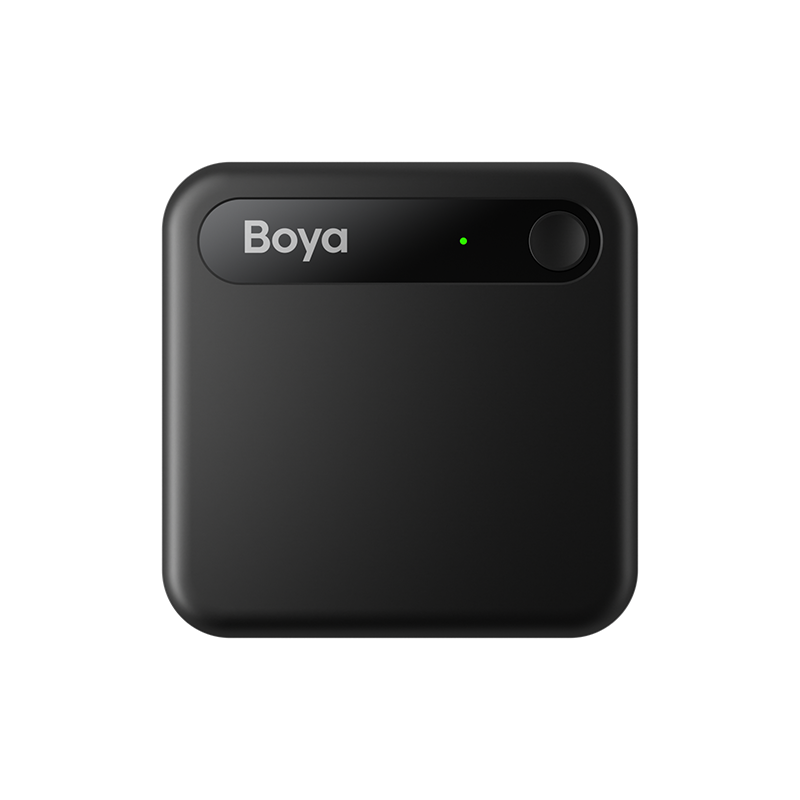
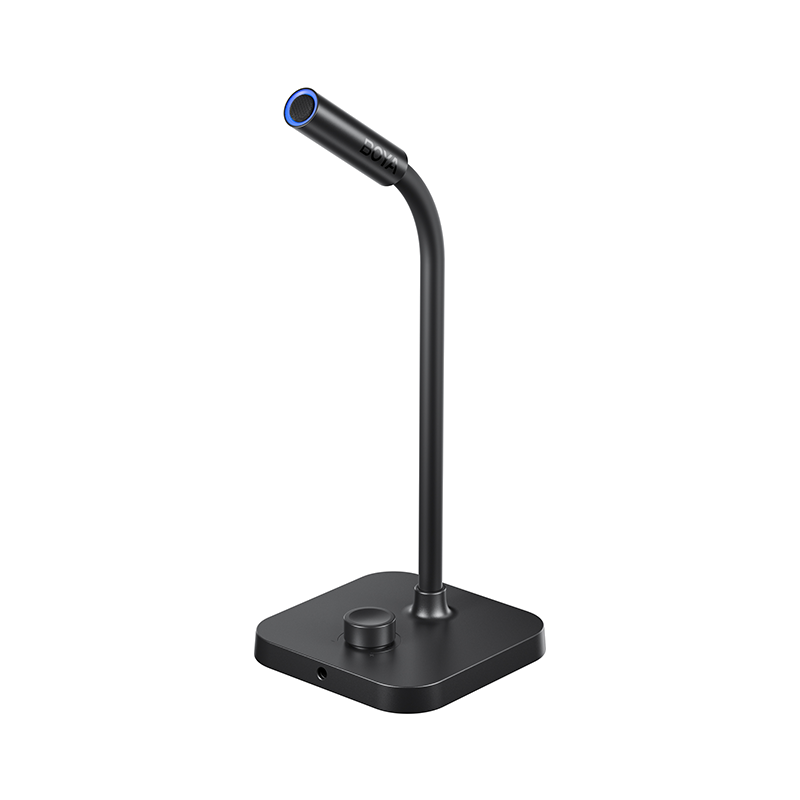
Top Pick: BOYA CM40
- Why: The CM40 is the definition of "plug-and-play." It’s designed to be ultra-compact and unobtrusive in video calls. For teachers and office professionals, it offers superior clarity over laptop mics with zero setup time.
The Golden Rules to Avoid Buying Regret
- Environment First: In untreated rooms, dynamic microphones generally provide better off-axis rejection and reduce room reflections compared to condensers—but proper mic placement remains critical.
- Solo vs. Collaboration: For most solo creators, a high-quality cardioid mic is enough. Multi-pattern mics are specialized tools for specific interview or group needs.
- App Experience: For beginners, intelligent DSP and user-friendly control apps (like BOYA Central) often have a greater impact on final sound quality than ultra-high sample rates.
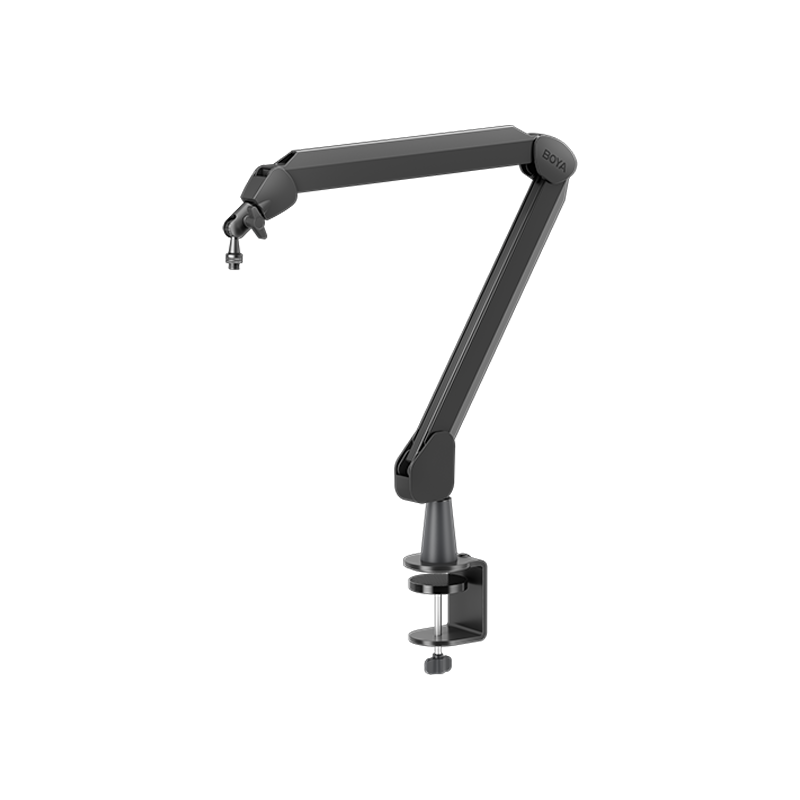
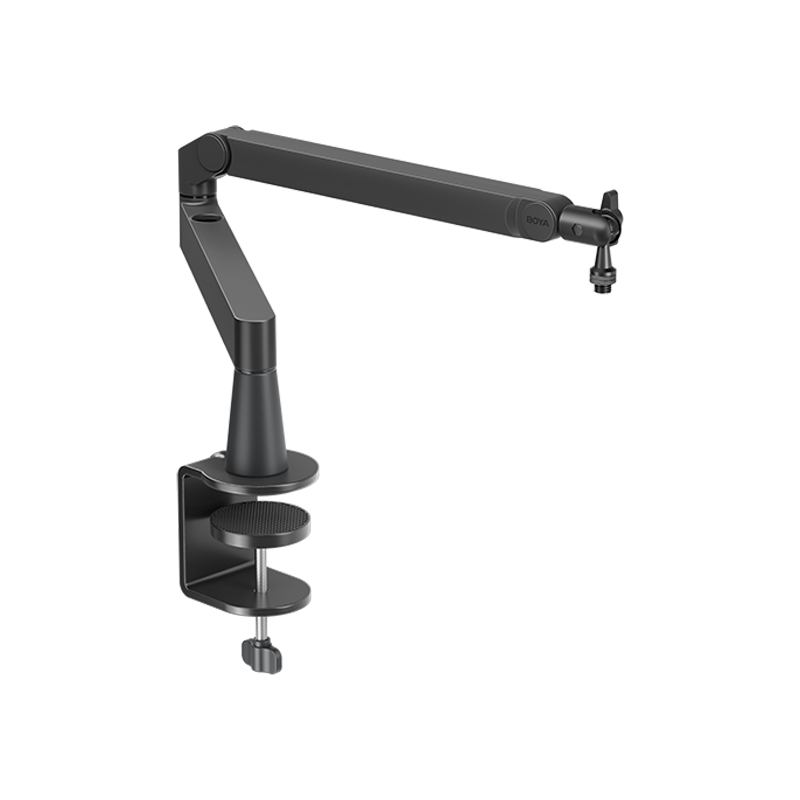
- Invest in Accessories Early: In a budget-limited setup, a good Boom Arm and a Pop Filter often improve your sound more than a mic upgrade. A stable arm lets you position the mic perfectly, instantly improving tone and reducing vibrations.
30-Second Decision Matrix
| Question | Path A | Path B |
|---|---|---|
| Q1: Noisy room or loud keyboard? | Yes → Dynamic (P60/S60) | No → Condenser (G40/CM40) |
| Q2: Need instant mute for meetings? | Yes → Physical/Touch Mute Button | No → Software mute is fine |
| Q3: Future-proofing for an XLR mixer? | Yes → USB/XLR Hybrid (P60/S60) | No → USB Only is fine |
| Q4: Priority is "Plug-and-play"? | Yes → BOYA CM40 | No → G40/P60 |
Conclusion
In 2026, buying a microphone is about building your sound workflow. Choose the right scenario, and a $100 mic can sound like a professional studio.
To learn more about the latest news from BOYA, join in our official social media accounts: Facebook, Youtube, Instagram.
FAQ
What is the main difference between USB and XLR microphones?
USB mics have a built-in sound card and are plug-and-play. XLR mics require an external audio interface. Understanding the difference between USB and XLR microphones helps you decide if you need future expandability.
Is a higher sample rate (e.g., 192kHz) always better?
48kHz/24-bit is the industry standard. While 192kHz offers more headroom, features like Gain Control and Anti-Clipping are more important for average users.
How do I avoid distortion on a USB mic?
Control your input gain. Ensure your levels peak between -12dB and -6dB. Stay 5-15cm away from the mic and use built-in "Clipguard" features.


