




















Everyone buys a USB microphone hoping for studio-quality audio without the hassle. Unfortunately, the path to great sound is often littered with avoidable errors that content creators frequently encounter. Here are the 3 biggest mistakes people make when buying a USB microphone:
- Excessive Background Noise (Unbearable humming/hissing)
- Poor Clarity (People on the conference call can't understand you)
- Too Much Reverb (Your recording sounds hollow or distant)
This guide will break down the most critical USB microphone specs and buying traps in simple terms. By following our selection logic, you can ensure you buy the right mic the first time.
USB Microphone Positioning and Buying Principles
The greatest benefit of the USB microphone is its "all-in-one" convenience:
- The Easiest Choice: If you want to avoid researching audio interfaces and messy cables, and just want to plug into your computer for clean vocals, USB Microphones are the most hassle-free option.
- Ready-to-Record: Built-in ADC and preamp circuitry allows the mic to output a digital signal directly via a single cable.
- Target Audience: Ideal for podcasters, singers, gamers, and streamers—the core content creation community.
Buying Principle: Match Need to Spec
There is no single "best" microphone. You must first define your use scenario, room noise level, and budget range.

Pre-Purchase Preparation and Environment Assessment
Dynamic vs. Condenser: Assessing Your Room Noise
The environment is the single biggest factor in choosing the right mic type.
| Microphone Type | Scenario Summary | Key Takeaway |
|---|---|---|
| Dynamic Microphone | "Close-Talk Noise Killer." Great for noisy desks, loud keyboards, AC hum, or office environments. | High noise rejection; focuses only on sound sources placed very close to the mic. |
| Condenser Microphone | "Detail-Focused." Best for singing, detailed podcasting, or quiet recording spaces (e.g., sound-treated rooms). | Highly sensitive; captures subtle details and room acoustics. |
Simple Rule: Is your room noisy? → Dynamic. Is your room quiet? → Condenser. If you want a more detailed breakdown of Dynamic vs Condenser Mic types and their home studio impact, check the link.
Deep Dive: Key Technical Specs
Polar Patterns and Diaphragm Size
- Cardioid / Supercardioid: Must-have for single streamers and gamers.
- Omnidirectional / Figure-8: Required for multi-person interviews or group recording.
- Parameter Myth: "Bigger numbers are better" is a misconception. The differences between most USB mics lie in the tuning and circuit design, not just a single spec value.
Critical Specs Cheat Sheet (The USB Mic Standard)
| Parameter Name | Quick Understanding | Recommended Standard | Key Takeaway (Don't Overspend) |
|---|---|---|---|
| Sample Rate/Bit Depth | Defines editing resolution and quality. | ≥ 48kHz/24bit | This is the professional standard. No need to overpay for 96kHz or higher. |
| Equivalent Noise Level (ENL) / Self-Noise | Measures the mic's internal electronic noise (lower is better). | ENL ≤ 18dBA | ENL ≤ 18dBA is Excellent, satisfying all streaming/podcasting needs. |
| Max SPL (Sound Pressure Level) | The loudness limit before distortion (clipping). | 110–120dB for most vocals; use ≥ 130dB for loud sources (shouting, instruments). | Avoid products below 110dB for safety. |
Common Buying Mistakes and Pro Tips
Zero-Latency Monitoring
- Why Direct Monitoring is Crucial: Without it, you will hear a delayed version of your voice (the "echo monster"), making it hard to speak naturally, often resulting in broadcast failure.
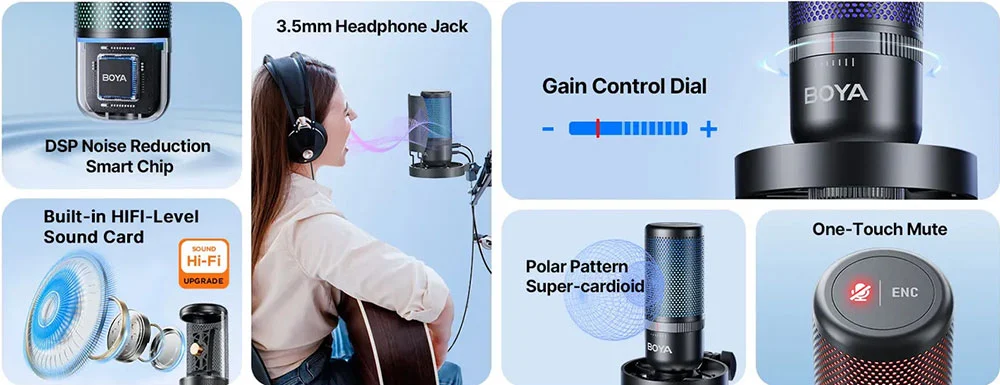
- Buying Principle: Ensure the mic supports Hardware Direct Monitoring (Zero-Latency Monitoring) via a headphone jack. This provides real-time feedback, independent of software processing.
Physical Controls and Setup
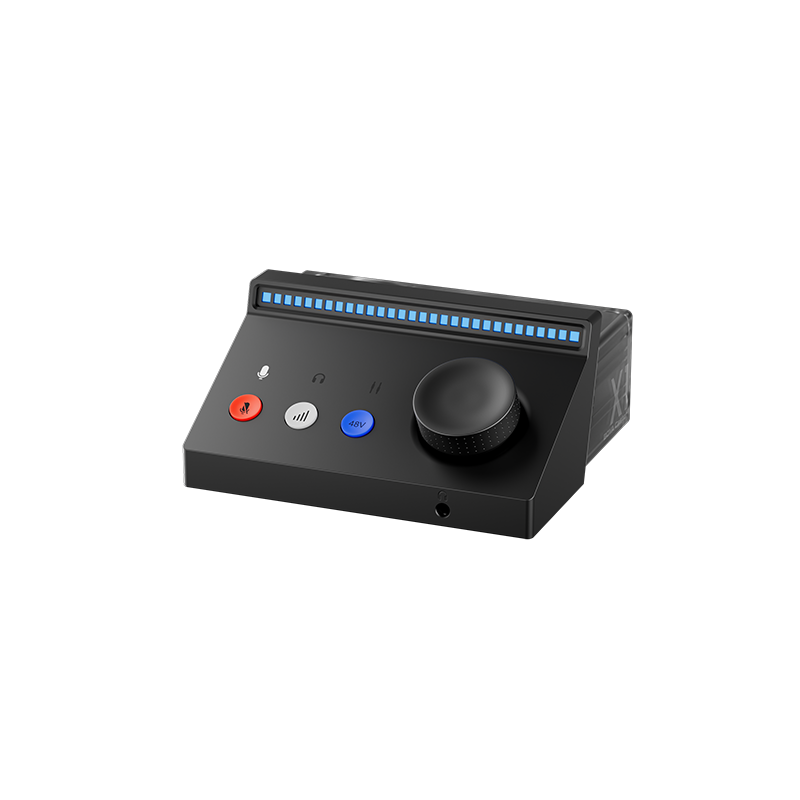
- Physical Controls are King: Prioritize models with physical gain knobs and one-touch mute buttons. If a USB mic lacks both a physical gain knob and hardware monitoring, it’s likely not designed for live streaming.
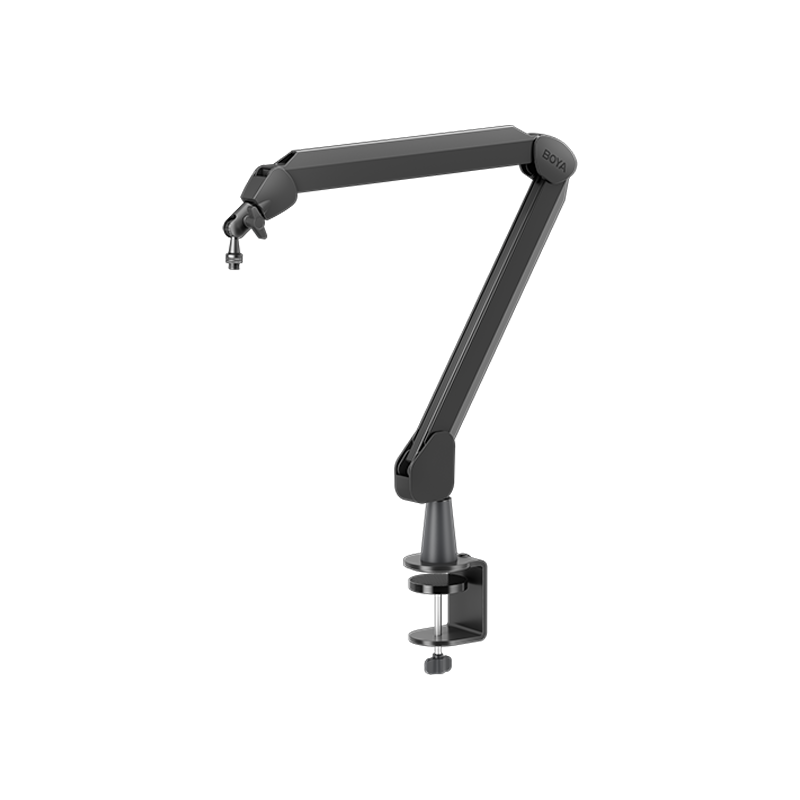
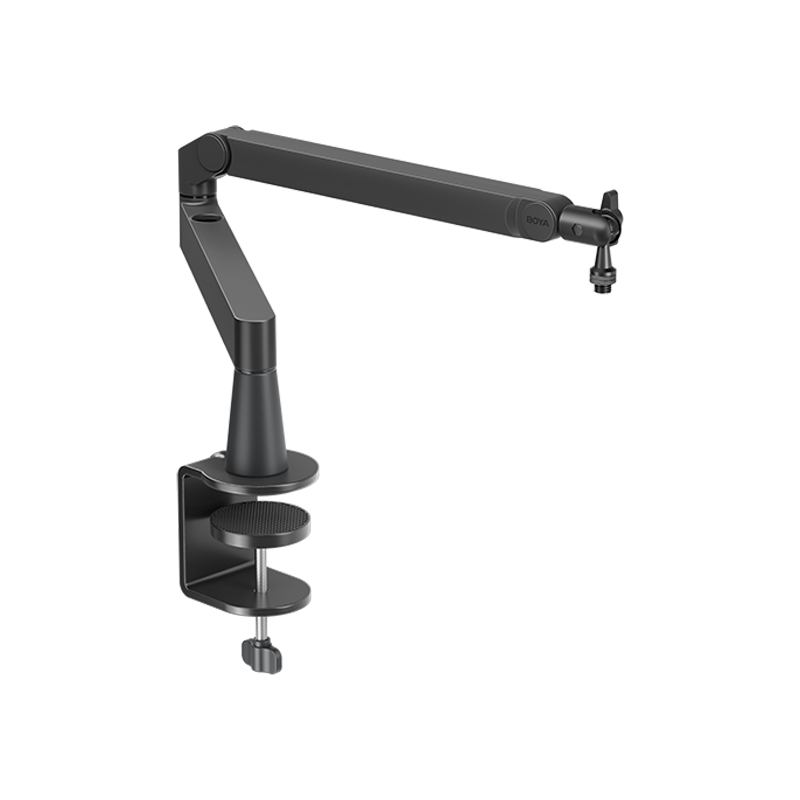
- Accessory Budget: USB desktop mics often pick up keyboard vibration. Budget for a Shock Mount (vibration isolation) and a Pop Filter (plosive reduction).
Scenario-Based Selection Logic
Users often make the mistake of looking only at the "Use Case" and ignoring the "Environment." You must consider both. Example: If your room is noisy, a sensitive condenser mic, while "more detailed" on paper, is the wrong choice for a podcast.
| Use Scenario | Mic Type (Environment Match) | Core Polar Pattern | Must-Have Specs/Features |
|---|---|---|---|
| Gamer / Solo Streamer | Dynamic (Noisy) or Condenser (Quiet) | Cardioid or Supercardioid | Hardware Zero-Latency Monitoring + Physical Gain Control |
| Duo/Multi-Person Podcast/Interview | Condenser (For detail capture) | Figure-8 or Omnidirectional | Switchable Patterns + Physical Mute Button |
| Singer / Musician (Home Demo) | Condenser (For detail) | Cardioid | 48kHz/24bit Standard, Low Self-Noise (ENL ≤ 18dBA) |
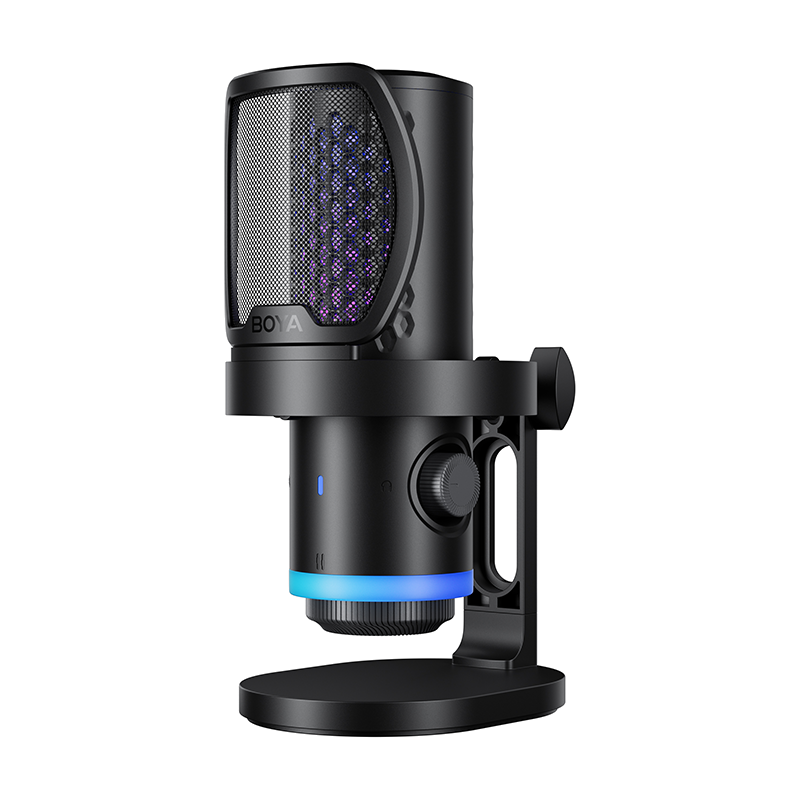
If you are looking for a USB microphone that balances multiple modes and high audio standards, reference products like the BOYA K-Series USB Microphones. Such microphones typically feature multiple polar patterns (Cardioid, Omnidirectional, Figure-8, etc.) and 48kHz/24bit recording standards, allowing them to flexibly handle solo streaming, dual podcasting, and music recording needs.
Conclusion and Final Advice
Choosing a USB microphone should not be complex. The core principle is matching, not maximizing your budget. By following the three steps below and investing in the right accessories, you can effectively eliminate 90% of common problems and record clear, professional vocals.
Core Selection Three-Step Review
- Define Scene + Environment: Determine your recording environment's noise level, which dictates whether you need Dynamic/Cardioid (Noise Rejection) or Condenser/Omni (Detail Capture).
- Ensure Core Functionality: Must have Hardware Direct Monitoring and Physical Gain Control.
- Meet the Standard: Sample rate/bit depth must meet the 48kHz/24bit standard.
To learn more about the latest news from BOYA, join in our official social media accounts: Facebook, Youtube, Instagram.
Frequently Asked Questions
Is a USB microphone significantly worse than an XLR mic?
Not necessarily. In a home recording environment, a good USB mic can achieve 80%–90% of broadcast-quality vocals. Users truly struggle with sound quality because of room reverb, placing the mic too far away, or incorrect gain settings due to a lack of Direct Monitoring.
USB microphone noise: Is it a hardware or an environment problem?
Approximately 90% of perceived noise comes from the environment (e.g., room reverb, air conditioning, keyboard noise), and only 10% comes from the mic's internal self-noise (ENL). Always prioritize solving environmental issues first.
Can I connect a USB microphone to my phone for recording?
Yes, but you need to confirm that the microphone supports iOS/Android direct connection and that you have the correct adapter cable (such as USB-C to USB-C or Lightning).
Which accessory is more important: a Shock Mount or a Pop Filter?
The Shock Mount is generally more important. It isolates vibrations from typing and desk bumps, which is the most common noise source for a desktop USB microphone.


