








💡 Key Takeaways
- AI transcription accuracy is not a fixed percentage. It changes with the recording environment, speakers, vocabulary, language, and transcription system.
- Clear source audio is essential because AI cannot fully recover speech that was not captured clearly.
- Distance, background noise, overlapping speech, accents, and specialized terminology can all introduce errors.
- Speaker diarization can separate voices into labels such as “Speaker 1” and “Speaker 2,” but these labels may still require correction.
- Names, numbers, deadlines, quotations, and important decisions should always be checked against the original recording.
- The most reliable workflow is clear recording, AI transcription, structured notes, and human review.
AI transcription can turn recorded meetings, lectures, interviews, and calls into searchable text within minutes. But how accurate is it?
There is no single accuracy percentage that applies to every tool or recording. A quiet conversation recorded at close range is much easier to process than a noisy group discussion, a compressed phone call, or a lecture containing unfamiliar terminology.
To judge whether an AI transcript is reliable, you need to consider both the transcription system and the quality of the conversation it receives.
How Accurate Is AI Transcription?
AI transcription can produce highly usable results when speech is captured clearly, but it should not be assumed to be 100% accurate.
Performance is often measured using Word Error Rate (WER), which compares an AI-generated transcript with a verified reference transcript. It counts substituted, deleted, and incorrectly inserted words. However, the number of errors does not always reflect their importance.
For example, changing “Friday” to “Thursday” is only a one-word error, but it changes a deadline. Misreading a person’s name, price, product model, or the word “not” can also alter the meaning of a conversation.
Transcription quality should therefore be judged by two questions:
- How much of the conversation was captured correctly?
- Are the important details accurate?

What Factors Affect AI Transcription Accuracy?
1. Source Audio Quality
AI transcription begins with the original recording. If speech is too quiet, distorted, blocked, or overwhelmed by surrounding noise, the system receives incomplete information.
AI may infer a likely word from context, but it cannot reliably reconstruct speech that was never captured clearly. If a recording is difficult for a person to understand, it will usually be difficult for AI as well.
Before processing a recording, listen to a short section and check whether each speaker is audible and whether the sound contains serious distortion, handling noise, or sudden volume changes.
2. Distance Between the Speaker and Recorder
As the distance between the recorder and speaker increases, the device may capture more room noise and reflected sound relative to the direct voice.
The recorder should therefore be placed within an appropriate pickup range and where the main voices can reach its microphones clearly.
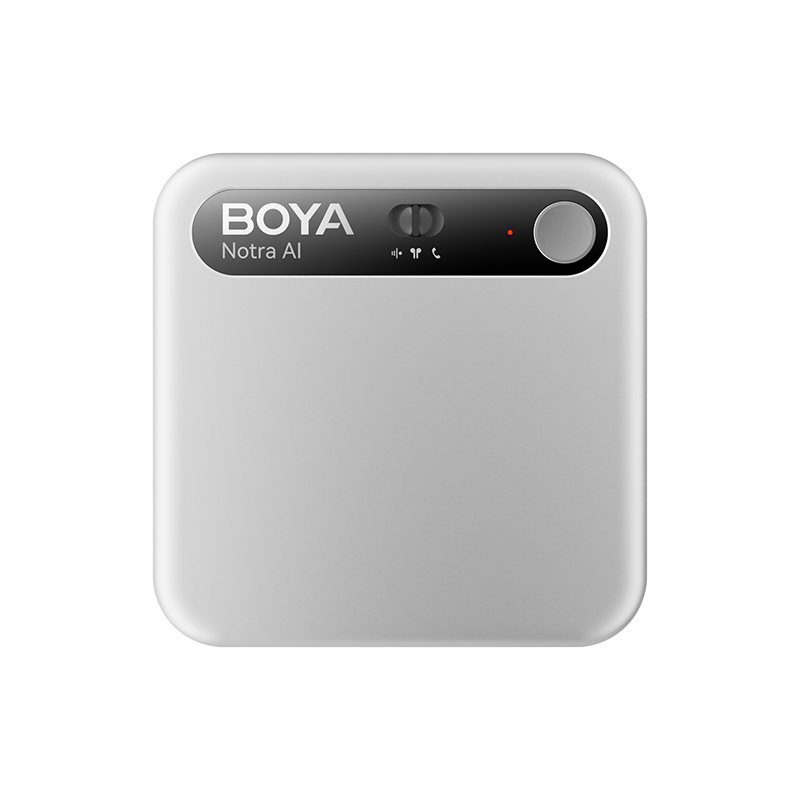
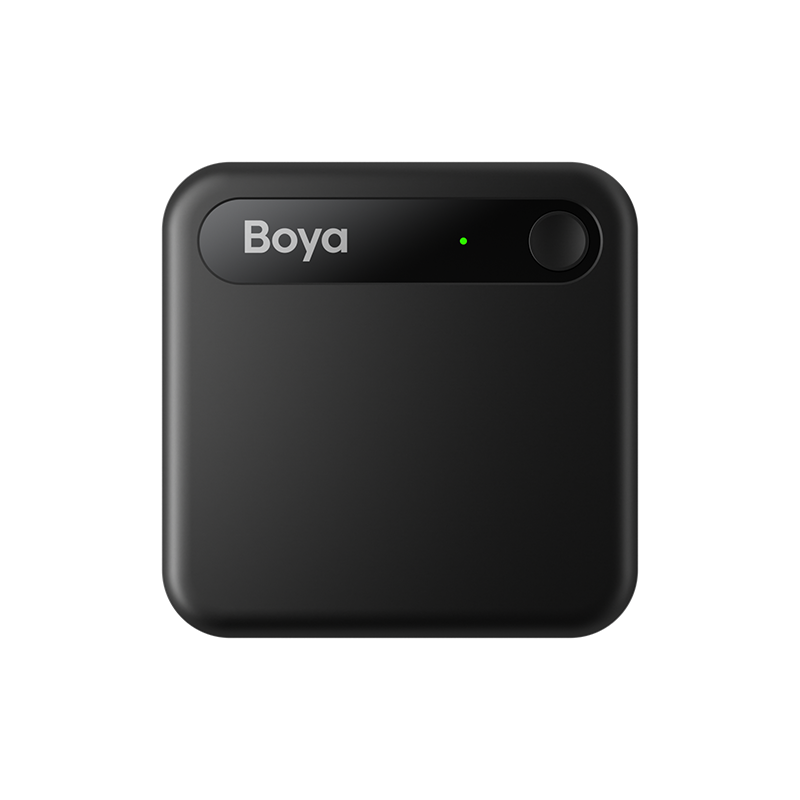
For example, Boya Notra Neo provides a pickup range of up to approximately 5 meters with 360° omnidirectional sound capture, making it suitable for typical classrooms, interviews, seminars, and smaller group discussions. For larger spaces, BOYA Notra extends the pickup range to up to approximately 10 meters.
Actual results still depend on speaker volume, room acoustics, noise, and placement. A stated pickup range should be treated as a placement guide rather than a guarantee of perfect transcription.
This is also where BOYA’s experience in microphones and acoustic engineering matters: reliable AI processing begins with capturing a clear and usable voice signal.
Pickup range is only one part of the decision. Battery life, storage, recording modes, transcription support, and ongoing subscription costs may also affect which device fits your workflow. See our guide on how to choose your first AI voice recorder for a more complete evaluation checklist.
3. Background Noise and Room Echo
Air conditioners, traffic, keyboards, nearby conversations, music, and moving chairs can compete with the voices you want to transcribe.
Room echo can also make words less distinct. In spaces with hard walls, glass, bare floors, or high ceilings, the microphone may capture both the direct voice and delayed reflections of it.
Modern speech-recognition systems can handle some noise, but excessive noise and echo may still reduce accuracy. This is why noise reduction at the recording stage can be valuable.
Boya Notra Neo features AI-powered noise reduction rated at up to -30 dB, helping reduce environmental distractions and preserve clearer speech for subsequent transcription and AI processing. However, noise reduction cannot fully recover words that were masked or never captured clearly in the original recording.
For better results, place the recorder away from obvious noise sources and as close to the main speakers as the situation allows. Combining appropriate device placement with AI noise reduction provides a stronger foundation for more usable transcripts.
4. Multiple Speakers and Overlapping Speech
Multi-speaker conversations require AI to determine both what was said and when each speaker was talking.
The process of separating voices is called speaker diarization. It usually produces labels such as “Speaker 1,” “Speaker 2,” and “Speaker 3.”
Diarization does not necessarily mean the system knows each person’s real identity. Names may need to be assigned manually, and labels can become inaccurate when:
- Several people speak at the same time.
- Speakers have similar voices.
- Some participants are much farther from the recorder.
- A participant only speaks briefly.
Speaker labels should be reviewed before the transcript is used for quotations, meeting minutes, or task assignments.
5. Accents, Speaking Speed, and Language
AI transcription performance can vary across accents, dialects, speaking styles, and languages.
Fast speech may cause words to run together, while quiet speech, unfinished sentences, and informal pronunciation can introduce ambiguity. Results may also vary depending on how well a particular accent or language is represented in the transcription model.
When a conversation contains several languages, confirm whether the tool supports multilingual audio or requires one language to be selected for each recording. Supporting many languages does not automatically mean that a system can handle frequent language switching in the same conversation equally well.
6. Names, Numbers, and Specialized Terminology
General transcription systems are often better at common language than unfamiliar names, abbreviations, product models, addresses, and industry-specific terms.
Context may help AI choose between similar-sounding words, but it can also cause an unfamiliar term to be replaced with a more common one.
If the transcription tool supports a custom vocabulary or glossary, add important terms before processing the recording. Regardless of the tool, always verify:
- People and company names
- Product models
- Prices and quantities
- Dates and times
- Technical terminology
- Negative statements
- Decisions and commitments
7. Recording Method and Audio Path
Not every conversation reaches a recorder in the same way.
A face-to-face discussion is captured through microphones in the room. A phone call may route sound internally through a smartphone. An online meeting may send the remote participant’s voice directly to Bluetooth headphones instead of playing it into the room.
For example, an ambient recorder placed beside a laptop may capture your voice but miss the remote participant when you are wearing Bluetooth headphones. In this case, the transcription problem begins before AI processing because one side of the conversation was not captured properly.
Boya Notra Neo supports three recording paths:
- Ambient recording for face-to-face conversations
- Phone-call recording when attached to a smartphone
- Bluetooth recording for headset-based calls and online meetings
The device automatically recognizes the recording mode according to how it is being used. These modes do not guarantee an error-free transcript, but they help capture the correct audio source before transcription begins.
For a closer look at this audio-routing problem, see our guide on how to record phone calls and online meetings while using Bluetooth headphones.
How Can You Improve AI Transcription Accuracy?
Better recording habits can improve transcription results before AI processing begins:
- Place the recorder within its effective pickup range.
- Keep the microphones uncovered.
- Position the device near the main speakers and away from noise sources.
- Use the correct recording mode for the conversation.
- Encourage participants to avoid speaking over one another.
- Repeat important names, numbers, and deadlines when necessary.
- Review a short test recording before an important session.
After transcription, compare critical information with the original audio. Pay particular attention to names, dates, numbers, technical terms, quotations, decisions, and action items.
This approach still saves substantial time. AI creates a searchable first draft, while human review focuses on the details where an error could change the meaning.
The purpose of improving transcription accuracy also depends on what you plan to do with the recording afterward. For students, a transcript is usually only the first step toward summaries, key concepts, mind maps, and review materials. Our guide to using AI note taking for lectures explains the complete recording-to-study-notes workflow.

Conclusion
AI transcription can save significant time, but its accuracy depends on more than the AI model. Source audio, speaker distance, background noise, overlapping voices, accents, terminology, and the recording method all influence the final text.
Clear Recording → AI Transcription → Structured Notes → Human Review
A dedicated AI note taker can improve how conversations are captured and organized, but the best results still come from combining suitable recording hardware, good recording habits, AI processing, and human judgment.
FAQ
Is AI transcription 100% accurate?
No. Accuracy varies according to the source audio, recording environment, speakers, language, terminology, and transcription model. Important information should be checked against the original recording.
Does background noise affect AI transcription?
Yes. Excessive background noise can cover speech and make speaker separation more difficult. Positioning the recorder closer to the speakers and farther from noise sources can help.
Can AI transcription distinguish between different speakers?
Many systems support speaker diarization, which separates voices into labels such as Speaker 1 and Speaker 2. These labels may still need correction when people interrupt one another or have similar voices.
Can AI transcribe different accents?
AI can transcribe many accents, but results vary by system, language support, recording quality, speaking clarity, and background noise.
Does microphone quality affect transcription accuracy?
Microphone design, pickup range, placement, and the surrounding environment affect how clearly speech is captured. Clearer source audio generally gives the transcription system better information to process.
Why does AI struggle with names and technical terms?
Names and specialized terms may appear less frequently in the model’s training data and may sound similar to common words. Important terminology should always be reviewed manually.
Should you trust an AI transcript without reviewing it?
No. AI-generated transcripts should be treated as working documents rather than perfect records. Minor errors may not matter for casual review, but names, numbers, quotations, deadlines, decisions, and other critical details should be checked against the original recording.
AI-generated summaries also require review because transcription errors may carry forward into summaries, key points, and action items. Focus on verifying information that affects decisions rather than manually checking every word.