






💡 Key Takeaways
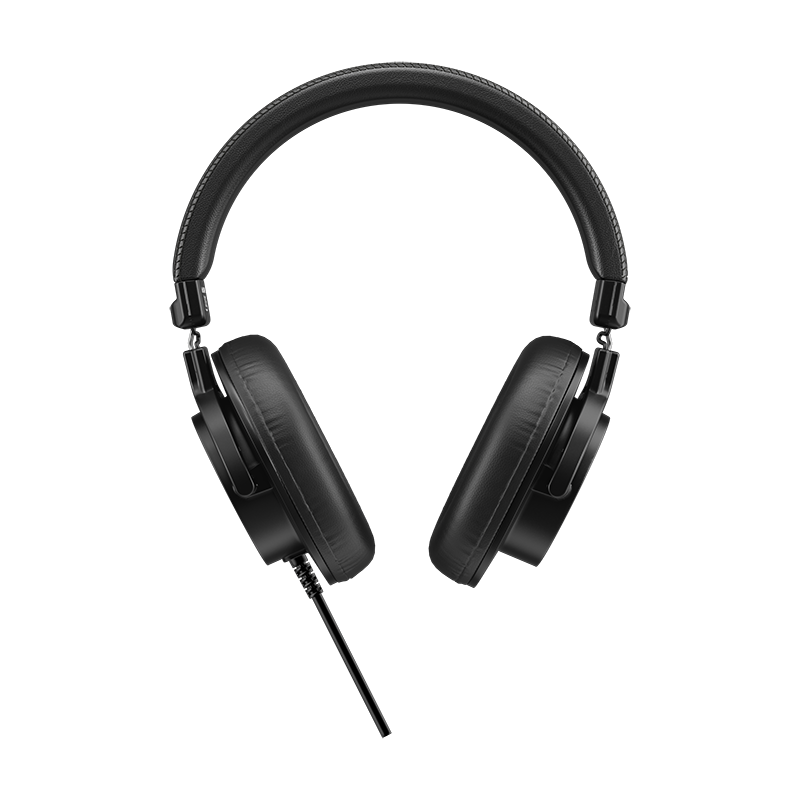
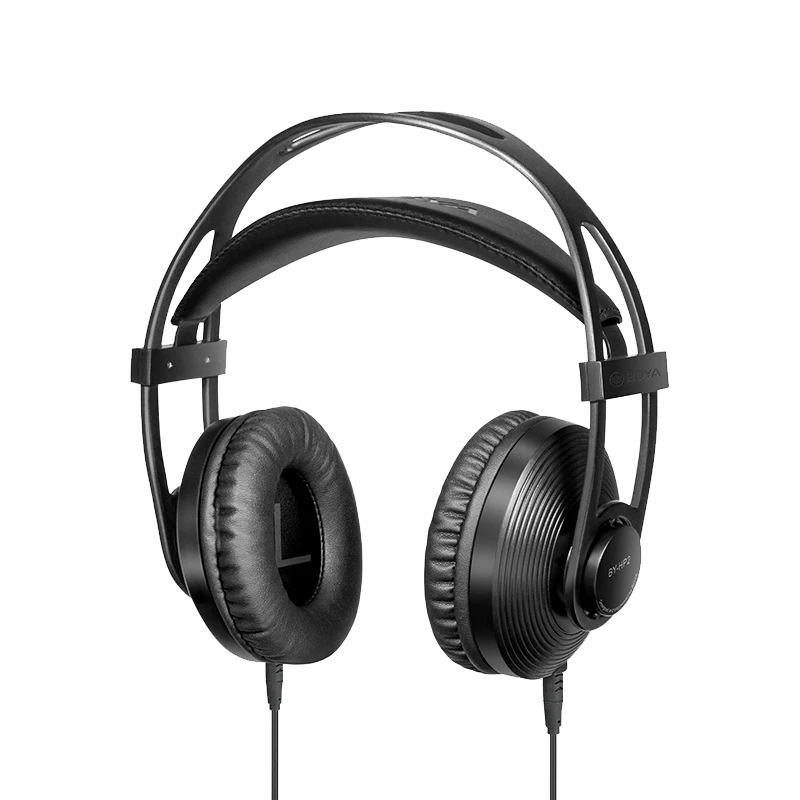
- Bluetooth headphones can make conventional recording difficult because the remote participant's audio is routed to the headset rather than played through external speakers.
- A recorder relying only on ambient sound may capture your voice clearly but struggle to capture the other side of the conversation.
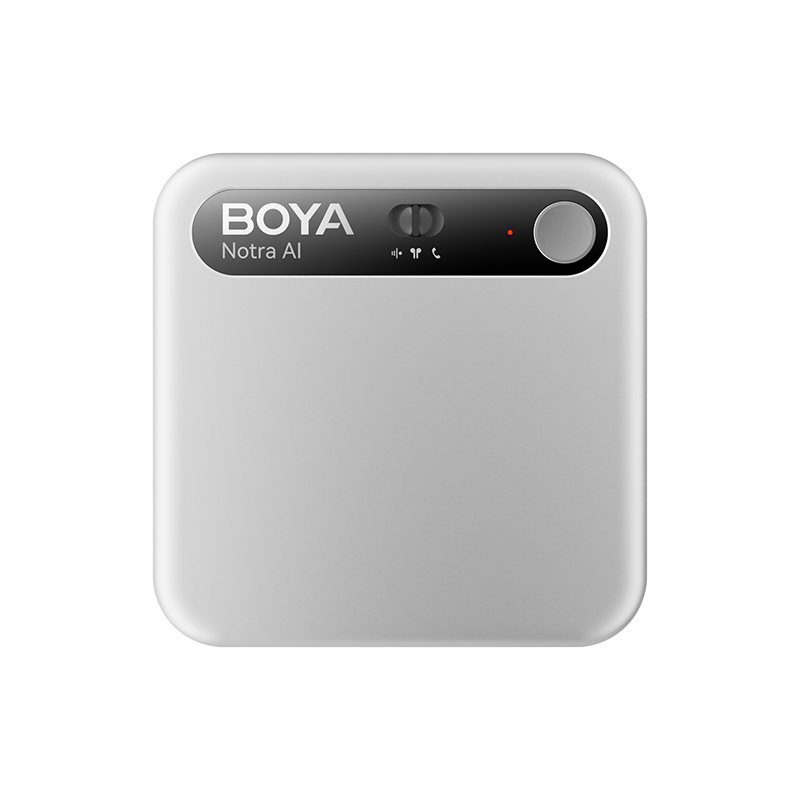
- Boya Notra Neo provides a dedicated Bluetooth recording mode for headset-based calls and online meetings.
- To use Bluetooth recording, connect Boya Notra Neo to your phone or computer, pair your Bluetooth headphones through the Boya OS App, and hold the recording button for two seconds.
- After recording, the conversation can be turned into transcripts, summaries, key points, and other AI-generated notes.
Bluetooth headphones make phone calls and online meetings more convenient, but they can also make conversations harder to record.
A recorder sitting beside your phone or computer may capture your voice clearly, while the other person's voice is routed directly to your Bluetooth headphones. This can leave the remote side of the conversation very quiet or missing from an ambient recording.
So how can you keep using Bluetooth headphones while recording both sides of an important call or online meeting?
Why Bluetooth Calls Are Hard to Record
The main reason is audio routing.
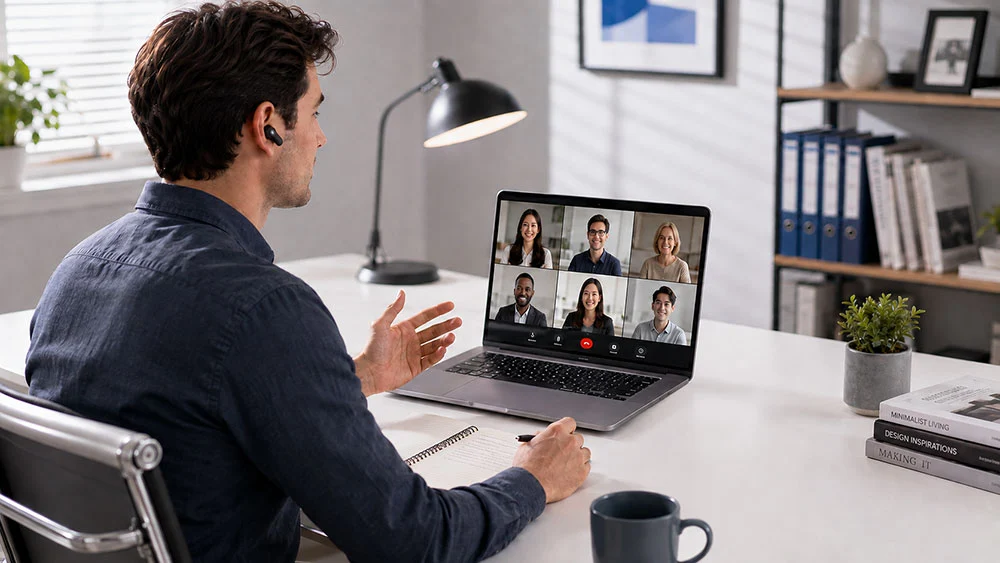
With Bluetooth headphones connected, the remote participant's audio is normally sent from your phone or computer directly to the headset rather than played into the room.
Your voice → audible in the room → easy for an ambient recorder to capture
Remote participant → routed to Bluetooth headphones → difficult for an ambient recorder to capture
This is why simply placing a conventional recorder beside your phone or laptop may result in a recording where your own voice is clear but the other participant is much quieter or missing.
How to Record With Bluetooth Headphones
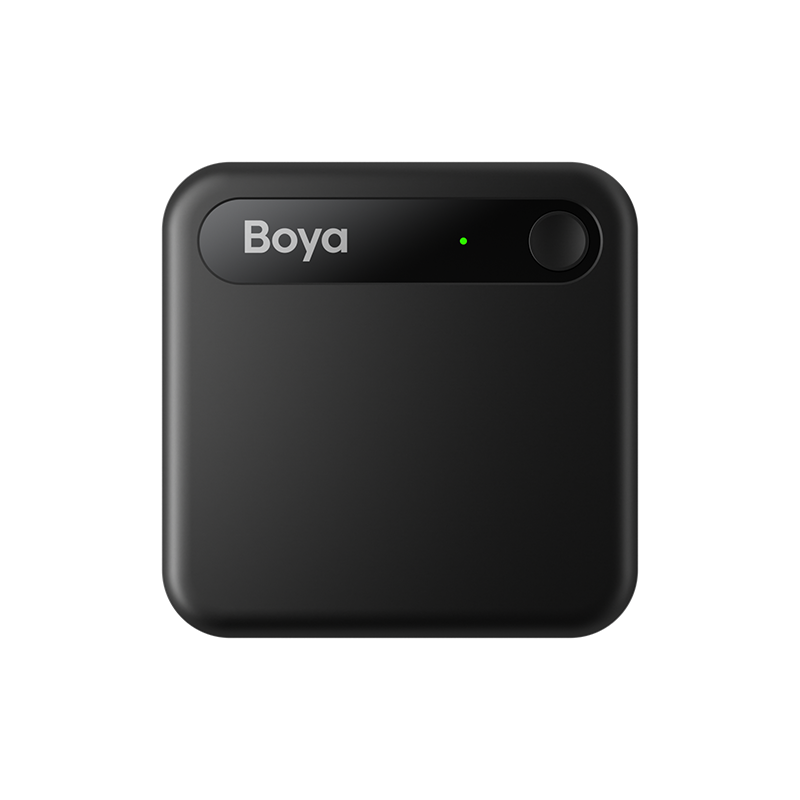
Boya Notra Neo includes a dedicated Bluetooth recording mode designed for calls and online conversations where you want to keep listening through Bluetooth headphones.
To start Bluetooth recording:
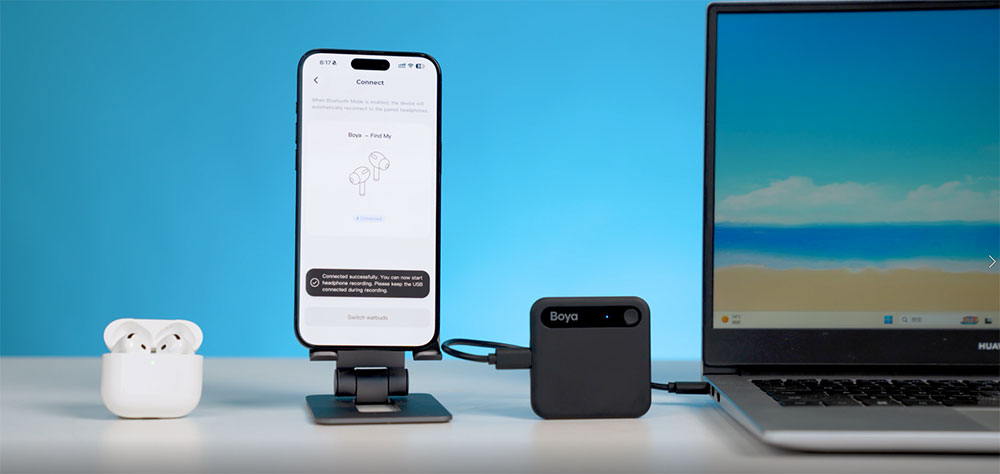
- Connect Boya Notra Neo to your phone or computer using the appropriate USB-C cable.
- Open the Boya OS App and enter the Bluetooth headphone connection interface.
- Put your Bluetooth headphones into pairing mode, then tap “Connect” to pair them.
- Once the headphones are connected, press and hold the recording button on Boya Notra Neo for two seconds.
- The device will begin Bluetooth recording and capture the headset audio.
You can then continue listening through your Bluetooth headphones while Boya Notra Neo records the conversation.
This makes the mode useful for headset-based phone calls, Zoom meetings, Microsoft Teams calls, Google Meet sessions, remote interviews, online classes, and other conversations taking place through a phone or computer.
Why Use a Dedicated Bluetooth Recording Mode?
The main advantage is that you do not need to switch the conversation to speakerphone simply so an external recorder can hear the remote participant.
Boya Notra Neo is also designed to work across different conversation scenarios. It supports ambient recording for face-to-face conversations, phone call recording when attached to a smartphone, and Bluetooth recording for headset-based conversations.
The device automatically recognizes the appropriate recording mode based on how it is being used, making it easier to move between meetings, phone calls, and online conversations without manually changing recording modes each time.
After recording, files can be synced with the Boya OS App and processed into transcripts, summaries, key points, and other structured notes for easier review. If you also use AI note taking for classes or lectures, see our guide on how to use AI note taking for lectures for a complete recording-to-study-notes workflow.
Conclusion
Bluetooth headphones are convenient, but they change where the remote participant's audio is played. That is why a conventional ambient recorder may capture your voice clearly while struggling to record the other side of a call or online meeting.
A dedicated Bluetooth recording mode solves this problem by allowing you to continue using your headset while recording the conversation. With Boya Notra Neo, the process involves connecting the device to your phone or computer, pairing your Bluetooth headphones through the Boya OS App, and holding the recording button for two seconds to begin recording.
For people who regularly use Bluetooth headphones for calls, meetings, interviews, or online classes, this provides a more practical way to capture important conversations and turn them into useful notes afterward.
FAQ
Can you record a phone call while using Bluetooth headphones?
Yes. However, a normal ambient recorder may struggle to capture the remote participant because their audio is routed directly to the Bluetooth headphones. A dedicated Bluetooth recording mode is better suited to this type of conversation.
Can Boya Notra Neo record Zoom, Teams, and Google Meet with Bluetooth headphones?
Boya Notra Neo's Bluetooth recording mode is designed for headset-based conversations through a connected phone or computer, making it suitable for online meetings and calls on platforms such as Zoom, Microsoft Teams, and Google Meet.
How do I start Bluetooth recording with Boya Notra Neo?
Connect Boya Notra Neo to your phone or computer, pair your Bluetooth headphones through the Boya OS App, then press and hold the recording button for two seconds to start Bluetooth recording.
Does Boya Notra Neo only support Bluetooth recording?
No. Boya Notra Neo also supports ambient recording for face-to-face conversations and phone call recording when attached to a smartphone.
Can AI summarize the recorded call or meeting?
Yes. Recordings can be processed in the Boya OS App into outputs such as transcripts, summaries, key points, and other structured notes.
Is it legal to record phone calls or online meetings?
Recording laws and consent requirements vary by country, state, workplace, and situation. Check the applicable laws, company policies, and platform rules before recording a conversation.