







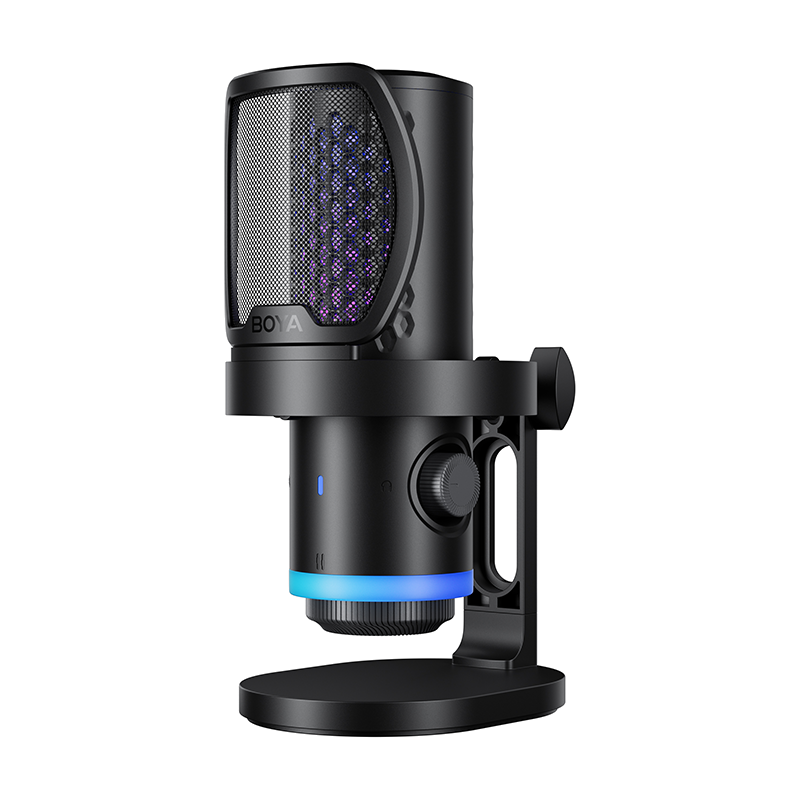

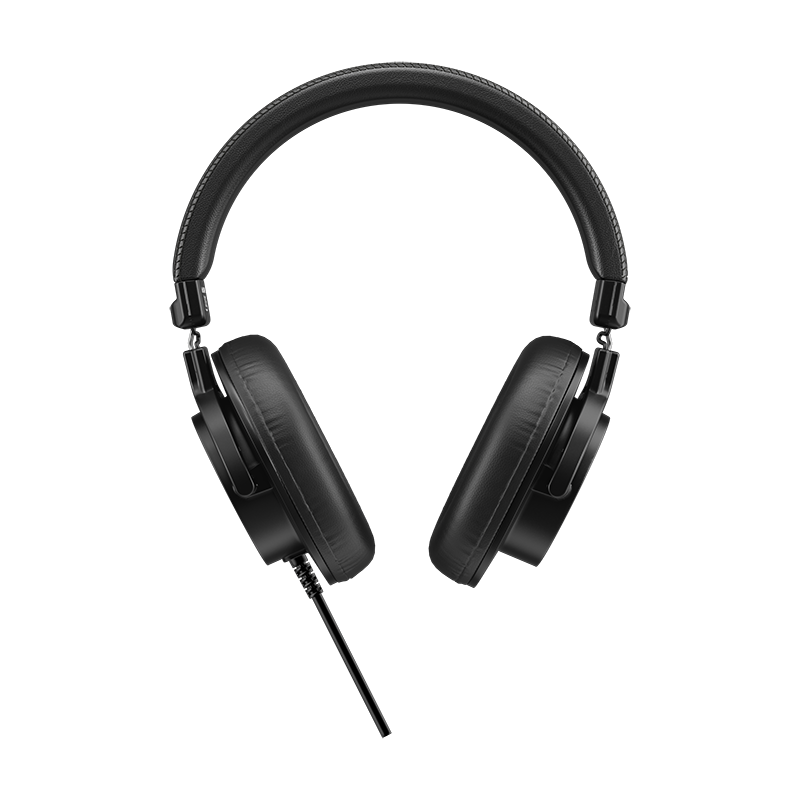

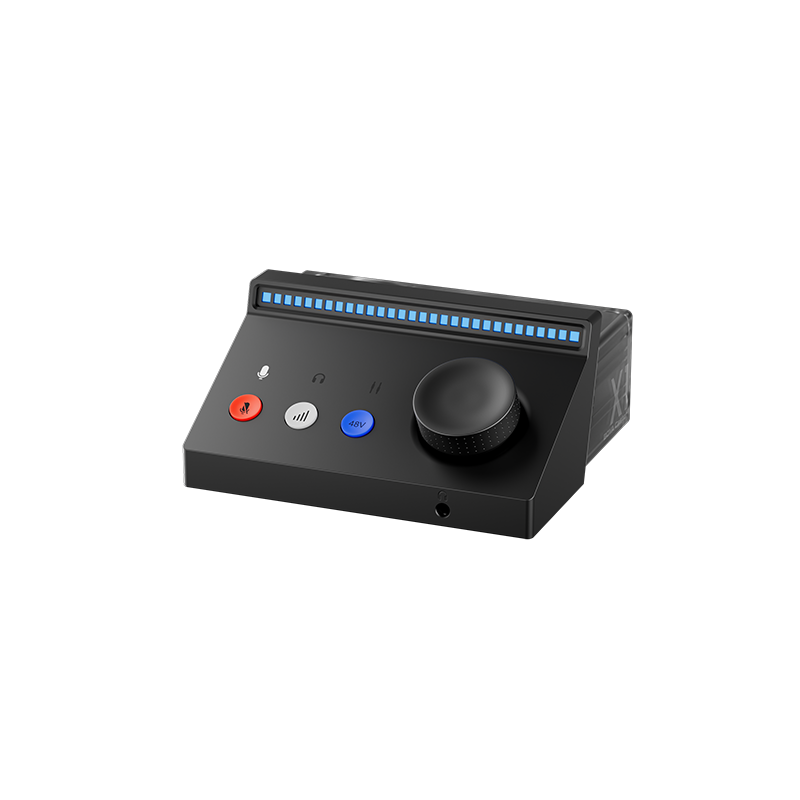











In 2026, while built-in audio chips in phones and laptops have improved, a professional dedicated audio interface remains an essential "first gate" for creators seeking high-fidelity sound. If you are not yet familiar with the core principles of this device, we recommend reading our educational article, What is an Audio Interface? It is not just a bridge between your microphone and computer; it is the core hardware that defines the quality ceiling of your audio work.
Today’s market has moved past the "pseudo-science" era of raw specs, focusing instead on high-gain preamps, low-noise floors, and cross-platform performance. Whether you are fixing a quiet microphone or looking for the perfect mix for your livestream, choosing the right entry-level interface will save you years of trial and error. This 5-minute guide will help you lock in the perfect "audio brain" from scratch.
Which Creative Scenario Do You Belong To?
The first rule of choosing an interface is not "buy the most expensive," but "buy the best fit." Defining your core needs is the start of a precise purchase.
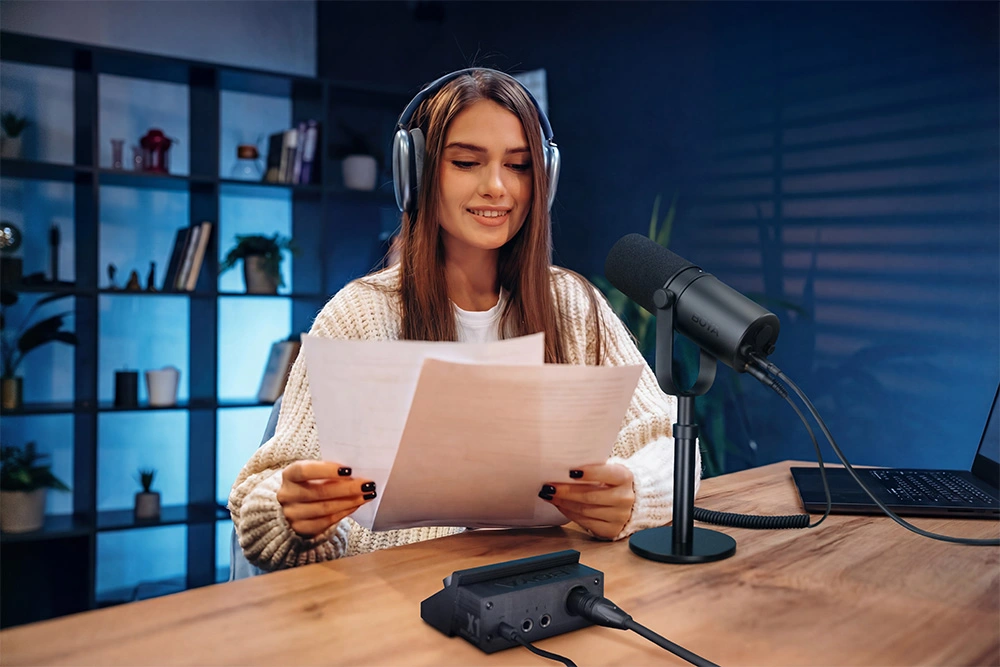
Solo Podcaster / Vlogger / Online Educator
- Core Needs: Crystal-clear vocals, ultra-simple operation.
- 2026 Key Factor: Focus on Preamp Gain. If you use a classic dynamic microphone, your interface must have enough gain; otherwise, forcing the volume up in post-production will introduce unbearable background hiss.
Professional Streamer / Content Creator
- Core Needs: Zero-lag interaction, separate music/vocal control, flexible multi-channel routing.
- 2026 Key Factor: Virtual Routing (Internal Recording) is a non-negotiable requirement. It allows you to independently route and mix background music, game audio, and your mic signal during a stream, achieving professional-grade audio control without annoying echoes or crosstalk.
Indie Musician / Singer-Songwriter
- Core Needs: Natural instrument reproduction, ultra-low latency monitoring.
- 2026 Key Factor: Must feature a Hi-Z (High-Impedance) input for direct electric guitar/bass connection and at least 24-bit/192kHz Sampling rate to ensure rich audio detail and ample headroom for post-processing.
Mobile Content Creator (Short-form Video/Mobile Streaming)
- Core Needs: Plug-and-play, record-while-charging, stable power supply.
- 2026 Key Factor: Must support OTG lossless digital audio transmission and ideally feature a USB-C 4.0 interface. This ensures data stability and provides consistent power to both the interface and the smartphone, preventing mid-record shutdowns due to battery drain.
7 Core Specs to Check in 2026
Master these seven technical indicators to pick your interface like an expert.
1. Preamp Gain
This is the watershed between "entry-level" and "professional." In an audio interface, the quality of the preamplifier directly determines the signal purity.
- Standard Level (55-60dB): Suitable for most condenser microphones but struggles to drive "gain-hungry" dynamic mics.
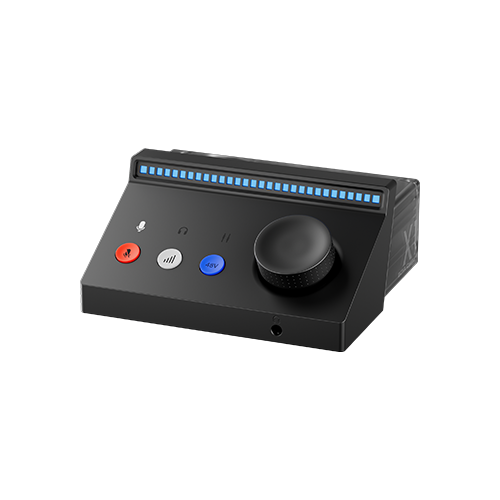
- Benchmark Level (70dB+): Represented by the BOYA Caster X1. Such powerful thrust means you don't need to buy expensive external boosters (like a Cloudlifter); you get clean, full vocals with an extremely low noise floor via a direct connection.
2. Virtual Multi-Channel Routing (Internal Recording)
The standard for livestreaming and content creation in 2026. Via companion software, it allows you to "capture" and re-route any audio playing inside your computer or phone (like browser music or game sfx) into your recording software or stream without echo interference.
3. Zero-Latency Monitoring
While recording, you need to hear yourself in real-time, perfectly synced with your actual voice. The Direct Monitor feature is the technical guarantee for this, ensuring your recording rhythm stays on track without lag.
4. Sample Rate & Bit Depth
These parameters define the precision of the audio recording.
- 24-bit/48kHz: The industry standard for video production and online streaming, sufficient for most scenarios.
- 24-bit/192kHz: The entry standard for music production. We recommend prioritizing devices that support 192kHz to provide more room for advanced audio editing.
5. Interface Type: USB-C 4.0 & Cross-Platform Compatibility
In 2026, please completely abandon the obsolete micro-USB interface. USB-C 4.0 is not only faster but also provides more stable and powerful USB Power Delivery, effectively avoiding accidental disconnections during a recording or stream.
6. Built-in Hardware DSP
While we no longer blindly chase AI noise reduction, practical hardware-level Limiters and EQ are major bonuses. They process the audio signal before it even reaches your computer, preventing clipping (distortion) and protecting both your equipment and your listeners' ears.
7. Driver Stability & Companion Software
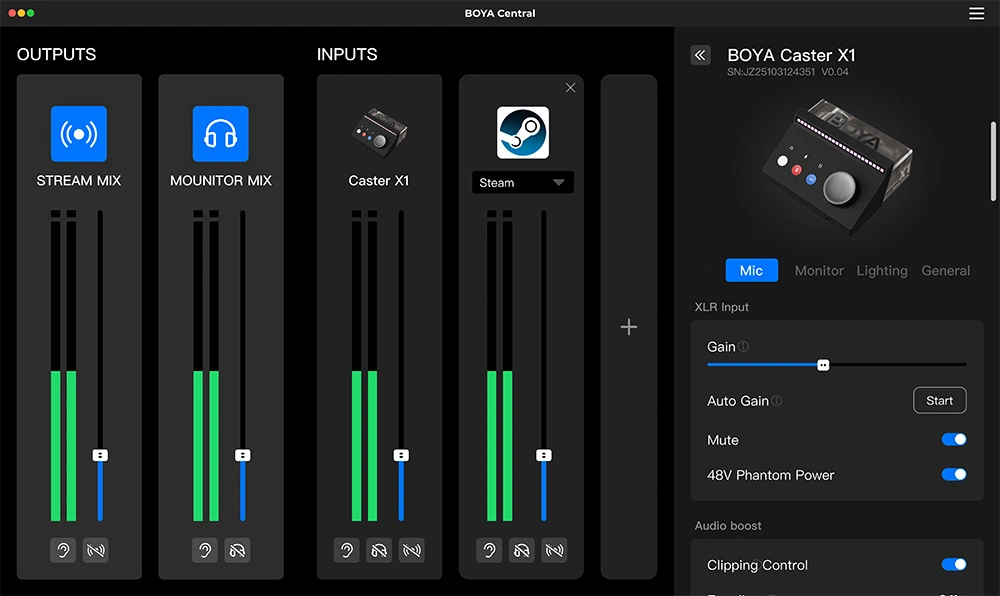
Top-tier brands provide powerful mixer software (such as BOYA Central), allowing users to monitor levels and adjust multi-channel routing in real-time. For beginners, this significantly lowers the barrier to professional audio setup.
4-Step Guide to Precise Decision Making
- Inventory Your Gear: Identify your microphone type (Condenser mics need 48V Phantom Power; Dynamic mics need high-gain preamps).
- Confirm Your Terminal: Is your primary platform PC, Mac, or iPhone/Android? Ensure the interface is fully compatible and supports "record-while-charging" on mobile devices.
- Check 3 Core Specs: Focus on: Is the gain ≥60dB? Does it have flexible virtual routing? Does it support zero-latency hardware monitoring?
- Review Real-World Tests: Don't just look at marketing posters. Search for specific models on YouTube or social platforms to find EIN (Equivalent Input Noise) tests. Real noise-floor results are more valuable than any glossy ad copy.
2026 Beginner Pitfalls: 3 Common Mistakes
- Mistake 1: Chasing high sample rates while ignoring noise floor. Many cheap interfaces boast 192kHz but have preamps that hiss like a fan. Remember: Excellent noise control (EIN) is far more important than inflated sample rates.
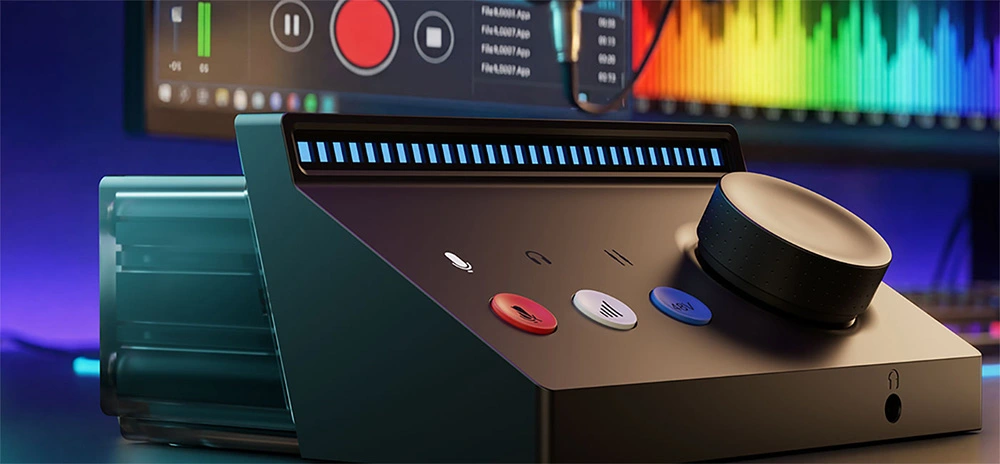
- Mistake 2: Ignoring the importance of physical interaction. Interfaces that rely solely on software control are inconvenient during fast-paced scenarios like livestreaming. Physical knobs with clear RGB level indicators are reliable designs you can trust in critical moments.
- Mistake 3: Overlooking mobile power solutions. Many interfaces drain phone batteries rapidly. Ensure the product supports an independent, extra power input port for long sessions.
The best audio interface isn't necessarily the most expensive; it’s the one that lets you completely forget it exists while you create.
2026 Top Entry-Level Audio Interface Recommendations
| Model | Est. Price (USD) | Core Highlights | Recommended For |
|---|---|---|---|
| BOYA Caster X1 | $99.99 | 70dB Ultra-High Gain, Virtual Mixing, RGB Level Lights, Universal Connectivity | Podcasters/Streamers/All-rounders |
| Focusrite Scarlett 2i2 (4th Gen) | $224.99 | Classic Air Mode, Ultra-low Noise Floor, Mature Ecosystem | Home Musicians / Home Studios |
| Audient iD4 MkII | $240 | Console-grade Preamp, Pure Sound Quality, JFET Instrument Input | Vocalists / Singer-Songwriters |
| MOTU M2 | $200 | High-res Visualization Screen, Ultra-low Latency, Pro-level ESS DAC | Pro Arrangement / Audiophiles |
Conclusion
In 2026, a good audio interface is no longer an unreachable piece of professional gear, but an essential "voice tool" for every digital content creator to elevate their work. By starting from your actual creative scenario and focusing on the two core pillars of Preamp Gain and Multi-channel Routing, you can easily avoid 90% of buying pitfalls and find your perfect entry-level companion.
To learn more about the latest news from BOYA, join in our official social media accounts: Facebook, Youtube, Instagram.
Frequently Asked Questions
Is it mandatory to choose a model that supports USB 4.0 in 2026?
USB 4.0 offers better bandwidth and power stability, making it the top choice for mobile creators who need to charge while recording. However, for traditional PC/Mac recording, a stable driver and low-noise preamp remain the core of audio quality—don't chase new tech blindly.
Do I still need an external booster (like a Cloudlifter) after buying an interface?
This depends on your interface's gain. If you choose a device like the BOYA Caster X1 which features a built-in 70dB gain, most dynamic microphones can be driven to their full potential without extra cost.
Why is there no sound or an automatic disconnection when I connect my interface to my phone?
This usually relates to OTG compatibility or power supply. Ensure you are using an OTG cable capable of lossless transmission and confirm if your interface requires an additional Type-C power connection.


