







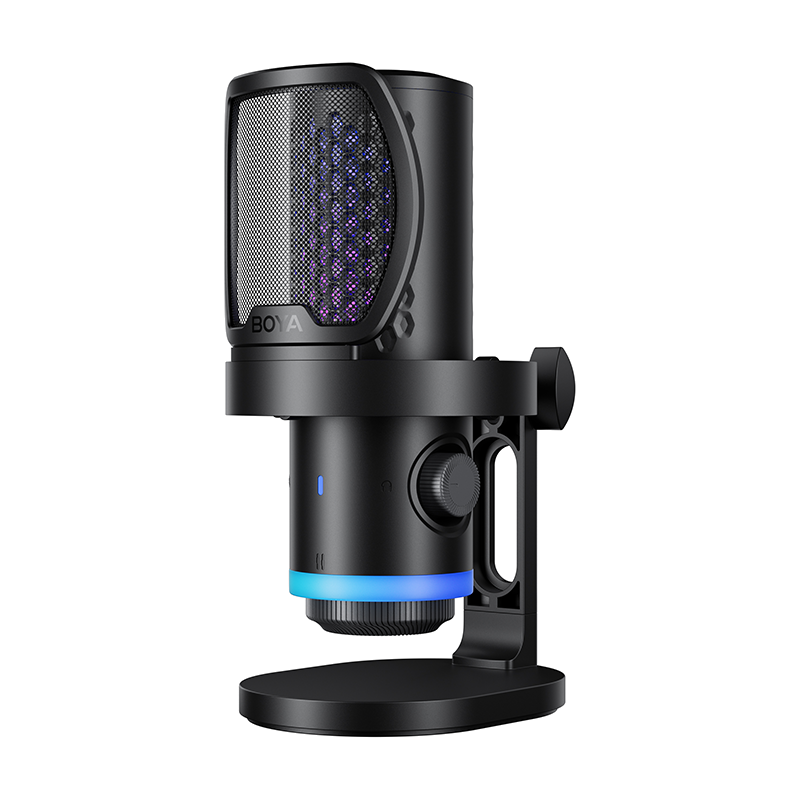













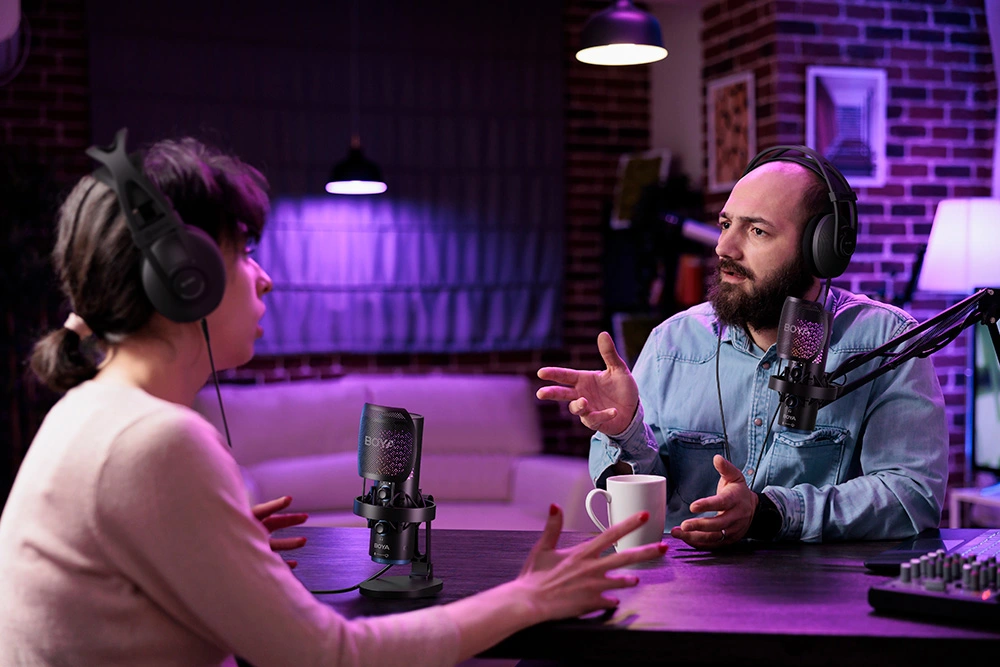
In today’s creator economy, the USB microphone has become one of the most popular tools for podcasters, audiobook narrators, and streamers. Thanks to its plug-and-play simplicity, creators can start recording within minutes without complex audio equipment.
But here’s a common question: why does your recording sound like it was made in a bathroom, while professional podcasters sound warm, rich, and clear—even using similar gear?
The truth is simple: great audio isn’t bought—it’s tuned.
If you are still deciding which mic to use, you can also check this guide on how to choose a USB microphone to understand which type of mic works best for podcasting, streaming, or recording.
This guide provides a simple yet powerful workflow to help you maximize the performance of your podcast mic. From diagnosing recording problems to optimizing mic placement and gain settings, these techniques can dramatically improve your podcast audio quality.
Why Does Your Podcast Mic Sound Cheap?
Before improving your sound, the first step is diagnosing the problem. In most cases, poor podcast audio quality is not caused by the microphone itself but by recording environment and setup issues.
Four Common Podcast Recording Problems
- Background Noise: Constant humming or hissing may come from computer fans, air conditioners, or overly high microphone gain.
- Room Echo: If your voice sounds distant or hollow, reflections from walls, ceilings, and desks may be causing excessive room echo.
- Thin Voice: When the speaker is too far from the podcast mic, the voice often sounds weak and lacks warmth.
- Plosive Sounds: Harsh bursts on letters like “P” or “B” happen when strong air hits the microphone diaphragm.
The Core Formula for Professional Podcast Audio
Great sound = (Close distance + Proper gain + Vibration isolation + Reflection control) × Consistent recording habits
This formula highlights that high-quality podcast audio depends on several small factors working together. Even if you own a great podcast mic, poor setup can significantly reduce sound quality.
Improve Your USB Podcast Mic Recording Environment
Your recording environment is the foundation of good podcast audio. Fortunately, you don’t need expensive acoustic foam to improve it.
Basic Room Optimization
Avoid recording in the exact center of the room. This area often experiences stronger room modes and unstable low-frequency response.
Instead, record closer to a wall and use everyday items such as bookshelves, curtains, or clothes in an open wardrobe to absorb and scatter reflections.
Placing a thick mouse pad or cloth on your desk can also reduce early reflections from the table surface.
Two Simple DIY Acoustic Tricks
- The Closet Recording Method: Recording toward an open wardrobe filled with clothes can naturally absorb sound reflections.
- The Blanket Booth: Hanging a thick blanket behind or above your recording area can significantly reduce room echo.
Boom Arms and Vibration Control
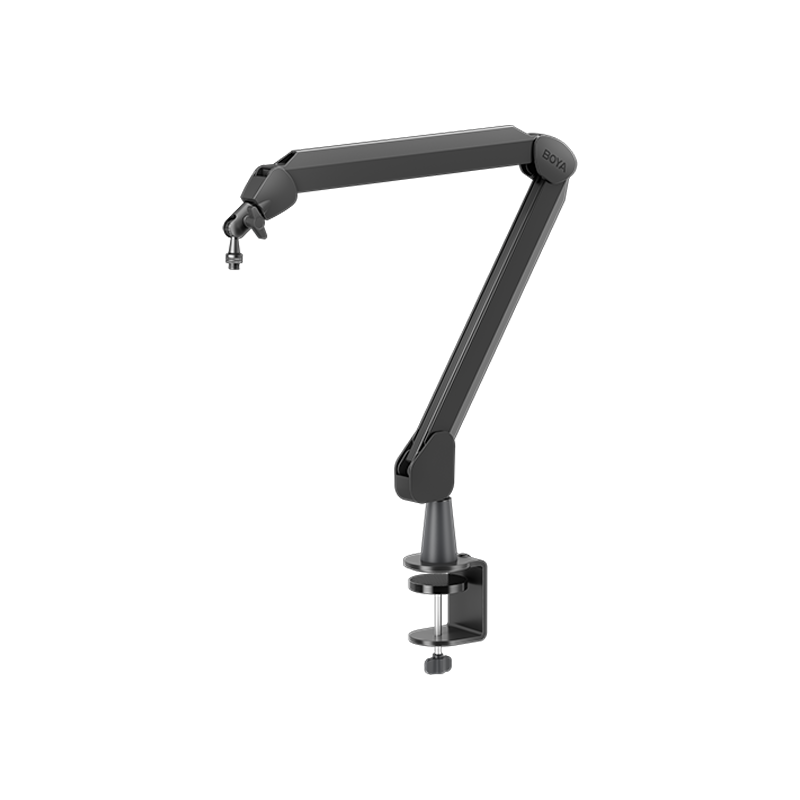
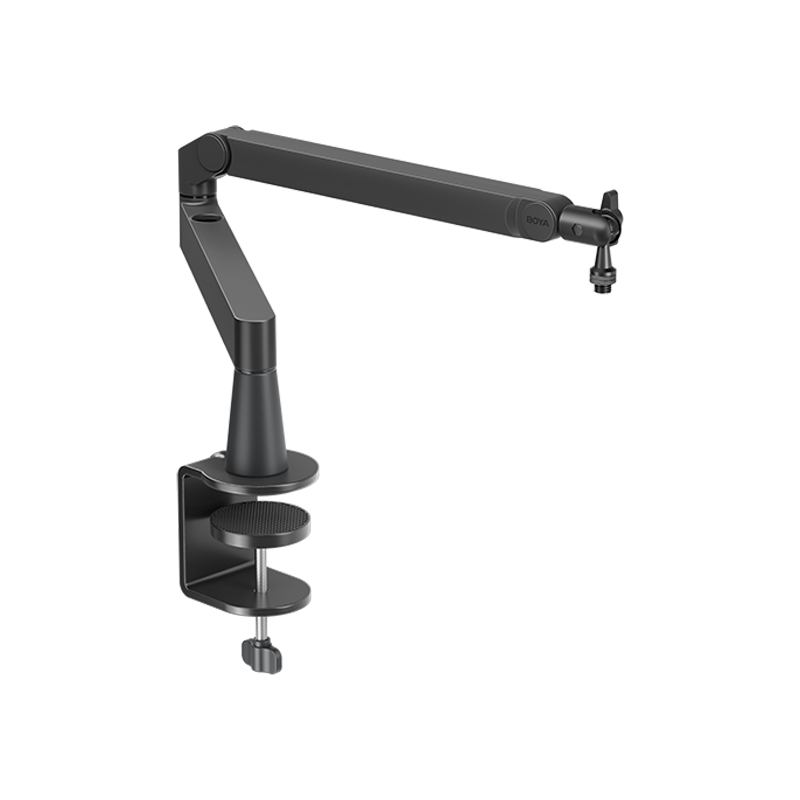
Instead of using the default desk stand, consider using a boom arm (for example BOYA MIC ARM LP). A suspended microphone reduces vibration noise from typing, mouse movements, or desk contact.

Pop Filter Distance Setup
For optimal plosive protection, follow this structure: Mouth → 5–10 cm → Pop Filter → 3–6 cm → Microphone
This setup prevents plosives while preserving clarity in your podcast voice.
Podcast Mic Setup Tips: Gain Settings and Recording Distance
After optimizing your environment, the next step is configuring the microphone properly. The most important elements are gain structure and mic distance.
If you are unsure which microphone works best for your recording setup, check this USB microphone scenario matching guide to see how different creators configure their gear.
The Ideal Podcast Mic Distance
Keep your mouth about 10–18 cm away from the microphone.
At this distance, directional microphones benefit from the proximity effect, naturally enhancing low frequencies and creating a warmer podcast voice.
The Three-Step Gain Setup
- Initial Settings: Set your computer input level to around 80% and keep the microphone gain relatively low at the beginning.
- Increase Gain Slowly: Speak at your normal podcast volume and gradually increase the gain until your recording peaks reach -12 dB to -6 dB.
- Loudness Test: Speak louder or laugh during testing to ensure the signal never reaches 0 dB, which would cause digital clipping.

Simple Audio Processing for Better Podcast Sound
While your microphone provides the foundation for sound quality, a few simple software adjustments can improve consistency.
Most podcast creators only need basic processing such as:
- High-Pass Filter: Removes low-frequency rumble below 80–120 Hz caused by vibrations or environmental noise.
- Compressor: Balances loud and soft speech so your podcast audio stays consistent.
- Limiter: Prevents peaks from clipping and protects your final recording.
For most podcasters, these basic tools are enough to achieve professional results.
Conclusion
The beauty of a minimalist podcast setup is that you can create professional-sounding audio using the equipment you already own. By optimizing your recording environment, adjusting microphone placement, and managing gain correctly, even an entry-level USB microphone can produce immersive podcast audio. Stop overthinking the gear—press record and start your first episode.
To learn more about the latest news from BOYA, join in our official social media accounts: Facebook, Youtube, Instagram.
FAQs
What type of microphone is best for podcasting?
Both dynamic and condenser microphones can work well for podcasting. Dynamic microphones are often preferred in untreated rooms because they capture less background noise, while condenser microphones can provide more detailed sound in controlled environments.
How close should you be to a podcast mic?
Most podcasters record with the microphone about 10–18 cm away from their mouth. This distance balances clarity, warmth, and plosive control.
Do you need an audio interface for a podcast mic?
If you are using a USB podcast mic, an audio interface is usually unnecessary because the microphone already contains a built-in audio interface and preamp.
Why does my USB podcast mic produce a constant hiss?
Avoid connecting your microphone through a USB hub. Instead, plug it directly into your computer’s USB port. Using a shielded cable with a ferrite bead can also help reduce interference.
How can I reduce echo without acoustic foam?
Recording near clothes, curtains, or thick fabrics can absorb reflections. Even placing a towel behind your monitor can reduce echo.
How do I check if my podcast recording environment is quiet enough?
Record 10 seconds of silence. If the noise floor stays below -50 dBFS, the environment is usually quiet enough for podcast recording.
Do USB podcast mics have built-in low-cut filters or limiters?
Most USB microphones do not include dedicated hardware low-cut filters or limiters. Some models may offer basic DSP presets, but software processing is still commonly used.


