




















💡 Key Takeaways
- Ecosystem-Level Bottlenecks: Most instances of a wireless microphone "not working" on Windows 11 or mobile devices are caused by OS-level audio routing and app permission policies, not hardware failure.
- Port vs. Protocol: USB-C standardizes the physical connector shape, but it does not guarantee audio protocol compatibility between devices, operating systems, and accessories.
- Environmental Limits: 2.4GHz wireless microphone stability is heavily dictated by surrounding RF congestion (Wi-Fi 6E/7 and Bluetooth) and physical barriers like the human body.
- Next-Gen Tech Solutions: Advanced microphone systems are bypassing traditional analog pain points by utilizing native USB-C digital audio architectures and smarter adaptive frequency management.
You have mapped out the perfect script, set up the lighting, and delivered a flawless interview or presentation. But when you review the footage, the audio is filled with random dropouts, distorted vocals, or worse — no sound at all.
When wireless microphones fail, many creators immediately assume the hardware is defective. In reality, most connection and compatibility problems are caused by RF interference, physical signal blockage, operating system audio routing conflicts, or legacy analog connection standards rather than actual hardware failure.
These issues affect nearly every wireless microphone brand on the market. Across Reddit discussions, Microsoft support forums, YouTube reviews, and creator communities, users regularly report the same problems: random disconnections, unstable USB-C compatibility, Windows audio routing failures, and confusing TRS/TRRS adapter issues.
Modern wireless microphone performance is no longer defined purely by audio specifications like bitrate or signal-to-noise ratio. In real-world creator workflows, recording stability, operating system compatibility, and connection reliability matter far more than theoretical specs on a product page.
To understand why these problems happen, we first need to examine the hidden technical factors behind wireless microphone instability.

The Three Hidden Culprits Behind Dropouts and Distortion
To fix or prevent wireless audio failures, we must first look at the invisible physical forces and algorithmic decisions happening behind the scenes.
1. 2.4GHz RF Congestion
Most compact wireless microphone systems operate on the unlicensed 2.4GHz wireless frequency band. While this allows for global compliance, it also means your microphone is competing for airwaves in the exact same spectrum as Wi-Fi 6/7 routers, office wireless networks, smart home devices, and a sea of consumer Bluetooth headphones. In crowded environments like trade shows, bustling shopping malls, or dense office complexes, the RF environment is completely saturated, leading to severe packet loss and audio dropouts.
2. The Conflict Between Aggressive Noise Cancellation and Automatic Gain Control
A frequent complaint from users experiencing poor audio quality is a hollow, metallic, or "tunnel-like" sound. In most cases, this is not a hardware defect, but an algorithmic processing issue. This is rarely a hardware failure. Instead, it is an algorithmic conflict.
Automatic Gain Control (AGC) is a system-level feature that automatically raises or lowers microphone sensitivity based on surrounding sound levels.
When a microphone's legacy DSP (Digital Signal Processing) aggressively suppresses sudden environmental noise, it can interact unpredictably with AGC behavior inside the recording device itself. The algorithms overcompensate, cutting out important vocal frequencies alongside the background noise, leaving voices sounding hollow, metallic, or overly processed.
3. Invisible Mechanical Wear on Physical Adapters
Many intermittent disconnections that creators attribute to "wireless drops" are actually mechanical connection failures. Standard 3.5mm headphone jacks and cheaper external adapters loosen over time. A microscopic shift in how a cable sits inside a smartphone or camera socket can break the electrical path, terminating the audio stream instantly while the wireless transmitter and receiver remain perfectly paired.

Why Multi-Device Compatibility Remains a Puzzle
We live in a world where creators expect to plug the exact same microphone into a mirrorless camera, an iPhone, an Android tablet, and a Windows laptop. But why is this still so difficult?
The TRS vs. TRRS Legacy Clash
The traditional audio world is divided by connector standards:
- TRS (Tip-Ring-Sleeve): Features two black insulating rings. This is the standard analog input for DSLR and mirrorless cameras.
- TRRS (Tip-Ring-Ring-Sleeve): Features three black insulating rings. This carries an extra channel designed specifically for smartphones, tablets, and combined laptop headset jacks.
Plugging a TRS cable into a smartphone socket without a designated adapter leaves the microphone channel completely unaligned, resulting in zero recorded sound. Even within TRRS, a secondary incompatibility exists between the CTIA and OMTP wiring standards, meaning the wrong assignment of the ground and microphone pins can result in complete silence on legacy devices.
"Universal" USB-C Does Not Mean Universal Protocols
A USB-C connector standardizes the physical connection format — not full audio communication compatibility between devices.
The widespread adoption of USB-C led consumers to believe that any USB-C accessory would work with any USB-C port. This is a misconception. A USB-C port dictates the physical shape of the connector, but not the data protocol passing through it.
Some Android manufacturers restrict USB audio routing at the system level, meaning a microphone may physically connect successfully while still failing to pass audio into recording apps.
Windows 11 and Mobile Operating System Restrictions
Operating systems handle external audio hardware entirely differently:
- Windows 11 (especially recent updates like 24H2): Employs aggressive power-saving and communications management. When a USB audio receiver is connected, Windows often registers the hardware device driver but fails to route the audio track because it automatically defaults back to the integrated internal microphone. Sample rate mismatches between the operating system and the microphone can also prevent audio streams from functioning correctly.
- iOS & Android: Prioritize sandboxed app privacy. If a creator opens a third-party video app without explicitly allowing "Microphone Permissions" in the global operating system settings, the system will record video perfectly while completely blocking external audio access.

How Modern Wireless Microphones Are Overcoming These Barriers
Audio engineering has fundamentally shifted. Instead of simply building higher-spec capsules, top-tier audio manufacturers are dedicating resources to resolving these foundational ecosystem friction points.
From Analog to Pure Digital Audio Architecture
To eliminate the confusion surrounding TRS/TRRS cables and passive, unreliable analog adapters, modern microphones are utilizing native digital connections. By transmitting audio as a pure digital bitstream directly through USB-C or Lightning interfaces, the system bypasses the noisy, unpredictable analog preamps found inside cheap smartphones and older computers, drastically reducing the chances of hardware non-recognition.
Smarter Adaptive Frequency Hopping
To survive the brutal RF congestion of modern cities, next-gen wireless protocols employ continuous, predictive frequency management. Advanced algorithms constantly scan the 2.4GHz spectrum in milliseconds, utilizing frequency-hopping spread spectrum technology to seamlessly move away from active Wi-Fi and Bluetooth channels before a packet drop can occur, ensuring a stable, uninterrupted link between the transmitter and receiver.
Balancing Technology: The Real-World Implementation
Rather than over-promising or relying on marketing hyperbole, looking at how modern, real-world hardware addresses these issues provides a clear view of the industry's evolution.
Some newer wireless microphone systems are attempting to solve these long-standing compatibility and stability issues through modular hardware designs, adaptive DSP processing, and more flexible digital workflows.
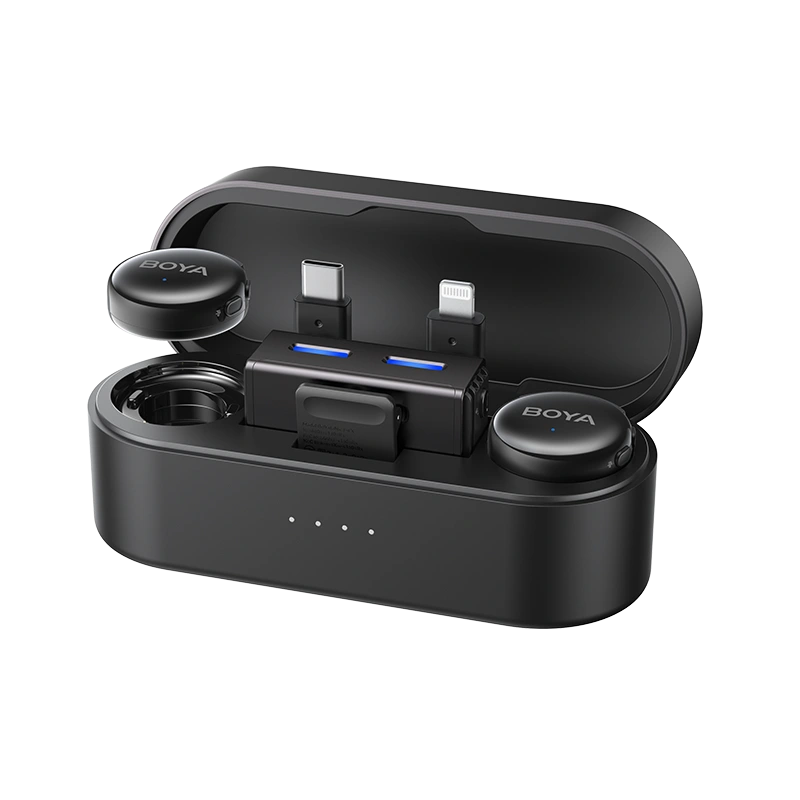
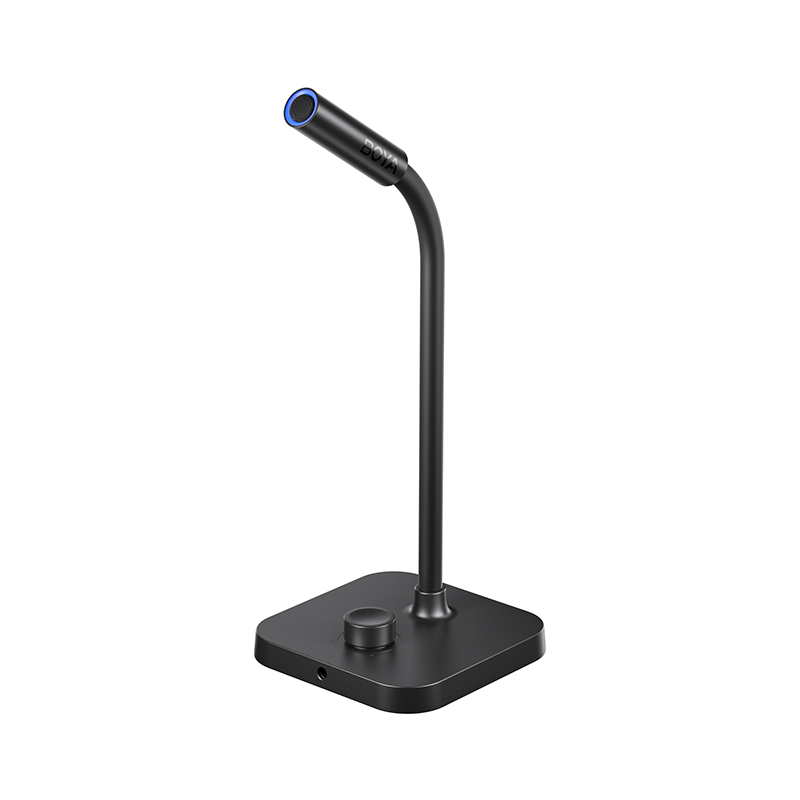
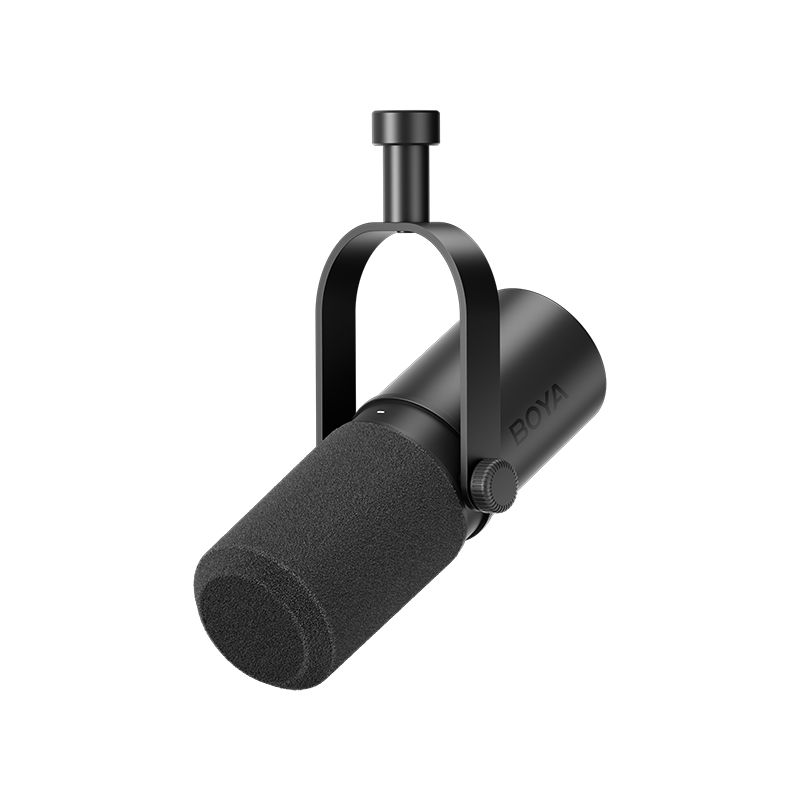
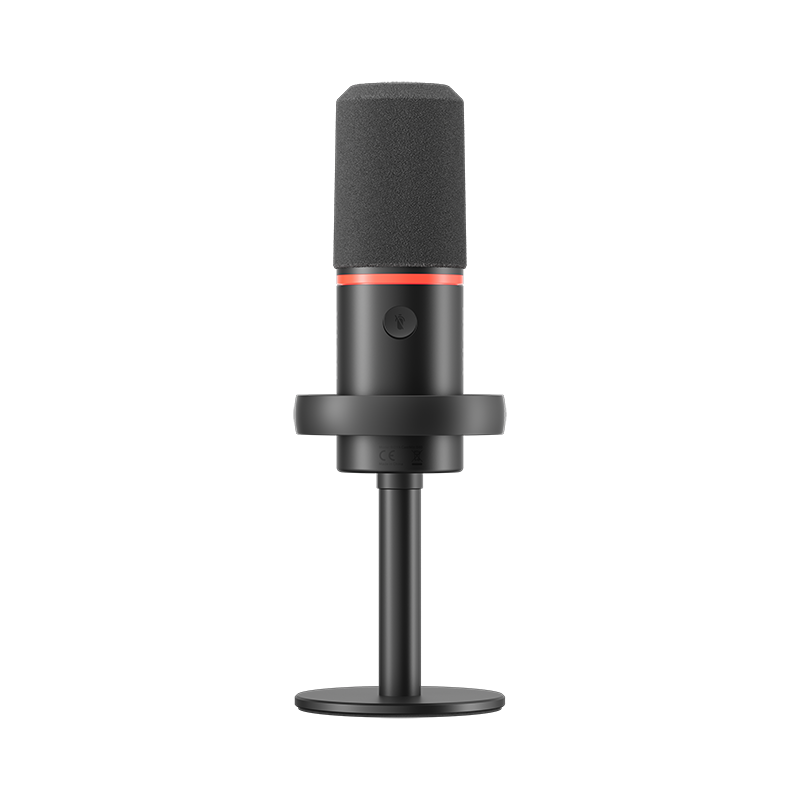
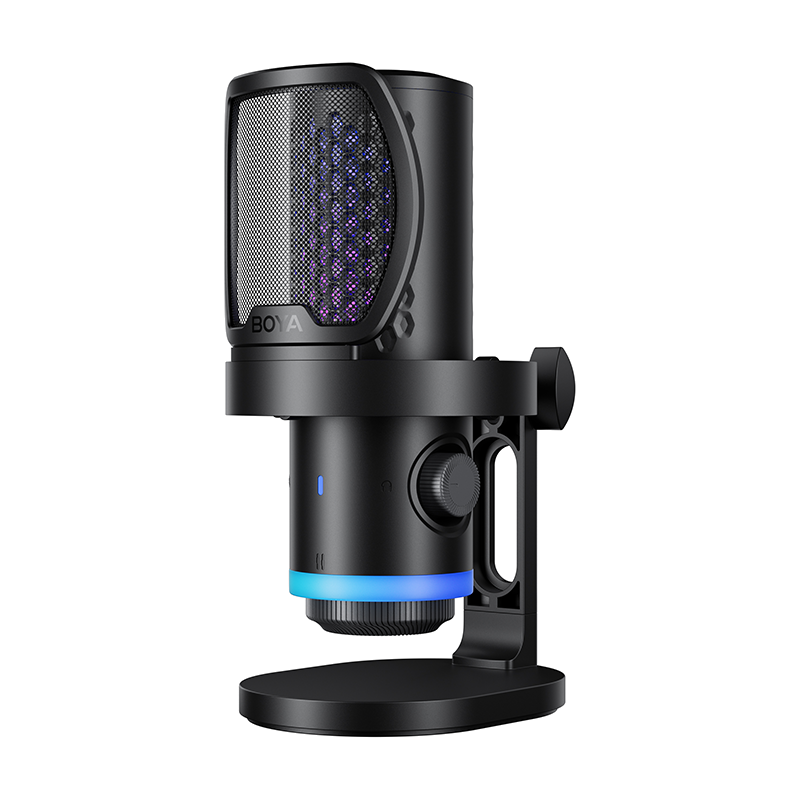
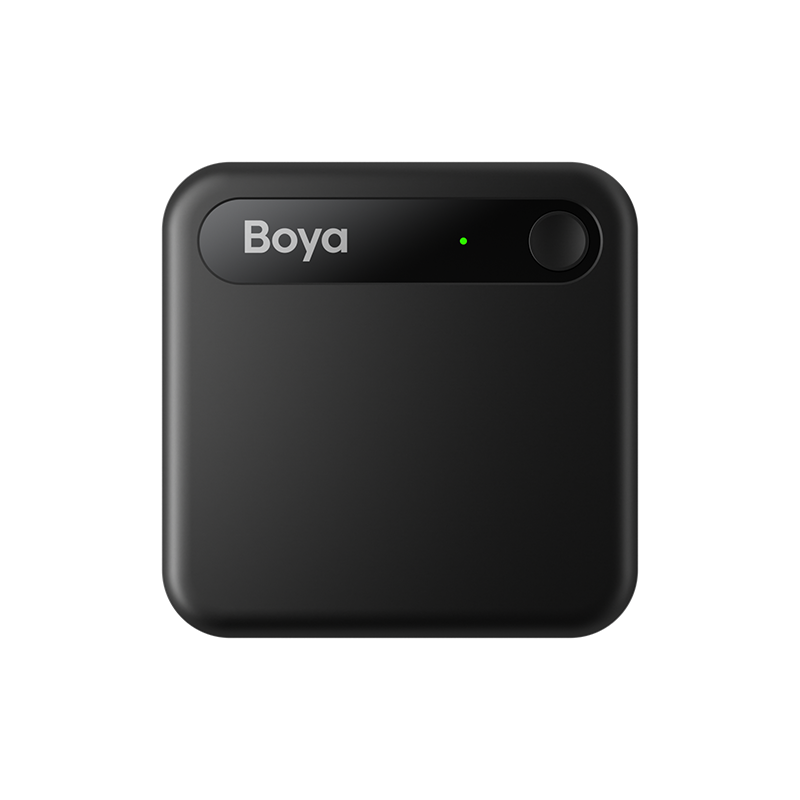
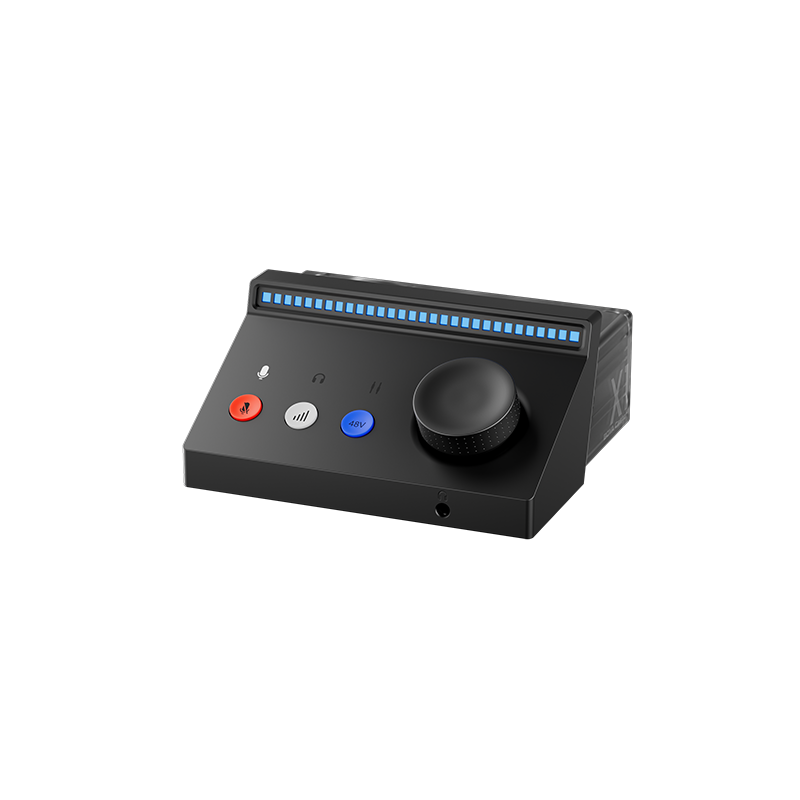
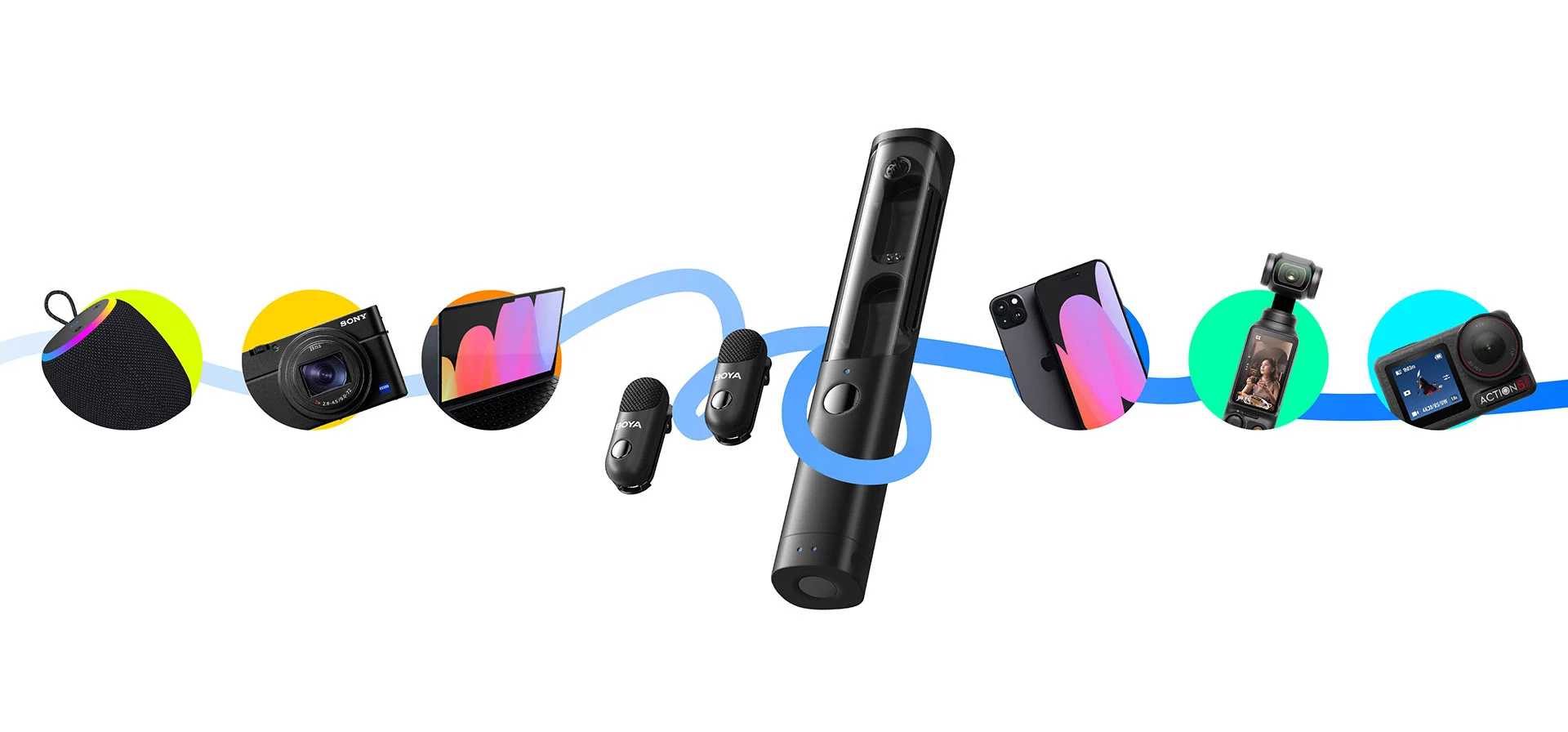
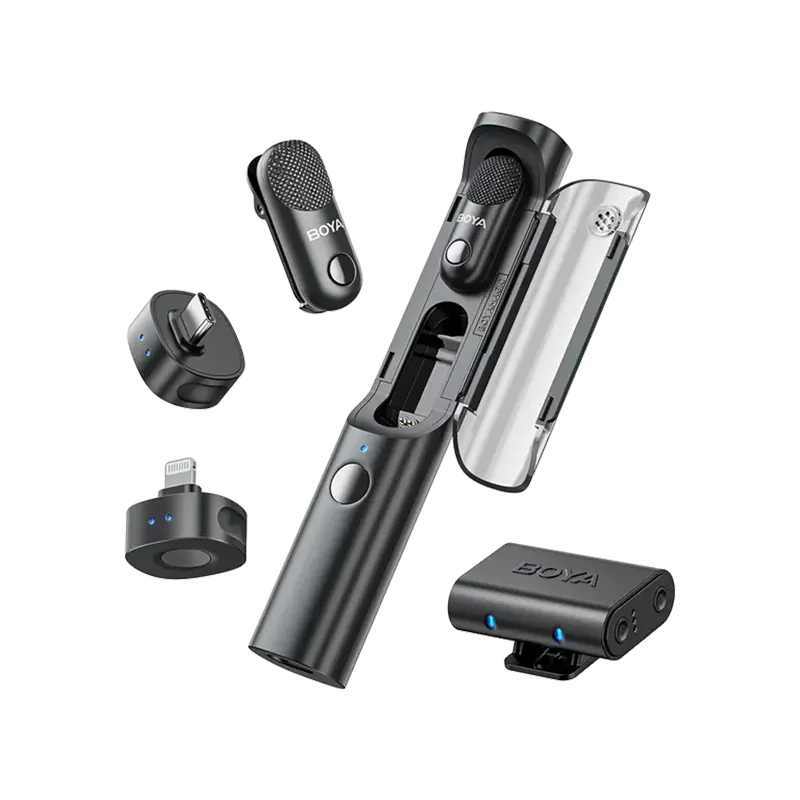
For example, products like the BOYA Magic adopt multi-form recording architectures that allow creators to switch between wireless, handheld, desktop, and on-camera setups more easily. Meanwhile, newer AI-assisted noise reduction systems are also becoming more context-aware, helping suppress environmental noise without creating the hollow or over-processed vocal artifacts often associated with older aggressive DSP algorithms. And It can be used with cameras, smartphones (supporting USB-C / lightning), computers, etc.
Ultra-compact wireless microphone systems are also increasingly prioritizing simplified mobile workflows through direct digital connections, reducing dependence on fragile analog adapters and minimizing compatibility friction for smartphone creators.
What to Check Before Purchasing Your Next Wireless Microphone
If you want to protect your workflow from audio failures, look past the basic audio quality specifications and verify these three operational criteria before buying:
1. Demand a Verified OS Compatibility Matrix
Never assume a microphone works with your system just because it lists a compatible plug type. Look for manufacturers that explicitly publish an up-to-date operating system compatibility chart detailing exact version numbers (such as Windows 11 24H2, iOS 18, and specific Android versions).
| Recording Device | Physical Connection | Required Protocol Support |
|---|---|---|
| Mirrorless/DSLR Cameras | 3.5mm TRS Analog Cable | Mic-Level Analog Input |
| Windows 11 Laptops | Direct USB-C / USB-A | USB Audio Class Compliant |
| Modern iPhones (15/16/Pro) | Direct USB-C | Native Digital Audio Support |
| Legacy iPhones (Pre-15) | Lightning Adapter | Certified MFi Digital Protocol |
| Android Devices | Direct USB-C | OTG Digital Audio Routing Enabled |
2. Verify Adapter Architecture
If you must use an adapter to bridge a connection (such as converting a 3.5mm jack into a USB-C input), ensure the adapter explicitly features a built-in active DAC chip. Passive passthrough cables may fail on many modern devices that require active digital audio conversion.
3. Evaluate Your Primary Recording Environments
If your work consists entirely of controlled studio environments, indoor talking-head videos, or quiet podcasts, standard wireless architectures will serve you perfectly. However, if your production schedule demands recording at busy conventions, crowded outdoor street venues, or public spaces, you must prioritize systems that feature advanced adaptive frequency hopping, strong overload protection, and robust digital transmission protocols over simple aesthetic features.
Final Thoughts
The wireless microphone industry is gradually shifting away from pure hardware competition and toward ecosystem optimization, software compatibility, and real-world recording reliability. The competitive edge is no longer about chasing impossibly high sampling rates that exceed human hearing capabilities, nor is it about shrinking hardware down past the point of practical handling.
Instead, the future of content creation relies on resilience. The industry is shifting toward creating frictionless, intelligent tools that understand the nuances of modern operating system permissions, withstand the chaos of crowded radio frequencies, and eliminate the frustration of failed connections. The best wireless microphone is no longer defined purely by audio specifications, but by how reliably it performs across real-world creator workflows, operating systems, and recording environments.
Wireless Microphone Compatibility & Connection FAQ
Why does my wireless microphone keep experiencing random disconnections?
Wireless microphone disconnections are primarily caused by 2.4GHz RF interference from local Wi-Fi routers and Bluetooth devices, or physical obstacles like the human body absorbing the signal. To drastically improve connection stability, ensure a clear, unobstructed line of sight between the transmitter and the receiver, keep your distance within the stable operational range, and try to position your recording gear away from active high-power Wi-Fi access points.
Why is my wireless mic detected in Windows 11 but no sound is recorded?
Quick Answer:
Windows may recognize the microphone hardware while still routing audio to another default input device or blocking microphone access through privacy settings. To quickly resolve this issue:
- Open your Windows Settings and navigate to Privacy & Security > Microphone. Ensure that "Microphone Access" and "Let apps access your microphone" are toggled to On.
- Right-click the speaker icon in your system tray, open Sound Settings, and scroll down to the Input section.
- Select your external wireless microphone receiver as your primary Default Device.
- Open the device properties and ensure the sample rate matches your system settings (ideally setting both to 48kHz or 44.1kHz) to prevent audio stream rejection.
Are USB-C wireless microphones universally compatible with all devices?
No, a physical USB-C port does not guarantee internal protocol compatibility. While the plug will physically fit, some mobile device manufacturers run customized Android variants that restrict USB audio routing or disable external microphone access within the default stock camera app. Before purchasing a digital USB-C microphone, always verify the manufacturer's official compatibility list to confirm support for your exact device model and operating system version.
Does Bluetooth interfere with wireless microphones?
Yes, because the vast majority of standard consumer wireless microphones and Bluetooth devices operate on the exact same 2.4GHz frequency spectrum. If you operate multiple active Bluetooth devices—such as a smartwatch, wireless earbuds, and a wireless mouse—in close proximity to your microphone receiver, they may introduce additional RF congestion within the same 2.4GHz spectrum, potentially causing audio packet drops, momentary stuttering, or signal dropouts.


